
- Title: FEITENG H9500
- Listed: May, 2013
- Last modified: 06/01/2013 7:01 pm
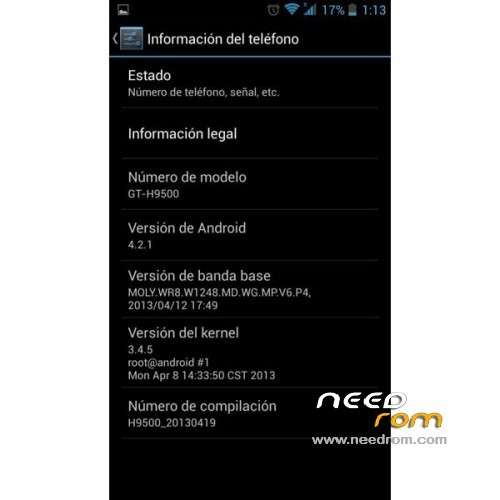
- Version: ROM Android 4.2.1
You must be logged for ROM download.
50453 total views, 2 today
1 Total favorites
 Member Info
DESCRIPTION
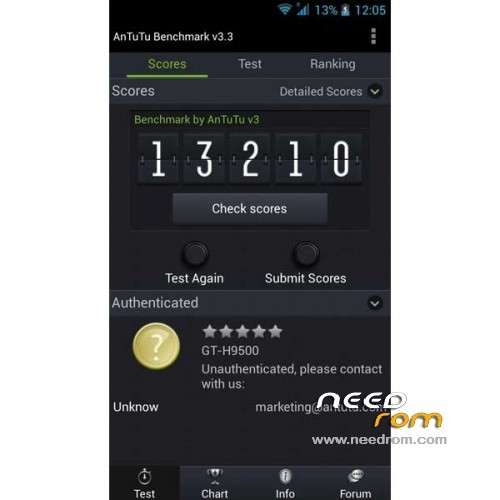
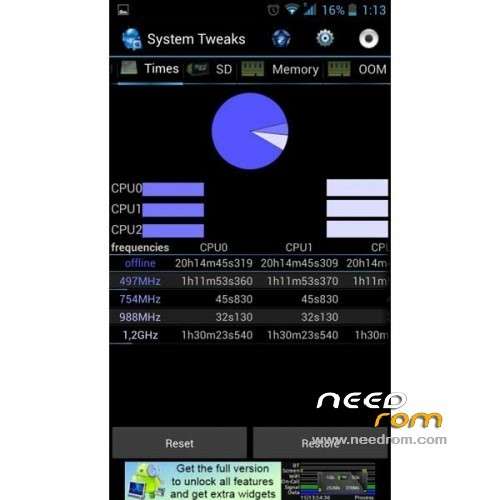
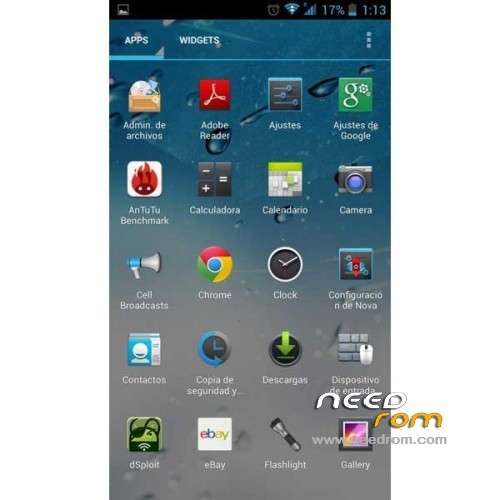
ROM Phone FEITENG H9500 – ROM Android 4.2.1
Update 06/01/2013 ( Thx mado79 for this info )
Update 05/22/2013 ( Thx grelle for this info )
Changelog:
DRX v0.2
– Improved stability
– Improved camera focus
– Modified the values of volume
– New rom based 20130422_e2006_v89
– Fixed problems with Apex Launcher
– Updated the kernel
– Small changes in animations and configuration files
I recommend doing a clean install "Clean Install" if you have problems upgrading from your current rom.
———————————————————————————————————————————
Features ROM:
- Reduced consumption of RAM
- Improved multitasking (profiles minfree / oom / zram)
- Rapid detection of GPS
- Removed advertising in applications
- Custom Setup selection Aroma with tweaks and applications.
- Upgrading from any previous ROM without losing data
- Improved speed ipv4 / 3G
- Fixed reboots the stock rom
- Savings in battery consumption
- Updated the baseband
Language support : Multi Lang
THX to darevix "DRX Custom Rom"
Install ROM :
Unpack FlashTools, and Click on Flash_tool.exe
Select a the MT6589_Android_scatter_emmc.txt in Recovery
Turn off your phone, remove the battery.
Press F9 (or hit Download button) and connect your phone into the computer via USB data cable.
The process will start and a red progress bar will appear after color purple, yellow.
And green circles display
Finish !
You can now safely disconnect your phone and turn it on.
or
CWM
Step 1: Download the custom card brush ROM copied to an external SD card root directory
Step 2: the shutdown state. While holding down:
Power button + volume button + volume key to enter the recovery mode of Brush, Clear user data and cache, and then enter the card brush
Options Brush can.
Step 3: Brush complete, restart the phone
※Please make a backup of your device before installing or updating ROM
Version 0.2 does not have notification bar… Very serious bug – do not install.
Yes, it's true!!!!
please someone reload h9500_DRX_01.zip
sorry I did not notice the link in your post
Links: FEITENG H9500
To install these ROMs you need to have a newer FlashTool than the one attached.
And also after taking out the battery you need to put it back in for a flash tool to recognize the phone.
Awesome.
Will try the GPS tomorrow.
App2sd not work ….
1 drx, drx 2 camera disappeared, displays only the front
restored the original version, does not change
Update to v.0.3 !!
http://www.movilesdualsim.com/.....9500-Star-N9500
How to upgrade to "h9500_DRX_03", i do the first option, done in few seconds.., and Rom is the same..!??
Nel mio feiteng non fa più screenshot!!!
non fa più screenshot con tasto power + home!!!