
- Title: GFIVE G9 – S4UI
- Listed: June, 2013
- Last modified: 09/16/2013 4:41 pm
- Version: ROM Android 4.2.2
You must be logged for ROM download.
45779 total views, 3 today
130 Total favorites

 Member Info
DESCRIPTION
ROM Mobile GFIVE G9 – ROM Android 4.2.2 S4UI
Update 09/16/2013
Repair Bluetooth
Fix compass
Fix automatic brightness
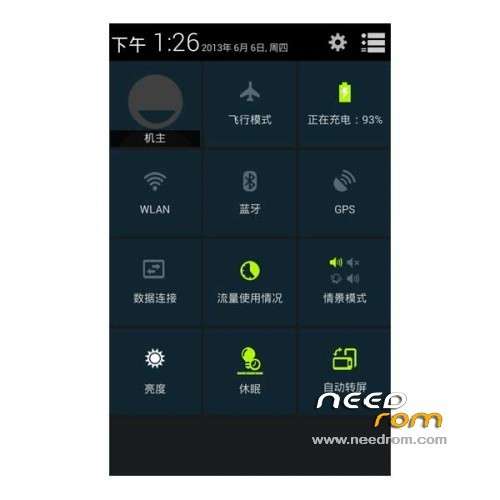
Notification bar culture
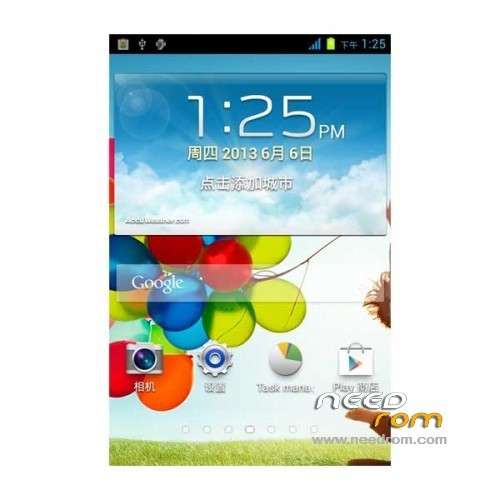
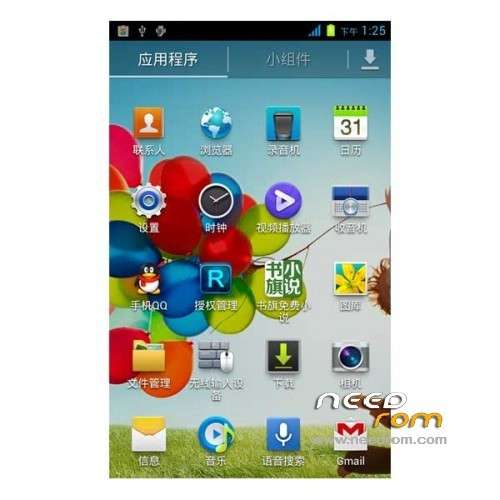
APP program icon for the S4 dressing style
—————————————————————————————————————————————————–
08/23/2013
1: Gesture function properly
2: Auto Backlight normal
3: GPS optimization, positioning soon … Samsung's gesture function well
Features ROM:
1, to improve camera – Fix Driver – etc. ……. More Brush experience it!
2, the camera does not have dark red.
3, let the phone smoother drive repair
4, to fix the white screen
5, optimize the kernel, power
6, the optimal camera
7, fix root privileges
8, can not turn off the alarm, etc. encounter boot problems related to the set – Accessibility – fast boot remove the check mark!
9, amended wlan and 3g
Language support: Multi Lang
Install ROM :
CWM
Step 1: Download the custom ROM copied to an external SD card root directory
Step 2: the shutdown state. While holding down:
– Power button + volume button up, to enter the recovery mode.
– Wipe Data / Factory Reset -> delete all user data
– Wipe Cache Partition -> Wipe cache
– Advanced -> Wipe Dalvik Cache
Step 3: Return to recovery main interface Install zip from sdcard -> choose zip from sdcard -> Select your ROM
Step 4: Brush complete, restart the phone Patience required – first boot takes a while
※Please make a backup of your device before installing or updating ROM
What buttons do I need to press to enter recovery?
ok machiyara, i was also having this issue and after a lot of research i have found solution for going into recovery through hardware keys. u should connect your phone to laptop through usb cable, power it off and then press vol up plus power button to go into TWRP recovery. my laptop has win 7 n proper drivers installed but i hv read on some forums that it works even without phone drvrs installed. it is some problem with bootloader for which google should issue an update. anyhow this works n i hv personally tested for my gfive g9 mble
is otg working in this rom?
camera is not hd in this rom
well rom is working fine on Gfive G9. there are some minor bugs.. but u wont even notice it n even if u do it wont make any difference…. n well there's already a latest update to download so i am definately gonna try it !!!
Plz tell me if OTG cable is working i will install rom. Also tell about minor bugs.
Plz Plz Plz. OTG not working on stock rom.
n yea… i still hvnt figure out how to go into recovery as i have tried almost all combinations but still no success…. so easy way to go into recovery is.. install Rom Manager (Free) from google play n u can select option to Reboot into Recovery… easy n simple way to go into recovery
Junaid bhai, agar custom rom boot looping par phase gya tou atleast ham recovery k buttons press kar k restore tou kar sake gai, its very risky to play with different roms without recovery key combination
pls read my reply above for going into recovery through hardware keys. in short its just plug in usb cable 2 laptop n then press vol up n power button
how to root this phone plz reply urgent.
rooted..
can you give me a link where could I download CWM?
Click on the above link saying "Recovery" tats TWRP n its alot better than CWM.
I have not Google Play and any Browser!!! What can I do now?