
- Title: Huawei G525-U00
- Listed: June, 2014
- Last modified: 08/27/2014 5:57 pm
- Version: Andriod 4.1.2
You must be logged for ROM download.
58507 total views, 1 today
20 Total favorites

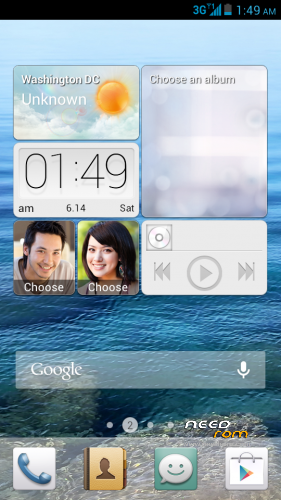
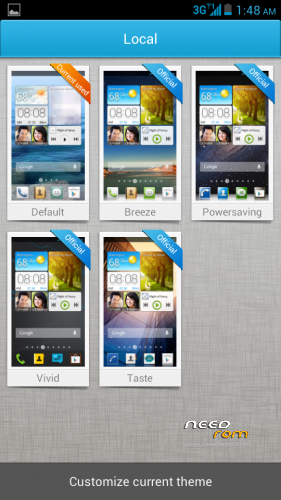
 Member Info
DESCRIPTION
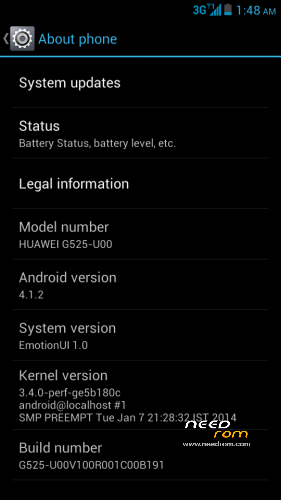
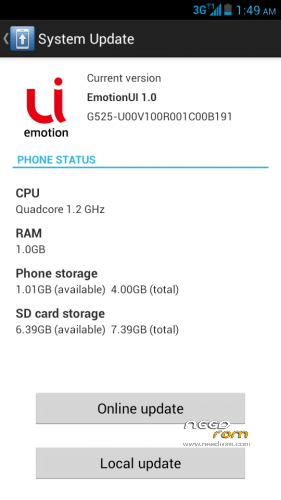
Official ROM Update for Huawei Ascend G525-U00
ROM Version: Andriod Jelly Bean 4.1.2
Build ID: G525-U00_V100R001C00B191
Build Channel: Iran, Islamic Republic of_Kuwait_Channel-Others_Channel
Language Support: Multilang
Before You Begin:
1.Make sure that Your Device Battery is Charged about 70-80%.
2.Format SD Card (Optional).
3.Backup Your Data.
Installation:
1.Extract zip Content and place the dload Folder on the root directory of SD Card
2.Power off the Device
3.Insert the SD card and Power on the Device by pressing VOLUME UP AND VOLUME DOWN keys simultaneously.
4.Wait for Installation Process to Complete (Do not turn off the Device during the installation process).
※Please make a backup of your device before installing or updating ROM
hi, i flash this version B191 have not problems is the same as B188.
PROBLEM is I can not to B188 update back
I suppose you u posted b188 west europe
You have to download B188 Rom and reflash it .Use west.europe B188 its multilang
hi, yes my original rom is west.europe B188 i can't not update back to this west.europe B188 version. but have no problems with B191 . just wanted to say that it does not go back to B188
okay then try my b188 russian channel
sorry its b189 russian channel
are u trying ‘Local’ method from the phone?
try putting (b188 or 189) dload folder on sd card ,switch off the device and press vol up and vol down buttons
it will.force upgrade the device even if the rom version is older then the version present in the device
update fail
Maybe u r device is using chinese firmware (eg CHN not
the C00B) check ur build id
hey how about mine b189?