
- Title: HUAWEI G520
- Listed: April, 2013
- Last modified: 09/17/2013 2:30 pm
- Version: ROM Android 4.1.2
You must be logged for ROM download.
60334 total views, 2 today
6 Total favorites
 Member Info
DESCRIPTION
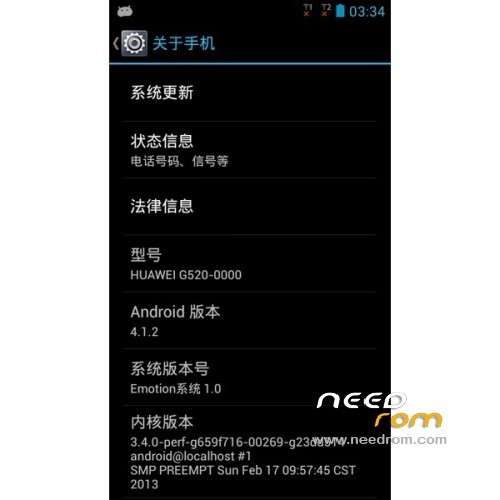
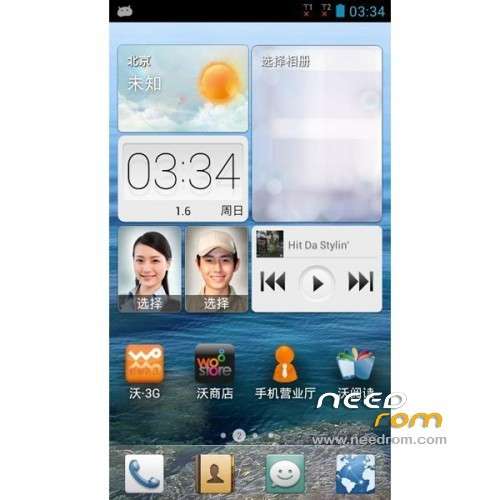
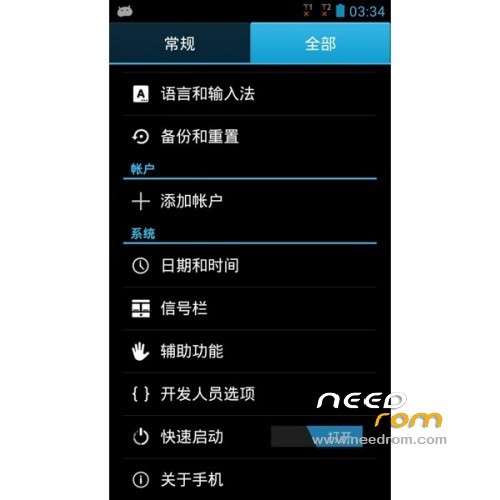
ROM HUAWEI G520-0000 – ROM Android 4.1.2
Update Official Version HUAWEI G520-0000_EmotionUI_1.0_V100R001C17B196
Changelog:
—————————————————————————————————————————————————–
Update Official Version HUAWEI G520-0000: G520-0000_EmotionUI_1.0_V100R001C17B190 ( I don't know changelog )
Official Version HUAWEI G520-0000: G520-0000_EmotionUI_1.0_V100R001C17B180
The following versions can upgrade to this version
G520-0000 V100R001C17B172
G520-0000 V100R001C17B175
G520-0000 V100R001C17B180
ROM install :
Step one: Prepare an SD card, it is recommended to use Sandisk, Kingstone, or Kingmax, size is recommended that more than 1G.
Step Two: Formatting SD card (optional).
The step three: copy a large package path UPDATA.APP to the SD card dload UPDATA.APP.
Step four: Check the root directory of the SD card you dload UPDATA.APP.
Step 5: SD card into the phone is switched on in the main screen, press the Menu key, the system updates -> SD card upgrade -> confirm -> upgrade, backup data, select the backup data; upgrade.
Step Six: The upgrade process progress bar shows after the finish of the pending progress bar, the phone automatically restart.
or
Step one: Prepare an SD card, it is recommended to use Sandisk, Kingstone, or Kingmax, size is recommended that more than 1G.
Step Two: Formatting SD card (optional).
The step three: copy a large package path UPDATA.APP to the SD card dload UPDATA.APP.
Step four: Check the root directory of the SD card you dload UPDATA.APP.
Step Four: cell phone turned off, insert the SD card, while pressing the volume up button + volume down key switch button, the phone automatically enters the upgrade mode, and then begin the upgrade in Figure
Step Five: After the progress bar to go full fixed, the phone will automatically restart If you do not manually remove the battery.
※Please make a backup of your device before installing or updating ROM
Cuales de estas versiones tiene soporte a español?
los nuevas actualizacion de los sistemas
spanish
dualsim?
hey amigo tu probaste estas rom?.. vienen en español?.. saludos y gracias
g520-t10 if u have please
Hi! I want to ask you if that rom only come Chinese and English language?.. or come in spanish too?.. who reply me? please
My phone is dead. When I connect the phone to the PC, the device manager show "Qualcom HS-USB", is possible flash this phone?
hi,
the update works very well,
thanks
help please When installing a software update to my G520-0000 reboot and I stay a blue screen there is no pass I CAN HELP ??
ayuda por favor Al instalar una actualizacion de software a mi G520-0000 se reinicio y me quedo una pantalla azul de hay no pasa ME PODRIAN AYUDAR??
Hey guys,
I'm getting this screen when doing "Volume up + volume down + power" combo:
Update exception
EMMC is readonly, you can't update your system
How can I get out of this?
Thanx