
- Title: HUAWEI G525-U00 MIUI v5
- Listed: October, 2013
- Last modified: 08/06/2014 4:45 am
- Version: ROM Android 4.1.2 MIUI
You must be logged for ROM download.
56486 total views, 2 today
16 Total favorites
 Member Info
DESCRIPTION
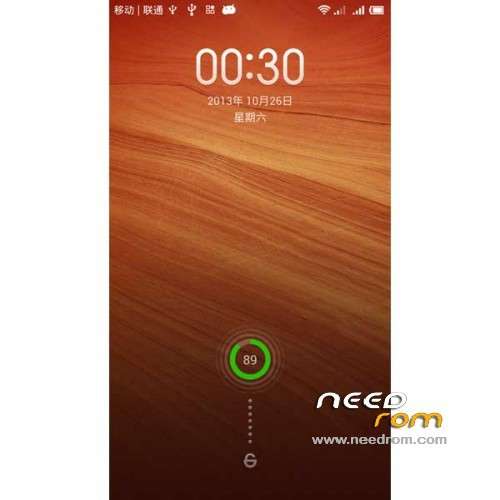
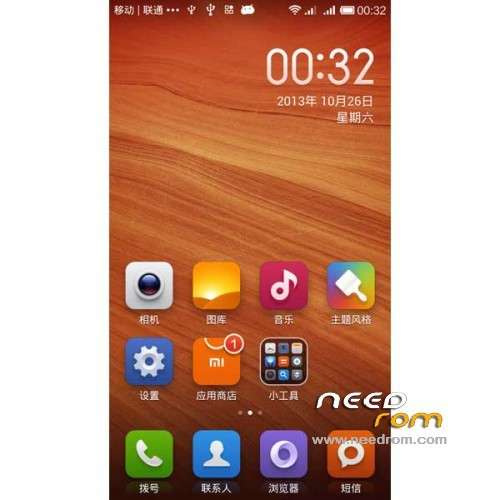
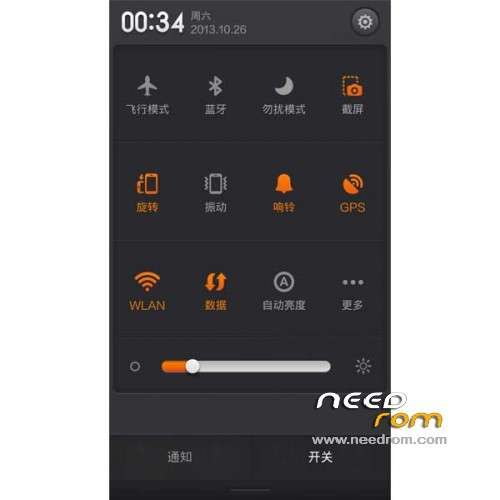
ROM Phone HUAWEI G525-U00 Glory – ROM Android 4.1.2 MIUI
Features ROM:
Update MIUI v5 – 4.8.1
—————————————————————————————————————————————————
MIUI v5 – 4.7.25
Gapps include – Rooted
language support: Multilang ( Normally )
ROM install :
TWRP or CWM ( CN )
Step 1: Download the custom ROM copied to an external SD card root directory
Step 2: the shutdown state. While holding down:
– Power button + volume button up, to enter the recovery mode.
– Wipe Data / Factory Reset -> delete all user data
– Wipe Cache Partition -> Wipe cache
– Advanced -> Wipe Dalvik Cache
Step 3: Return to recovery main interface Install zip from sdcard -> choose zip from sdcard -> Select your ROM
Step 4: Brush complete, restart the phone Patience required – first boot takes a while
※Please make a backup of your device before installing or updating ROM
Lock screen didn´t work!
delete the boot.img and copy the original boot.img (stock boot.img) in the .zip
flash => No Problems!
where to download original boot.img? Help pls!
Look at this site, i upploaded a MIUI V5 Rom for ascend g525
https://www.needrom.com/mobile...../ascend-g525/
Look at this site, i upploaded a MIUI V5 Rom for ascend g525
https://www.needrom.com/mobile...../ascend-g525/
the archive .zip contains corrupted files…can you teke a new download link please?
where to down load the adb driver, there no adb in this site http://www.huaweidevice.com.ph.....aging_p_b1392=3
Perfect TanQ NeedROM
Hi here is a bug, When Someone call ring sound Not play in loud speaker. plz repair it.
is this english?
this in Spanish?
hi , you have stock recovery ? I can go back to original.
can somebody pleas help on how to instal the custom recovery file,,,,pleaaaas