
- Title: HUAWEI G525-U00 MIUI v5
- Listed: October, 2013
- Last modified: 08/06/2014 4:45 am
- Version: ROM Android 4.1.2 MIUI
You must be logged for ROM download.
56486 total views, 2 today
16 Total favorites
 Member Info
DESCRIPTION
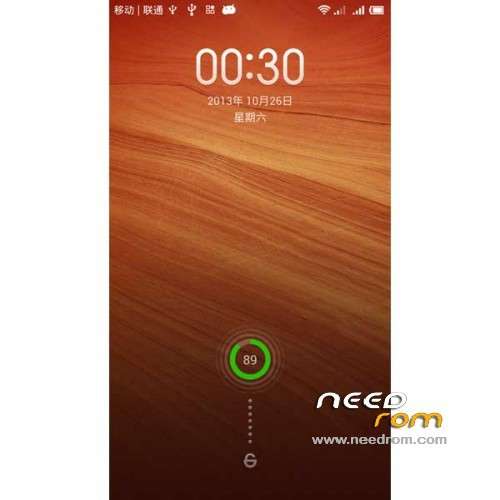
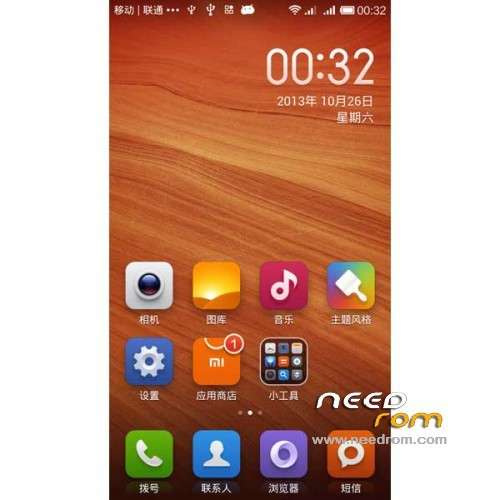
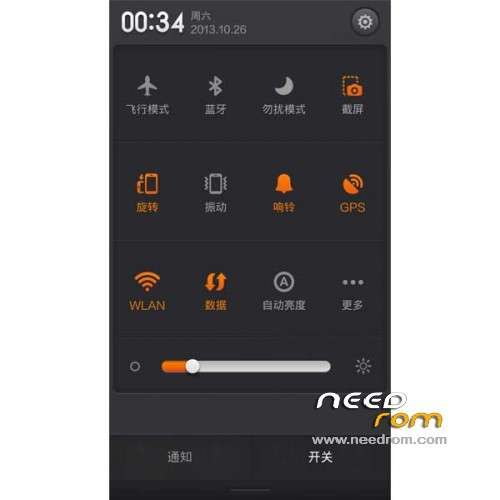
ROM Phone HUAWEI G525-U00 Glory – ROM Android 4.1.2 MIUI
Features ROM:
Update MIUI v5 – 4.8.1
—————————————————————————————————————————————————
MIUI v5 – 4.7.25
Gapps include – Rooted
language support: Multilang ( Normally )
ROM install :
TWRP or CWM ( CN )
Step 1: Download the custom ROM copied to an external SD card root directory
Step 2: the shutdown state. While holding down:
– Power button + volume button up, to enter the recovery mode.
– Wipe Data / Factory Reset -> delete all user data
– Wipe Cache Partition -> Wipe cache
– Advanced -> Wipe Dalvik Cache
Step 3: Return to recovery main interface Install zip from sdcard -> choose zip from sdcard -> Select your ROM
Step 4: Brush complete, restart the phone Patience required – first boot takes a while
※Please make a backup of your device before installing or updating ROM
admin pleas help on how to install the recovery,,ive googled the whole day but i got nothing on huawei g525
people have mercy plz ,, custom recovery installation,,,,the g525 is not in the list of TWRP Or CMW
Hello Please add the Russian language. Russian users of your flash a lot. Thank you.
hello my frineds…
I need your help.
i want to unlock bootloader huawei g525…
how to unlock bootloader this phone?
please help me.
hi friends
how active dual sim in HUAWEI G525 Glory – Update 4.8.1 rom ?????
plz help
I bought this phone from a friend who has never done anything to it.
And just to have a look i booted with power on + volume up and i came into a recovery setup.
So i wonder if you even have to unlock it.
im going to see if i can get the latest 4.8.8 on this thing.
info is very tight about this rom whats up with that ?
Ok, that didnt work…
wipe data/factory + dalvic
update fom sd… selected the zip 4.8.8
installing…. boink! fail!
guess the "android recovery" isnt the holy one.
@Obelixer: you need to flash cwm recovery before flash this…
i’ve got one issue on this rom… sometimes if turned off the screen, it will bring me to the endless boot ( bootloop )
how to fix it?
Thanks
after Finish Install, when i open Rom Update MIUI v5 – 4.8.1, after 5 Min Android Hang and i must Restart Mobile
How to solve screen problem ?????????????
PLs Give CWM recovery for g525