
- Title: Huawei G700-U00 143 by frost_ua
- Listed: May, 2014
- Last modified: 07/22/2014 1:08 am
- Version: Android 4.2.1
You must be logged for ROM download.
88546 total views, 7 today
28 Total favorites
 Member Info
DESCRIPTION
22.07.2014:
1. Add phone call record in Phone.
2. Now 3G work on both SIM (select from menu).
3. Modem from 152 update.
4. Update Apex Launcher and other apps.
Only (CWM/TWRP) update. UPDATE.APP maybe later.
If you do not like Apex launcher – i made 143H-1 firmware with stok Huawei EmotionUI Launcher.
14.05.2014
If you do not like Apex launcher – i made 143H firmware with stok Huawei EmotionUI Launcher.
G700-U00-Frost-143H (UPDATE.APP) from stok recovery.
30.03.2014:
Finally!!! No need to install CWM/TWRP recovery to flash my ROM!!! Now you can install my ROM from stok recovery or system update from menu!!!
1. Download and unpack G700-U00-Frost-143 (UPDATE.APP).
2. Put dload folder to root folder of sdcard.
3. Go to Menu – About Phone – System update – Local update – Confirm.
It's all.
If you want TWRP recovery – just download TWRP 2.5.0.0 (UPDATE.APP) and install from stok recovery or system update from menu.
16.03.2014:
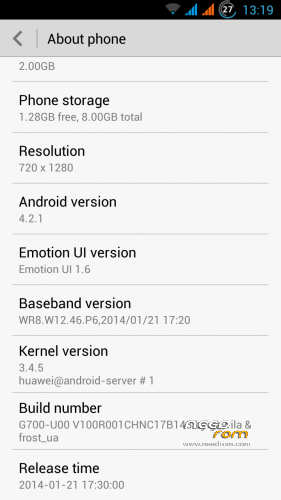
- update to V100R001CHNC17B143.
- add lockscreen shortcuts settings in Display menu.
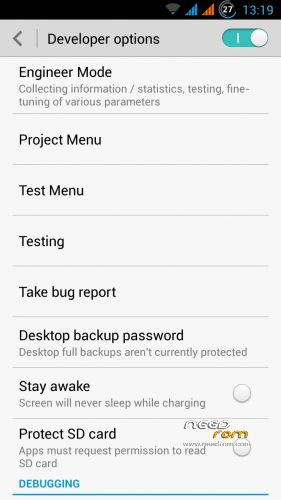
- add additional settings and tests in Developer menu.
12.03.2014:
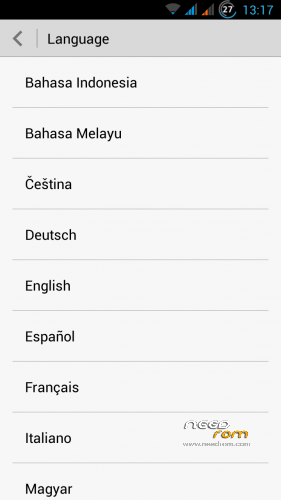
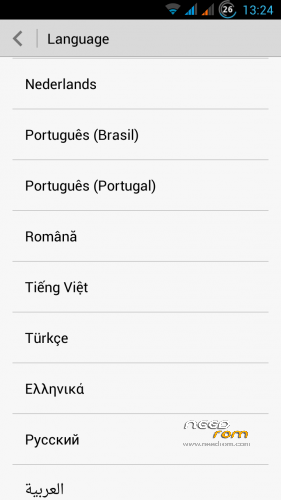
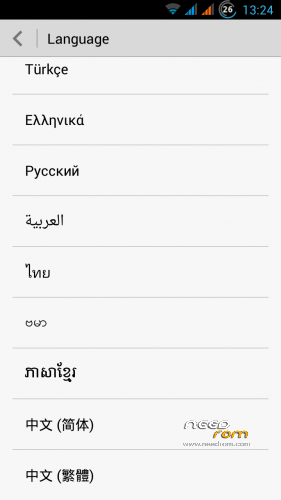
- multilanguage in settings menu (no need to use Morelocale2).
- add new version Mobile Uncle Tools.
- add new version Apex Launcher.
22.12.2013:
Happy New Year!!! Update!!!
- replaced "awful" lock screen and mms icons to stok android 4.2 icons.
- fix apn-config and hosts.
- add new version Apex Launcher.
About ROM:
Based on stok V100R001CHNC17B143.
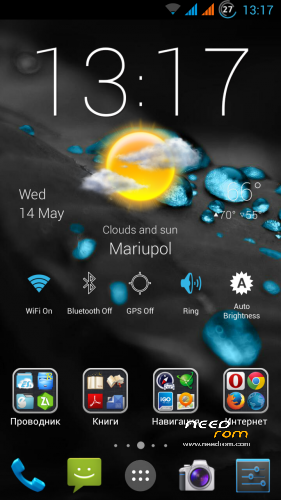
Multilanguage from menu.
Root (full rootshell).
GAPPS.
Bootlogo & bootanimation by Huawei.
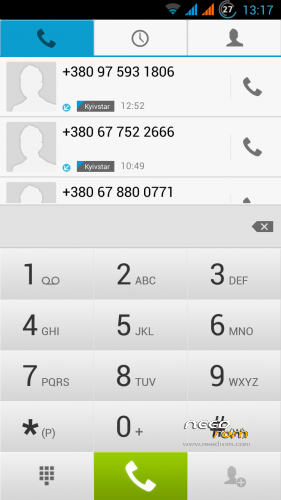
Fullscreen foto in call.
Add extended reboot menu.
Add additional Settings (Autostarts,Quiet hours)
Add gloved mode
A lot of fix for Russian translation.
Removed all Chinese applications.
Battery monitor with interest.
Native launcher replaced by Apex Launcher Pro.
Added settings for VoIP telephony in phone.
Quality of the saved photos in JPEG 100% (build.prop tweak).
Added: RootExplorer, MobileUncleTools, SmartKeyboard (with a dictionary).
Edited hosts (ad blocking) and apn-config (access point for our carriers).
Deleted: Stok Live Wallpapers, HiSpace.apk(Chinese market), HwLauncher6.apk, HwMeWidget.apk, HwPhoneService.apk (Chinese service), all files from the folder system/themes.
Install zip firmware:
1. Install CWM or TWRP recovery, details here.
2. Copy the firmware zip to the root folder of the memory card.
3. Boot into CWM or TWRP recovery with MobileUncle Tools or Power + Vol. + at startup.
4. In Recovery
wipe data / factory reset
advanced – wipe dalvik cache
install zip from sdcard
choose zip from sdcard
install
If you like my custom and want to see a new versions, please donate.
※Please make a backup of your device before installing or updating ROM
Hi Fros_ua,
I put the dload folder on sd card.I went to system update- confirm.
The phone turn off, but then it enter in system restore, which is in chinese.
And for this point, i don't have any ideea what should i do.
Try to flash TWRPRecovery.zip via this chines recovery.
You have non stok recovery or fake g700. Stok recovery in english.
I put CWM recovery, and now i have the latest version of CWM, but it happen the same thing.
I put dload folder, when restart the phone, in enter in recovery and that is all.
and also when it appear CWM it says
"E:invalid command argument"
Can you make us 143H CWM/TWRP zip?
I need it .zip not .app
https://cloud.mail.ru/public/1.....-Frost-143H.zip
hi!
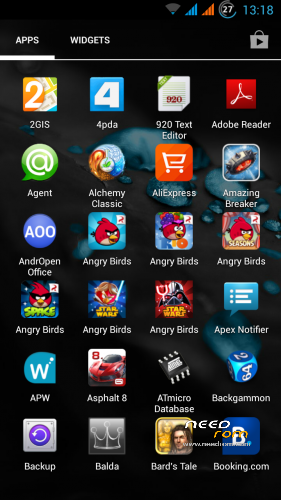
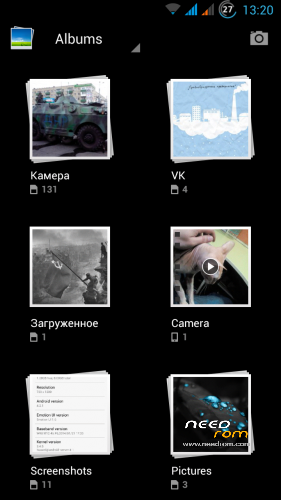
is there persian language suport for this in the rom? pls inform!
WBR
reytech
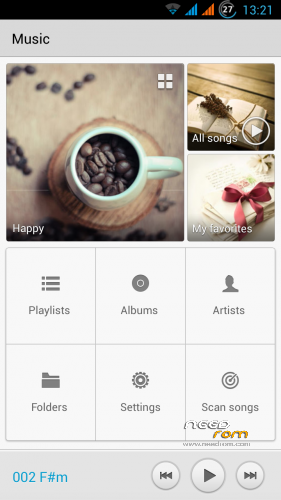
You can see all supported languages on screensots.
Hello, dear sir. First to thank you for doing this ROM. Judging by the comments, this is the best for G700, but I want to ask this – will you please make a version for the U20 model? And if it's possible, can you do it for direct update from SD card? Thanks
If you want install CWM/TWRP first of all you need to flash stok firmware from sdcard (update.app)!!! It is IMPORTANT!!! If you do not do this you got a bootloop! After that you can flash this ROM to U20 Model via CWM/TWRP, do not exit from recovery! after flash you need to flash U20 Modem!!! Make a nvram backup.
Hello Frost,
thanks for your great job! I'm using this ROM for long time, and all works perfect
But now I have experienced problem: my car bluetooth (BMW ULF) won't work with Huawei G700, although there is no problems in connection with other phones (such as Sony Xperia Z - Android, or iPhone 4/5 - IOS). During connection HF displays "pairing succeed", but after that (probably during phonebook download) "please wait", and this is the end, "please wait" stays on the display till disconnect. If somebody calls in this time, it is incoming number visible on HF display, I can pick up on HF, but it is unable to talk, there's only noises in HF. I have tried also on G700 with original european ROM (from german market), but with the same result, so problem is in original ROM, not in your mods. But maybe you may have any idea and can fix it?
Thanks!
I don't understand @frost_ua:
1 – What do you mean I need to flash stock firmware? I already have stock firmware;
2 – Correct me if I'm wrong – if I download your 143 version and install it form SD card I get a bootloop? And what about this modem, I don't know what this modem is, ot how to find it? :/
3 – If you can please explain all the steps by 1,2,3 for dummies, I really want to refresh my phone with new software :/
Just flash stok firmware first!!! I know you have stok firmware! But you have signed recovery in firmware in phone. If you try to flash non signed recovery in firmware you have bootloop. Stok SD card firmware (update.app) have non signed recovery and flash correct without bootloop.
I am really stupid, I just can't understand if it's not explained step by step. It's just so damn hard to put roms in those stupid Huawei phones… I think I cannot do this. Ok, last question – if I download this file - G700-U00-Frost-143 (UPDATE.APP), put it in root folder and update from update menu will it work, or I'll have bootloop?
Ok. Step by step.
1. Flash stok firmware from sdcard (update.app).
2. Download G700-U00-Frost-143 (UPDATE.APP)
3. Flash G700-U00-Frost-143 (UPDATE.APP) from sdcard
Put dload folder to root folder of sdcard (update.app into dload folder).
Go to Menu – About Phone – System update – Local update – Confirm.
Thats all!!!
Hi frost_ua,
Just to let you know that emui 2.3 (V152 update) is released.
Regards.
I know….only launcher updated to 2.3. Strange update (52 Mb). ((( I wait full emui 2.3 (4.4 kitkat) update.
Uhmm mate, what a pity.
4.4.2 wouldn't be released for g700. It's based on mt6589, there's no kitkat for this chipeset. Only lenovo managed to do 4.4 for it, in lenovo s820, but it's not stable.
And, it's useless. I've now Honor 3c phone and it's same running 4.2 and 4.4.2. There's not any difference. Only a bit messy with sdcard permissions and a bit messy with system/app and system/priv-app configuration…battery consumption and performance is more or less the same…it improved like 300 points in antutu, but it's not that hard to really feel a difference.
Regards.
A popup with a new upgrade is showed on my phone, this morning. It should be b152 new chinese release from huawei. I can’t find a english changelog.. do you know what’s new? It should be about 56 mb… I hope that Frost will release a new version based on the new version with apex launcher and more languages.. Huawei don’t understand that we’re all waiting a kitkat upgrade…
Really, read my last reply, above yours, 4.4.2 is not that interesting as expected to be.
I`m also with B143 frost and today have notification for B152 of China Unicom, it`s U00.
Info is in Chinese but in English can see following:
ROOT, SD, WIFI – May be it`s for requirements to install update
After that is list:
1. EMUI
2 EMUI 2.3
3. Not readable – in Chinese.
So – should I install it, what can expect and will device crash?
Thanks in advance!