
- Title: Huawei G700-U00 143 by frost_ua
- Listed: May, 2014
- Last modified: 07/22/2014 1:08 am
- Version: Android 4.2.1
You must be logged for ROM download.
88541 total views, 2 today
28 Total favorites
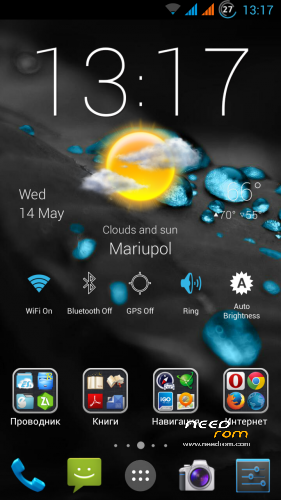
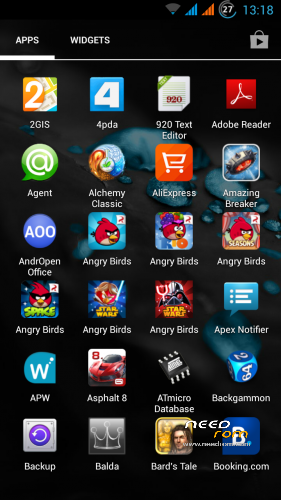
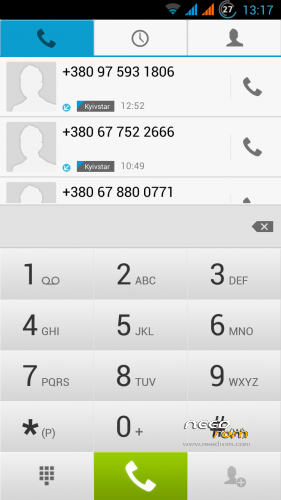
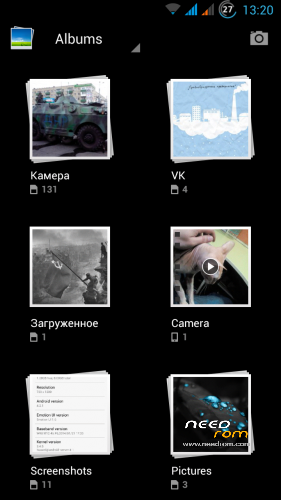
 Member Info
DESCRIPTION
22.07.2014:
1. Add phone call record in Phone.
2. Now 3G work on both SIM (select from menu).
3. Modem from 152 update.
4. Update Apex Launcher and other apps.
Only (CWM/TWRP) update. UPDATE.APP maybe later.
If you do not like Apex launcher – i made 143H-1 firmware with stok Huawei EmotionUI Launcher.
14.05.2014
If you do not like Apex launcher – i made 143H firmware with stok Huawei EmotionUI Launcher.
G700-U00-Frost-143H (UPDATE.APP) from stok recovery.
30.03.2014:
Finally!!! No need to install CWM/TWRP recovery to flash my ROM!!! Now you can install my ROM from stok recovery or system update from menu!!!
1. Download and unpack G700-U00-Frost-143 (UPDATE.APP).
2. Put dload folder to root folder of sdcard.
3. Go to Menu – About Phone – System update – Local update – Confirm.
It's all.
If you want TWRP recovery – just download TWRP 2.5.0.0 (UPDATE.APP) and install from stok recovery or system update from menu.
16.03.2014:
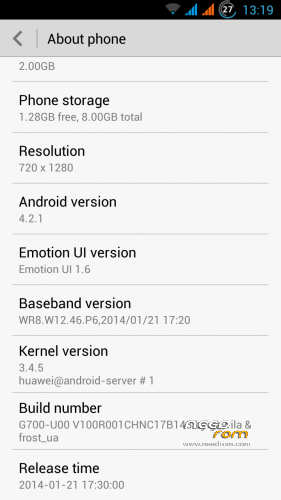
- update to V100R001CHNC17B143.
- add lockscreen shortcuts settings in Display menu.
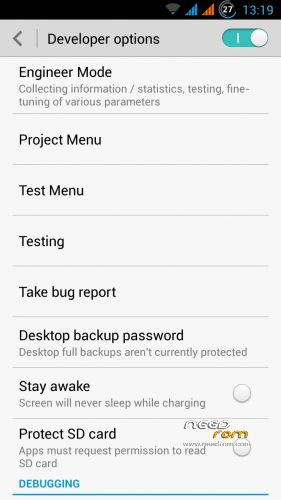
- add additional settings and tests in Developer menu.
12.03.2014:
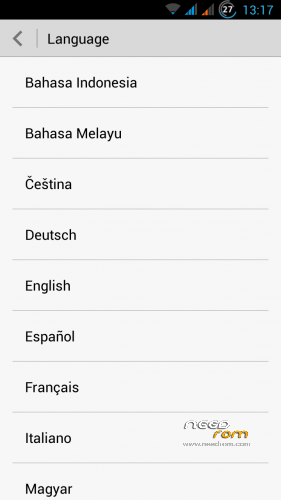
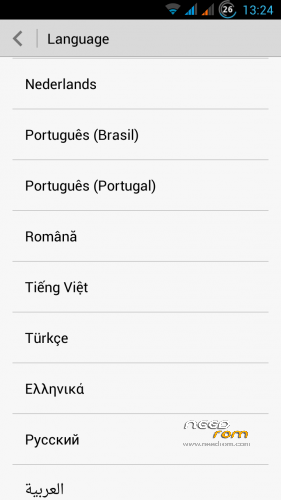
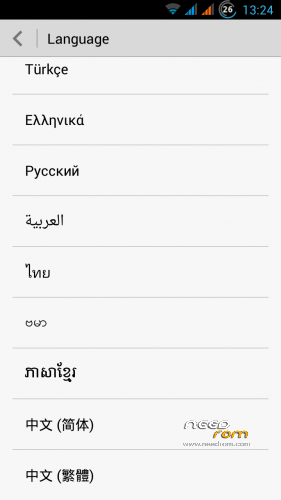
- multilanguage in settings menu (no need to use Morelocale2).
- add new version Mobile Uncle Tools.
- add new version Apex Launcher.
22.12.2013:
Happy New Year!!! Update!!!
- replaced "awful" lock screen and mms icons to stok android 4.2 icons.
- fix apn-config and hosts.
- add new version Apex Launcher.
About ROM:
Based on stok V100R001CHNC17B143.
Multilanguage from menu.
Root (full rootshell).
GAPPS.
Bootlogo & bootanimation by Huawei.
Fullscreen foto in call.
Add extended reboot menu.
Add additional Settings (Autostarts,Quiet hours)
Add gloved mode
A lot of fix for Russian translation.
Removed all Chinese applications.
Battery monitor with interest.
Native launcher replaced by Apex Launcher Pro.
Added settings for VoIP telephony in phone.
Quality of the saved photos in JPEG 100% (build.prop tweak).
Added: RootExplorer, MobileUncleTools, SmartKeyboard (with a dictionary).
Edited hosts (ad blocking) and apn-config (access point for our carriers).
Deleted: Stok Live Wallpapers, HiSpace.apk(Chinese market), HwLauncher6.apk, HwMeWidget.apk, HwPhoneService.apk (Chinese service), all files from the folder system/themes.
Install zip firmware:
1. Install CWM or TWRP recovery, details here.
2. Copy the firmware zip to the root folder of the memory card.
3. Boot into CWM or TWRP recovery with MobileUncle Tools or Power + Vol. + at startup.
4. In Recovery
wipe data / factory reset
advanced – wipe dalvik cache
install zip from sdcard
choose zip from sdcard
install
If you like my custom and want to see a new versions, please donate.
※Please make a backup of your device before installing or updating ROM
10x for the answer @frost_ua. I just flashed stock firmware B123 from huawei devices.ru. So that means I just flash your 143 and it's supposed to be OK?
where is the link for downloading?
The links are at the top of the page, to the right. If you have AdBlock, disable it for this domain. Otherwise I can't help you
hi frost, i've found a page with stock kitkat kernels for mediatek. Are they good to make a kitkat firmware for our phone? the link is here: http://archive.today/bQuR7
Regards.
For the b143 gives an Update of Emui 2.3 .I flash the Update.app and i make the system update and rooting the device to change the modem.img for sim on Europa. The modem.img from b115 on system/etc/firmware from b143
Gravilla i want to have the Original update.app from b143 with emotion ui.Can you link me the Original update.app rudel391@web.de is my email adress
Gravilla I need a flash zip from the B143. The Update.app of consumer Huawei can not be instaled on the European variant of g700. Can someone upload a flashzip me. I can then edit for Sim function you. I am concerned with the update on emotions ui 2.3
The Update of 2.3 Emui comes never to Europe.
Please answer my questions which is of great importance for us in http://www.android-hilfe.de. There is no one to work in a position of us Update.app. Huawei provides the update with Emui2.3 not for Europe. With your help, we can use that too. This is the message that comes when I dload on the EU G700 B143 flash. << Md5 verify success ——————— dloading modules Curver ….. ——– … main vesion string = G700-U00V100r001CHNC17B143 ———— dloading modules Verlist ….. ———— ————————– Main Version From property is G700-U10 —————- ————- main version check not match: G700-/10 VS G700-U00 ….. Error.current version is not in Verlist, unallow to update.Update / sdcard / dload / Update.app failed
Man for now i use Miui rom and is amazing.I reali want to have kitkat too but for now we have to wait.
my G700-U10 is not starting up only red light if i connect with USB nothing else please suggest me what to do now ? or how to install firmware using pc ?