
- Title: HUAWEI U9508
- Listed: October, 2013
- Last modified: 07/14/2014 6:41 pm
- Version: ROM Android 4.2.2
You must be logged for ROM download.
35450 total views, N/A today
8 Total favorites
 Member Info
DESCRIPTION
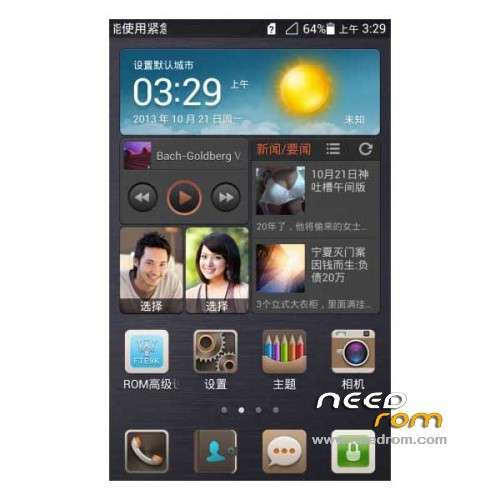
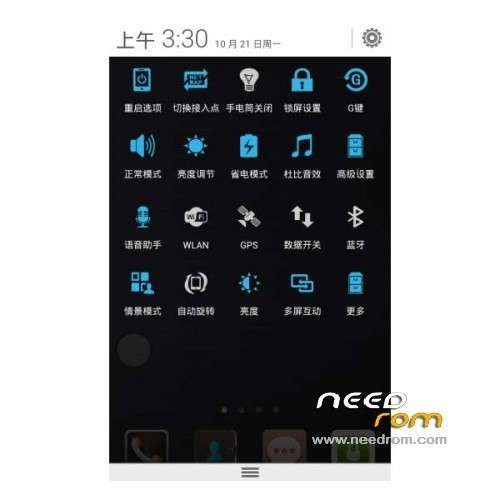
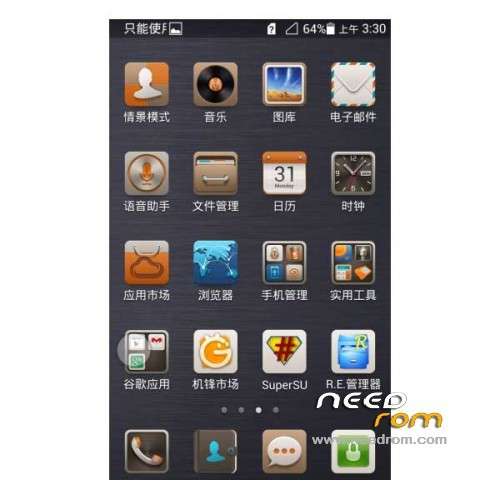
ROM HUAWEI U9508 – ROM Android 4.2.2
Features ROM:
Update 07/14/2014
Based U9508 latest official version 4.2.2 EmotionUI 2.0 B804
—————————————————————————————————————————————————-
05/23/2014
Based on U9508 CHNC00B709 version
Fixes into split screen multitasking FC problems arise, can be used normally split screen multitasking feature
Gapps include – Rooted
Language support: Multi lang
ROM install :
1, Download recovery unzip
2, the phone turned on USB debugging mode. Settings – Developer options – check USB debugging
3, the phone off, hold down the "volume down" and "Power" button, wait for the emergence Logo Huawei has entered fastboot mode at this time
4, Run the flash_all.bat and tap just enter
into the recovery:
– Wipe Data / Factory Reset -> delete all user data
– Wipe Cache Partition -> Wipe cache
– Advanced -> Wipe Dalvik Cache
Return to recovery main interface Install zip from sdcard -> choose zip from sdcard -> Select your ROM
Brush complete, restart the phone Patience required – first boot takes a while
※Please make a backup of your device before installing or updating ROM
thank you
will check and update……………………….
I really enjoy this rom but GODDAMN IT i can't fix Google Play as well as other google apps because the rom doesn't let me …
Testing, Coming soon I tell you about that