
- Title: iOCEAN X7 Youth MIUI
- Listed: July, 2013
- Last modified: 08/22/2014 1:54 am
- Version: ROM Android 4.2.1 MIUI
You must be logged for ROM download.
35321 total views, 3 today
1 Total favorites
 Member Info
DESCRIPTION
ROM Phone iOCEAN X7 Youth – ROM Android 4.2.1 MIUI
ONLY For iOCEAN X7 Youth ( ROM is NOT COMPATIBLE with X7 Turbo!! ) – NOT FOR ELITE OR Other
——————————————————————————————————————————————————————
Update MIUI v5 – 4.8.11
Gapps not include - multilang
——————————————————————————————————————————————————————
Update MIUI v5 – 4.7.11
Gapps not include - multilang
——————————————————————————————————————————————————————
Update 08/03/2013
Fix automatic brightness
Adjust the brightness range
Fix loud sound size
Update some lib
Refresh System Structure
——————————————————————————————————————————————————————
Update 07/30/2013
Icons for MIUI SIM card adapter
FM Icons for MIUI
Bluetooth icon is MIUI
So far all icons perfect
Software:
Add a Google Account
Remove the Lenovo camera
Add the native camera
Remove the native camera gallery set wallpaper or select a picture inside the camera when MIUI gallery called native Gallery
Updated Google Market
Update MIUI Components
Streamline some resources
Other:
Finishing the whole system more simple and restore native MIUI
Camera to 1200w pixels
——————————————————————————————————————————————————-
Features ROM:
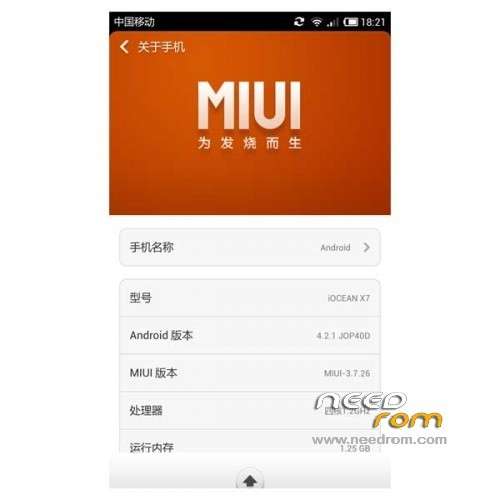
MIUI V5 – 3.7.26
Ported Lenovo S820 on X7 Youth
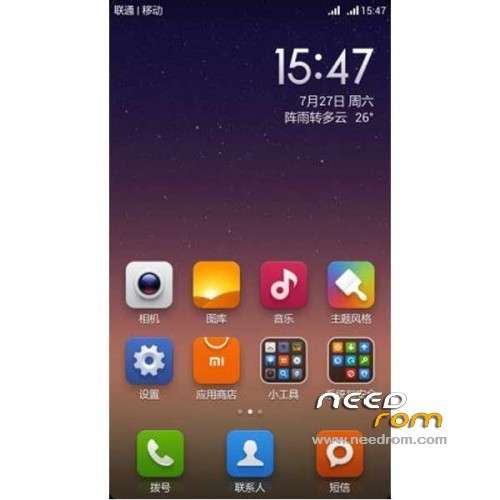
1080P icon
Wallpaper
Lock screen
Boot animation
Because the boot animation to 1080p so slightly Caton minding their own proposals if replacement
Hardware:
Camera normal
HD video normal
Sensor normal
wifi normal
Bluetooth normal
Using completely normal
Talk to MIUI
Dual card switch
[BUG] Known
1, the compass can not be used, the next version to see if that resolves.
Gapps not include – Rooted
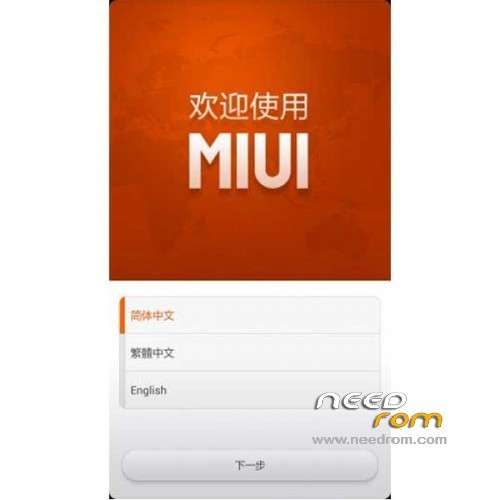
Language support: EN/CN
Install ROM :
CWM
Step 1: Download the custom ROM copied to an external SD card root directory
Step 2: the shutdown state. While holding down:
– Power button + volume button up, to enter the recovery mode.
– Wipe Data / Factory Reset -> delete all user data
– Wipe Cache Partition -> Wipe cache
– Advanced -> Wipe Dalvik Cache
Step 3: Return to recovery main interface Install zip from sdcard -> choose zip from sdcard -> Select your ROM
Step 4: Brush complete, restart the phone Patience required – first boot takes a while
※Please make a backup of your device before installing or updating ROM
Hi i somehow fixed my problem and got my phone to work (i geuss time was my fix.). Though for aand, you might need to root your phone.
download flashtools and sock rom and recovery cvm eng replace recovery tu rom folder after repacing flashed rom
now custom recovery installed on your phone
copy cutom rom tu memory and install
butt not find recovery
i can link recovery tu download
goodluck
somehow fixed it working as a charm
your welcome
this om not recomended
very bad bugs
and problem could
i suggest the jb corner rom. best for x7
can you link me JB CORNER ROM? (for iocean x7 youth.)
Hi man, today 3 problems appeared.
i seem to be unable to update MIUI from the prompt in the system (may be becouse iocean is not a miui device)
the keyboard randomly dissapears 0-0
and the system tells me i am running out of memory on internal sd card. in he options menu storage it says 0 b left, tough on the graph there is clear a lot of free space, also i deleted some things, it still says 0b left.
is it possible to fix the GPS in this rom? i kinda like to use it ?
?
-osswix, (still happy it installed)
and how to install apps to SD?
Please take the Spanish ROM, thank you very much
Spanish please!!!
I has got a lot of problem with this rom, first the music player, after every sms stoped. The games don't run smoothly. etcetc…not is a stable rom…