
- Title: iOCEAN X7 Youth MIUI
- Listed: July, 2013
- Last modified: 08/22/2014 1:54 am
- Version: ROM Android 4.2.1 MIUI
You must be logged for ROM download.
35323 total views, 5 today
1 Total favorites
 Member Info
DESCRIPTION
ROM Phone iOCEAN X7 Youth – ROM Android 4.2.1 MIUI
ONLY For iOCEAN X7 Youth ( ROM is NOT COMPATIBLE with X7 Turbo!! ) – NOT FOR ELITE OR Other
——————————————————————————————————————————————————————
Update MIUI v5 – 4.8.11
Gapps not include - multilang
——————————————————————————————————————————————————————
Update MIUI v5 – 4.7.11
Gapps not include - multilang
——————————————————————————————————————————————————————
Update 08/03/2013
Fix automatic brightness
Adjust the brightness range
Fix loud sound size
Update some lib
Refresh System Structure
——————————————————————————————————————————————————————
Update 07/30/2013
Icons for MIUI SIM card adapter
FM Icons for MIUI
Bluetooth icon is MIUI
So far all icons perfect
Software:
Add a Google Account
Remove the Lenovo camera
Add the native camera
Remove the native camera gallery set wallpaper or select a picture inside the camera when MIUI gallery called native Gallery
Updated Google Market
Update MIUI Components
Streamline some resources
Other:
Finishing the whole system more simple and restore native MIUI
Camera to 1200w pixels
——————————————————————————————————————————————————-
Features ROM:
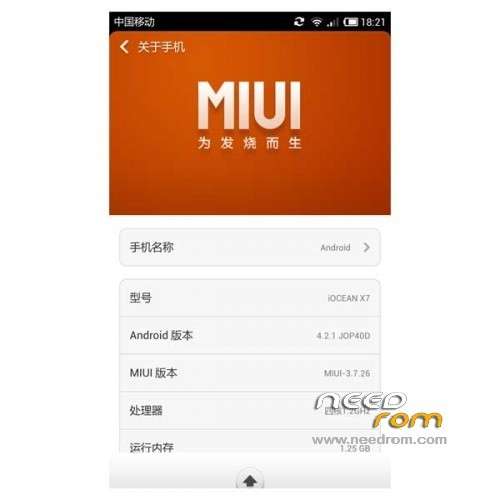
MIUI V5 – 3.7.26
Ported Lenovo S820 on X7 Youth
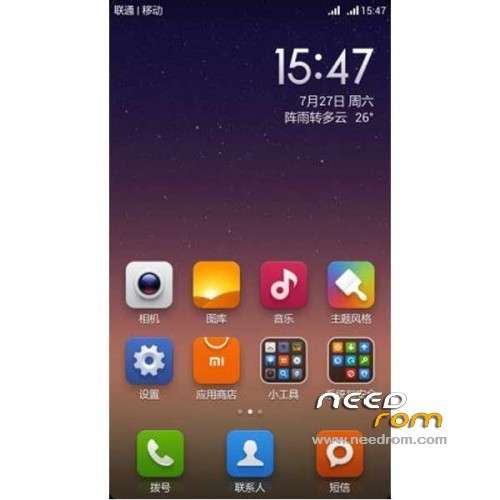
1080P icon
Wallpaper
Lock screen
Boot animation
Because the boot animation to 1080p so slightly Caton minding their own proposals if replacement
Hardware:
Camera normal
HD video normal
Sensor normal
wifi normal
Bluetooth normal
Using completely normal
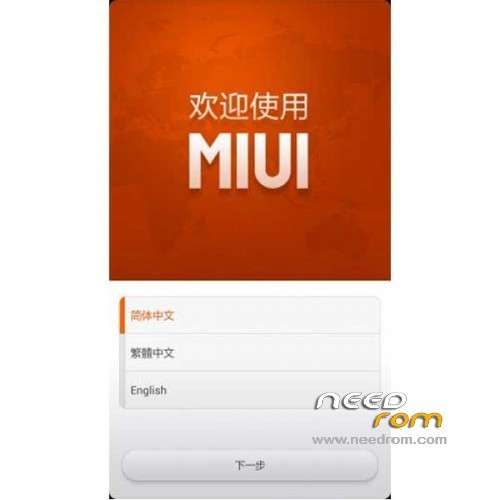
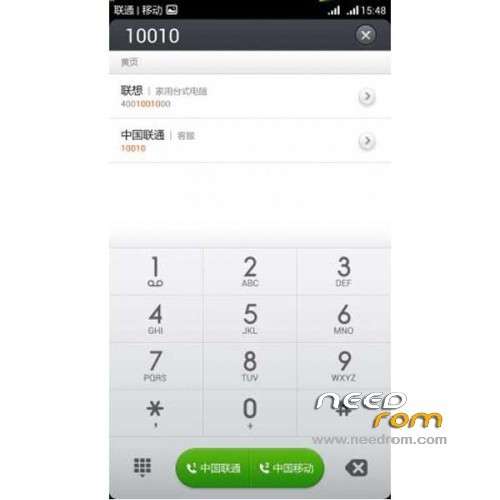
Talk to MIUI
Dual card switch
[BUG] Known
1, the compass can not be used, the next version to see if that resolves.
Gapps not include – Rooted
Language support: EN/CN
Install ROM :
CWM
Step 1: Download the custom ROM copied to an external SD card root directory
Step 2: the shutdown state. While holding down:
– Power button + volume button up, to enter the recovery mode.
– Wipe Data / Factory Reset -> delete all user data
– Wipe Cache Partition -> Wipe cache
– Advanced -> Wipe Dalvik Cache
Step 3: Return to recovery main interface Install zip from sdcard -> choose zip from sdcard -> Select your ROM
Step 4: Brush complete, restart the phone Patience required – first boot takes a while
※Please make a backup of your device before installing or updating ROM
Many problems with sound, multitasking which close all apps when oppening another.. Too bad because miui is wonderful
When will be kitkat for us socrates any port news
Hi Friends,
I have IOCEAN X7 youth 1GB Ram and 4GB ROM. My phone is like dead. Really appreciate if somebody can share the MTK Droid tools backup for stockrom.
Please send me email if you have already stored backup pleas share the link.
My email address: engr.wasim.shahzad@gmail.com
Thanks
Hi,
The rom looks beautiful but it would not work properly on my phone.
Installed this on my rebranded Iocean X7 – "Wickedleak Wammy Passion Z" …it did get installed however does not identify the sim,….says..no service and also I get various "unfortunatley, the process.co.android stopped woking".
Any help will be appricated !!!!
No such issues if you followed the instructions. I use same rebranded wammy passion Z. Everything working as expected. Few chinese junk apps are there and need to be removed. Both sim works. 3G can be activated on any one.
No Gapps bundled but can be downloaded and installed later.
Will we get any update to this ROM? it's been a quarter since we received the last update.