
- Title: JIAYU G3 G3N
- Listed: April, 2014
- Last modified: 04/12/2014 12:15 am
- Version: ROM Android 4.1.2
You must be logged for ROM download.
105442 total views, N/A today
5 Total favorites
 Member Info
DESCRIPTION
JIAYU G3 & G3N – Android 4.1.2
Base firmware: china-iphone.ru By Roky_rs (v2.3)
UPDATE V8 ROM (2014/04/11) – (Google Play Services FIX)
Roky ROM users!
Certificate problem all apk in V8 (2014/04/06) ROM
Please Re-Download new V8 ROM!
Sorry…
V8 – UPDATE (2014/04/06) FINAL
Deleted unused/unnecessary files
More free storage on \system partition
Select more ringtones on Media Storage
Disabled internal SD
Xposed 2.5 and Gravitybox 3.0.1
Latest Play Store
Updated some apk
Diasbled notification message when using only one SIM card
Removed Google Legal and Copyrights info from Device Info panel
Contacts.apk from G2S Lepi v2.5.3 ROM
V7 – UPDATE (2013/08/19)
Updated apps: Google Play, Superuser, Mobileuncle Tools, Titanium Backup. WifiADB
Vol +/- weak not included this rom and update (use patch)
Data/app application updated
Long press back button: Kill foreground app
Sense app switcher
Settings: Added Call settings menu
Optional Update: Widgetsoid Statusbar Patch updated
Optional Update: Xperia Launcher Pack updated
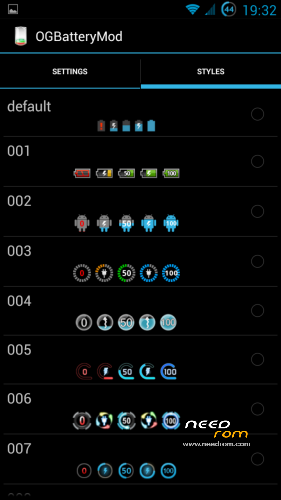
OGBatteryMod fixed, stock battery icon added
SystemUI fixed: stock battery icon, after rom install
Contact Picture Sync
G3N users!
If you are using V6 rom and just updated to V7, please apply G3N Patch for V7 again!!!
V6 FIXED – UPDATE (2013/07/28)
Some bug fixed (Contacts, Settings, etc…)
V6 – UPDATE (2013/07/24)
Updated Google apps
Updated and fixed Superuser
Fixed stock launcher
ROM included Vol +/- patch
Updated data/app applications
Updated Gmail
Fixed G3N patch
Added WifiADB
OPTIONAL UPDATE (2013/07/12)
(WORKS ONLY WITH V5 ROM!)
Official statusbar toggles removed
Statusbar brightness slider removed
Added Widgetsoid 2.4.6 toggles (full customizable!)
Clear all notification button move to top bar
Widgetsoid settings: Settings/Display/Statusbar toggles settings
V5 – UPDATE (2013/07/07)
(ONLY UPDATE PACK - Before use, plz install V4 FULL PACK)
Fixed SystemUI
Fixed OGBatteryMod
DeskClock: Alarm working when phone off
Fixed APN list (T-Mobile/Hungary)
Screen Off button removed from statusbar
Large clock on statusbar
OPTIONAL UPDATE (2013/07/07)
Xperia Launcher 2.05
With: wallpapers picker and widgets
Script will remove Apex Launcher application and remove Apex from Settings/Display
V4 – UPDATE (2013/06/22)
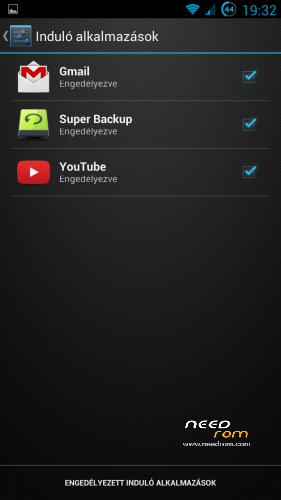
Autostarts manage
Fix missing language strings (only Hungarian)
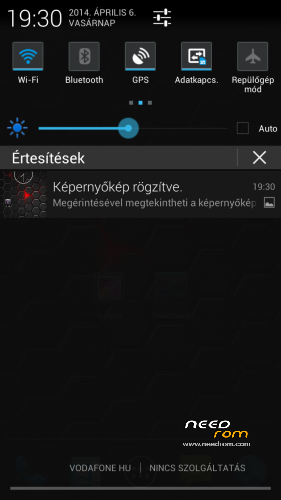
Screenshot notification fix
Updated Google Play (only full package)
More battery icons (25)
Statusbar Mods: clock, screen off button, auto brightness
Updated apps: Titanium Backup (move to /system)
Mobileuncle Tools (move to /system)
V3 – UPDATE (2013/06/09)
Removed official android keyboard (default: xperia optional: anysoft)
Camera FC bug fixed (Thanks Apeelme!)
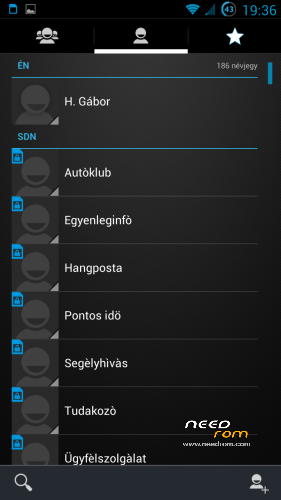
Contacts:
300 px contact picture
350 px thumbnail generate
(Hint: use only phone memory, and disable Google sync)
Call Log:
Date format: year / month / day – day of week
300px contact pic when tap pic or phone number
framework.jar:
Mediascanner deep-sleep bug fixed
Settings: (Date and Time)
Added more date format (year / month / day – day of week)
V2 – UPDATE (2013/05/23)
Added Hungarian language
Added "official" Tasmanager
Factory reset disabled (partial boot-loop, use recovery…)
Official laucher: 4×5 Grid + 7 homescreen + 50% transparent appdrawer
Remove Recovery change in update-script
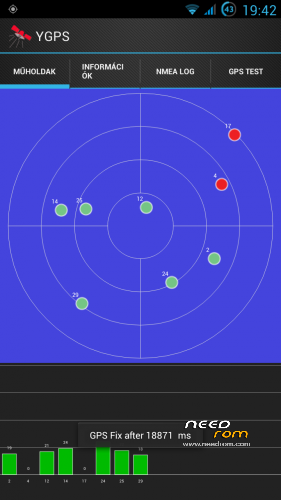
YGPS in Location menu
Apex 2.0.2 and Apex Notifier
Fix Android keyboard for non-russian language (LatinIME.apk)
Custom Boot/Shut animation
Refresh APN list (add missing APNs, thanks for Apeelme)
OGbatteryMOD in Display menu
Remove from data/app folder:
com.keramidas.TitaniumBackup-1.apk
com.bvalosek.cpuspy.realgpp-1.apk
com.freeman42.app4pda-1.apk
com.omichsoft.taskmanager-1.apk
com.picsel.tgv.app.smartoffice-1.apk
com.skype.raider-1.apk
com.teamboid.adbwireless-1.apk
org.adaway-1.apk
pl.solidexplorer-2.apk
SolidExplorerUnlocker.apk
Add to data/app folder:
AnySoftKeyboard.apk
com.adobe.flashplayer-2.apk
ContactsBackupUltimate.apk
FileManager.apk
MagyarAnySoftKeyboard.apk
mobileuncle.toolbox.apk
opera.browser.apk
SuperBackup.apk
TitaniumBackup.apk
system folder:
SuperSU cange to Superuser
GoogleQuickSearchBox.apk removed
USE ONLY CWM 6.0.2.8 OR TWRP 2.4.1.0 (or newer) RECOVERY
G3N users, use this patch (By Ervius): G3N_Patch_For_V6.zip
Volume +/- weakup patch: vol+-wakeup_4_1_2.zip
Supported Languages:
AR/BN/DE/EN/ES/FA/FR/HI/HU/IN/IT/MS/NL/PT/RU/TH/TR/UR/VI/CN
More pics:
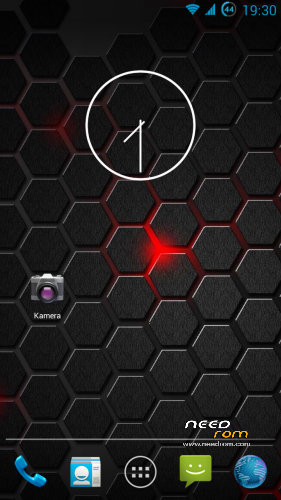
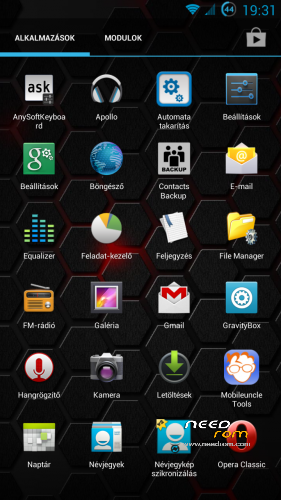
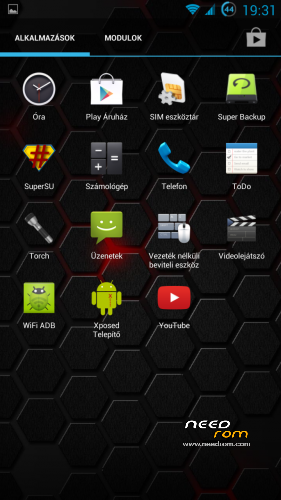
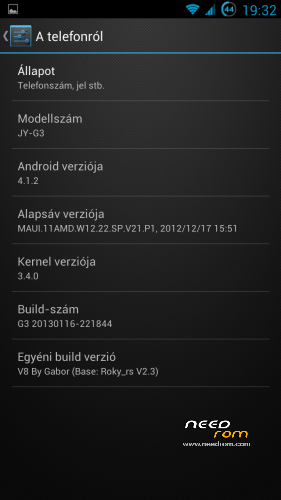
Pics – v1 / Pics – v2 / Pics – v3 / Pics – v4 / Pics – v7 / Pics – v8
ROM Install :
USE CWM 6.0.2.8 By Apeelme or TWRP 2.4.1.0 (or newer) RECOVERY
1. make a Nandroid backup (optional-recommended)
2. wipe data/factory reset
3. format /system from mounts and storage menu
4. choose zip from sd card find android_v4.1.2_Rocky_RS_v2.3-HU_xx.zip and install
5. reboot device and enjoy!  (first boot will take longer than usual)
If you want to call it a coffe hit the Paypal (Make Donation) button… 
※Please make a backup of your device before installing or updating ROM
Thanks for your nice rom, but where is the battery icon on status bar ? I like the power off icon, but with the battery level, it will be great ! (sorry for my poor english…)
Call Recording is included:
When call in progress: press option button and press Record call
https://www.needrom.com/wp-con.....30-10-01-14.png
Forgot:…
and save call record file to sdcard/PhoneRecord folder
I can not use GPS with Waze, anyone else had this same problem?
I've tried a lot of ROMs for my G3N. I've tried the LolFisch GThrill (extremely high power consumption), Ervius, and Jolufa Evolution ROM. I liked the last one but the phone dialer was very, very laggy. Then I tried this and this is so far the absolute smoothest and the power consumption seems very good compared to the others.
However, some things I don't like. I didn't like the Apex launcher. So I uninstalled that. But then i downloaded Google Search (for Google Now feature) and it refused to work with the remaining android launcher. It refused to go back to the home screen. I really liked the Sony Xperia Launcher that the Jolufa ROM had so I installed the APK over the existing launcher and it works wonderfully. Google Now works great, and can even launch by long pressing the Menu? button (the capacitive button on left).
However, some complaints and that the Apex launcher menu in Display settings is just extra and force closes settings. Not a big deal. I also replaced the system UI with the version without the screen off button, however I liked that feature but it took up too much room on the top. If that button could be put like next to the brightness slider that would be nice.
Also, would it be possible to remove the vibration when unlocking the screen?
Also, if anyone is interested in the Xperia Launcher, here's a link to it and a good digital clock widget to go with it that also works with the phone's integrated alarm. All other widgets work fine with this launcher, and I must say it is the most customizable yet lightweight and fast launcher I've ever used.
https://www.dropbox.com/sh/yud.....737d/qogejhnl6F
I also had this problem of crashing the stock launcher when I pressed the home button.
Now I'm using Apex Launcher.
My biggest problem is the GPS, if YGPS not running he can not Fix.
Have you turned on both AGPS and EPO, as well as let the EPO file download? It took a couple tries for the EPO to successfully download on this ROM for some reason, but it did eventually.
Here is a recalibration list for the GPS. I've tried this before on another phone with good results.
1. Disable or turn off the GPS , EPO, A- GPS
2. Delete mtkgps.dat in directory: /data/misc
3. Reboot the phone
4. Turn back on the GPS, EPO, and A- GPS
5. Go to YGPS
6. Go to Information tab and go outside so you have a clear line of sight with the sky.
7. Click Full
8. Click Cold
9. Click A- GPS restart
11. Go back to the satelites tab and give it a couple of minutes until the accuracy comes down. The best mine has shown so far is 11.
12. After that go ahead and close it. the mtkgps.dat file will be back with fresh info. On average I get satellite fix in about 10-14 seconds.
Also, since you also had problems with the launcher, I recomend trying the Xpreria launcher along with the clock. Just the install the APK and it will install alongside the Apex launcher, if you don't like it it's easily uninstalled with Titanium.
Thanks for the tip.
But I have not seen the option EPO on this ROM. Do you have?
Will the three options (GPS, A-GPS and EPO) switch on and off togetherr when the GPS satellites option is toggled?
Also, since I didn't like the screen off button up in the status bar, I downloaded Power Toggles and put my own screen off button (seen in top right) and a power off menu button (top left) and then resized them both to take up only one tile. I think it's a good compromise:
You go to Settings/Location Access/Press the word GPS Satellites
You will have to turn on GPS momentarily to uncheck EPO and A-GPS. This is also a menu where you can download the EPO file. This can all also be done in Engineer mode through MobileUncle Tools.
Hi,
I tried this rom but I hava problem with the contact search. After I type the first 2 letter, the contact is there in the list, but after the 3rd character the contact disapprear from the result list. For example i try to find Gabor, after "Ga" Gabor is in the list but after "Gab" it disappear. Do you have any idea how can I fix it?
This funkcion works correctly for me:
https://www.needrom.com/wp-con.....07-15-43-15.png
Ok, I think I will give a try again, thanks!
Magnificent Rom!!!