
- Title: KKartanesi v3.0
- Listed: September, 2014
- Last modified: 09/14/2014 4:57 pm
- Version: 4.4.2
You must be logged for ROM download.
45102 total views, 5 today
128 Total favorites

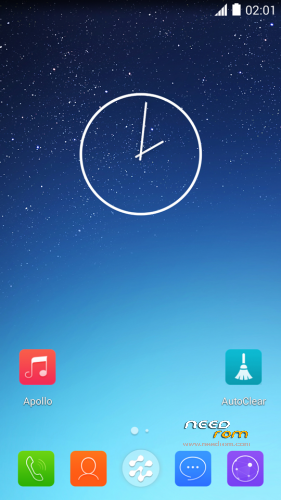
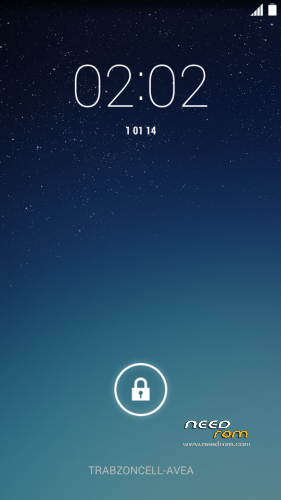
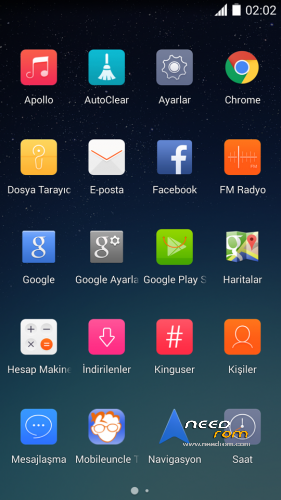
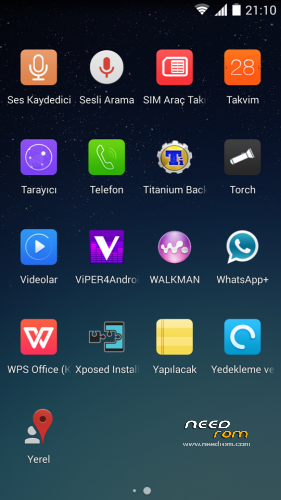
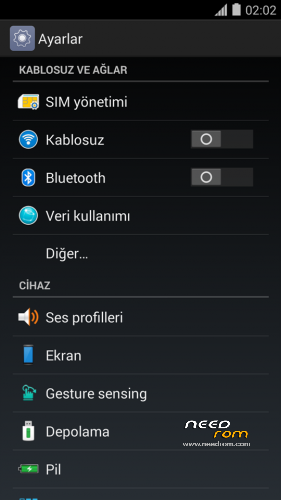
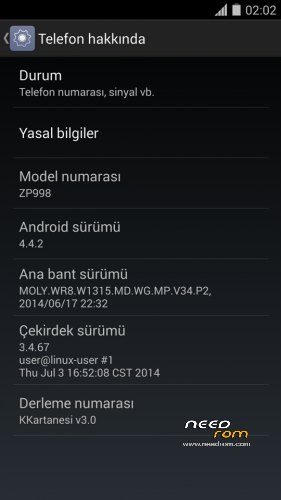

 Member Info
DESCRIPTION
www.zopomobileforum.com
Hello everyone!
This update v3 includes new improvements. Now as you can see two version of this update. First of Normal version. Based on 04.07.2014 ZOPO ZP998 Firmware. Second one is also known as 2700 based on 04.09.2014 firmware. Why I do like this? Because about the last firmware 04.09.2014 I heard some claims like this
"This update for fortcoming 2700 mah new battery. Because of ROM want to charge your battery 2700 mah. This may be damage device and battery."
This not confirmed and unconfirmed claim. But removed from first suppliers page zopomobileshop.com
Now I did not mind and using this great ROM without any bad issue. You can choose between them.
Enjoy it!
Release Notes v3.0
- Right Root permissions
- USB Storage function working (Not need Kernel Change)
- Change icons from Yunos
- Delete virus and unnecessary apk files
- Font type not italic
- Ram cleaner app added
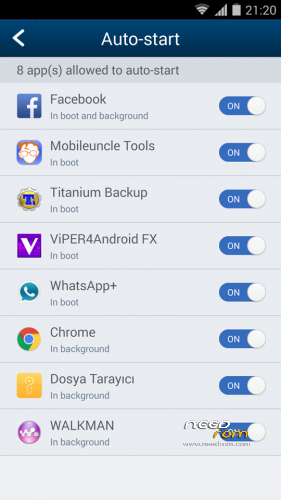
- Auto Start Manager added (In Kinguser)
- Boot animation changed
- Yunos notifications and ringtones added
- GPS optimization
- Music.apk deleted
- Apollo Music Player added
- Advertising sites blocked
- Whatsapp+ added (Optional installation)
- Change file manager app to Lenovo
- Sony Walkman added (Optional installation)
- All statusbar icons white (Including signal bars)
- Removed big 3G and G icons
- Mobileuncle Tools added (Optional installation)
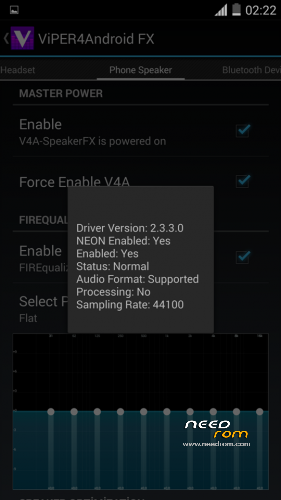
- Viper4Android added (Optional installation) (Working)
- Xperia Honami Keyboard added (Optional installation)
- Titanium Backup Pro added (Optional installation) (Working)
- Chrome Browser added (Optional installation)
- Facebook added (Optional installation)
- WPS Office added (Optional installation)
File Descriptions
- KKartanesi_v3.0_2700.zip ; Firmware based 03.09.2014
- KKartanesi_v3.0.zip; Firmware based 04.07.2014
Installation instructions
- Select and download ROM file
- Move file to İnternal/Externel SD Card
- Install custom recovery (Recommended Philz Touch)
- Reboot to Recovery Mode (Volume UP + Power Button with Data cable connect PC or charger)
- Wipe Factory Reset / Wipe Cache / Advance> Wipe Dalvik Cache
- Install zip > choose zip from sdcard
- Follow steps in the Aroma Installer
- Warnings
- Don't update Kinguser
- GravityBox functions not tested
- Your IMEI number is "Unknown" or "Invalid" ?
Try this method;
http://en.miui.com/thread-10061-1-1.html
- Thanks My Donators
Janusz Sambora
José Manuel Herrera González
www.zopomobileforum.com
※Please make a backup of your device before installing or updating ROM
the best KK rom, works fine, battery drain….zopo makes a shit of batt, so it's good for me. thank you!! waiting for V4!!
After touch-screen driver upgrade from v36 to v37 and after that to v42 everything work like a charm in this ROM !!! Including double click to wake !!! Thank you !!!
Buna,
Nu stiam ca a aparut versiunea V42. Poti te rog sa-mi spui de unde ai luat-o?
Multumesc.
Hi,
I didn't know the v42 version was released. Can you tell me please where did you get it?
Thank You.
@Florin48 : Files and tutorial : http://forum.zopomobileshop.co.....d-2401-1-1.html. V42 from here :http://www.4shared.com/file/VE.....98_V42_app.html.
Debub usb option is always turned off when i restart the phone
Thanks SxN70…upgrade from v37 to v42, Touchscreen works now
Hi
I finally have an issue. MTK control app is not working anymore because one function was removed from the ROM.
getSimIndicatorStateGemini
Any clue what replaces it, why it was removed ?
Many thanks
Wilfried
Hi,
I'm the developer of MTK Control. Can please someone point me where I can get the source for this ROM?
Thanks
Source ?
want to try it
joaormf meant "source code" of the ROM. Because his application (MTK Control) cannot toggle sim states anymore (as it did on 4.2.x). Called function is not available anymore (as highlighted in his log). He consequently looks for the code to check what replaces/supersedes getSimIndicatorState function. I hope this clarifies the question. W.
MINOR AND SOLUTIONS PROBLEMS GPS ZOPO ZP998.
ALSO SOLUTIONS FOR GPS MTK6592 PROCESSOR -SOFTWARE-.
NOTE: For many of us, our GPS Zopito NEVER work quite right unless we spend for SAT because, he discoveredtrank ZOPO own company recorded bad chip hardware.
FIRST OF ALL: DO NOT OPEN WITHOUT KNOWLEDGE.
Once this warning, I recommend starting by the Software:
SOFTWARE
1-You have to be ROOT, without that the most important and significant modifications of this manual may not be done.
2-can come in handy, but in my case it was not necessary, install these 2 apps the Play Store:
A-Mt gps epo fix, to download the files EPO.
B-Gps test to see which satellites are caught, and if that does not catch in 1 minute: enter settings, activate the 1st box is disabled and give CLEAR UPDATE AGPS AGPS and then, usually works in cases where no "start" to catch the satellites.
3- That upload file to version 4: Download file. Is only copy and replace previous copy of the original gps.conf, gps.conf content that is in system/etc.
Outside Spain replace the "es" of the first lines of the NTP server for your country code (also change the continent if not Europe, add # for Europe and remove # for activate the new continent- for "Japan" remove # of line Japan-).
If we improved significantly (in seconds satellites captured in 90% of cases) we're done, but we must go to the following solution:
HARDWARE:
First: Thakns Edu.
If this did not work, we can prove the following, but …. before I'll tell you what does not work:
DOES NOT WORK: Put aluminum and copper in the back cover.
Another thing would be to connect copper wire in the middle of the tab GPS connection, but I can say that if you have not tried it.
NOW YES, WHAT WORKS:
1- INTERNAL SOLUTION:
A-Open the phone as you can see in the attached pdf, and before following the verbatim APPLY A SPRAY 3 IN 1 SPECIAL SEMICONDUCTORS not residues (because on page 5 of the pdf: Download file . In the image that says "GPS aND WIFI" and lift a tad middle contact).
Track B, as I said, to the letter the instructions pdf.
What we get with both 1st ?: is for remove a gel that was on the plate and hindered the reception of satellites; while the 2nd is to make better contact with the GPS antenna. OS AND YES I CAN ASSURE THAT IS BETTER.
EXTERNAL SOLUTION 2:
For people who desperately need the mobile GPS to navigate the option of the GPS antenna Bluethoot: I took an old iyoi of my old nokias and a couple of APPS (you have to install 2: GPS Bluetooth and GPS Over BT ) works Ok. Step how to install the file: Download file (pdf speaks to connect a mobile to tablet to the GPS antenna to function, but the result is the same).
Again I repeat again: before this GPS for many of us was nonexistent. From these improvements for many will be poor, but there will be. Nor have I managed to stop him "islands", but at least the phone has GPS, and for discerning who do not want to spend for SAT have the option of a bluethoot antenna GPS 20 to € 30 for EBAY.
Hi, maybe you can help me. I have followed your instructions concerning the antenna. I have dismounted my phone, without problems and very carefully. I was happy…but unfortunately, when trying to START again: NO RESPONSE: the phone does not switch ON anymore…Charge is working, but switch ON/OFF seems to not operate anymaore. Do you think my phoen is bricked ? I want to share this information in the forum to knwo if someone else had the same problem after doing this very dangerous operation on GPS antenna ? If someone had some solution, please let me know, I'm completely lost…because I need my phone and I like it (before this). just to make it perfect, GPS included !!!