
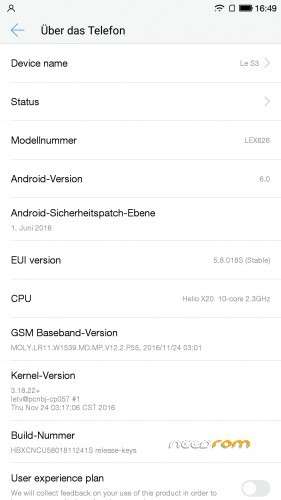
- Title: LeEco LeTv Le S3 X626 Multilanguage EU Fastboot Stock Rom
- Listed: October, 2017
- Last modified: 10/27/2017 4:40 pm
- Version: 5.8.018S
You must be logged for ROM download.
54810 total views, 4 today
27 Total favorites
 Member Info
DESCRIPTION
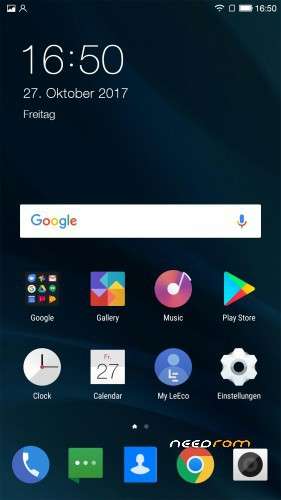
LeEco LeTv Le S3 X626 Multilanguage EU Fastboot Stock Rom with VoLTE
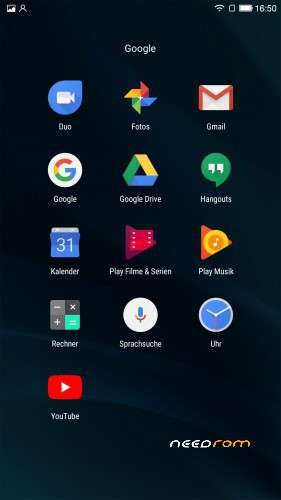
This is the EU Stock Rom with full Google Support no OTA many many Languages !!!!
Install all important Drivers to use Fastboot Mode with Your Phone.
Press "Vol- and Power" together until Fast Boot Mode is started.
extract the 7z file .
Run Command Prompt as Administrator
Change to the rom folder and just type "run"
don´t pull the cable or something !!! Wait until on your phone is "OK" .
After that directly start the System Recovery by pressing "Vol+ and Power Button" until recovery is there .
no recovery only clean caches and than reboot your phone normal.
Have Fun 
※Please make a backup of your device before installing or updating ROM
Its custom rom, not official.
is it?
Thanks man. i been looking everywhere for this rom.
Hi
LeEco LeTv Le S3 X622 no use?
use this rom ,its the same
Dont work on LeeCo Le S3 X626
work ! than you dont have an leeco s3 x626 or x620 it works ,you canbt do it because you are a noob,than how can i do that ,but dont say its not working my friend,becouse than you are a lier ,sorry but i worked hard and i know its working…..
I think you have a to complex map name some where. The fastboot can not find the files.. try for ex. to extract the zip file in this way..
D:\1\firmware\ end then give the "run.bat" superadmin and then hit it.
worked for me. :0)
How to flash this Rom? Please explain more detail…. tq.
what should i explain, do u never flash a fastboot rom ? go to fastboot mode and connect your phone to your pc, install all necessary drivers to run fastbootmode, enter the command prompt with administrator rights and go to the folder ,where the file "run.bat" is in there and open it .
no funciona
funciona tu no possible de fachendando poque tu sais una noob ?
Find the doc."The volume down and Power.bat" in the firmware ? wtf man

i renamed the file in to run.but ……..
I have all drivers. When I typed “run” in CMD popped up new CMD window. After 6 seconds the window disappeared. On the phone screen was inscription: “After 3 seconds it will return to fastboot”.
Please help me
My email: lukasz.r1997@gmail.com
Phone: Le S3 x626 with the latest rom (5.9.xxx.S)
no it works, you should use the run.bat i renamed it because my command promt could not regonize the old filename and how you could say its not working when i have an le eco s3 x626 and done this well by 10 times becouse i switched my rom for more than 10 time incl. custom rom and i always go back to this rom ? you must open the cmd.exe with administrator rights and in this command promt you have to run the run.bat because u need admnistrator rights ,then a second command prompt will open and the fastboot will starts. i bought the phone from gearbest with this rom !