
- Title: Lenovo A820
- Listed: July, 2013
- Last modified: 07/14/2013 1:34 am
- Version: ROM Android 4.1.2
You must be logged for ROM download.
45664 total views, 3 today
3 Total favorites
 Member Info
DESCRIPTION
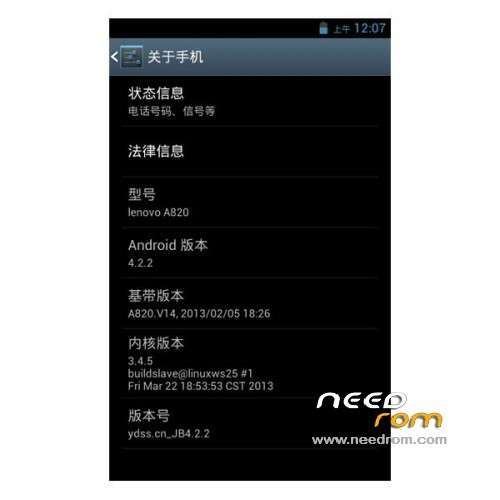
ROM Mobile Lenovo A820 – ROM Android 4.1.2
Model Name:a820
Android Version:4.1
ROM Author:mengxincun
ROM version number:JB4.1.2
Features ROM:
In fact, this version of the successful transplantation of early on, because it had been more pre-bug fix these strange bug,
spent a month and a half period of time. Perfect version now release:
no offset Dialer, video playback video without green block, call RF optimization to the best condition, all pass through rigorous testing, no bug!
Whether early adopters or long-term use, or businesses, JB4.2.2 are your best choice!
-Gps normal gravity of each sensor is normal, calls, SMS normal, normal camera, video normal, wifi normal, Bluetooth is normal, everything is normal!
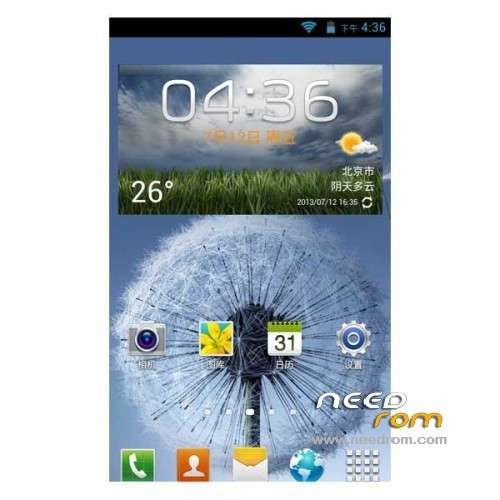
-The first boot screen, the second screen, remove all third-screen animation Unicom wo 3g, instead lenovo!
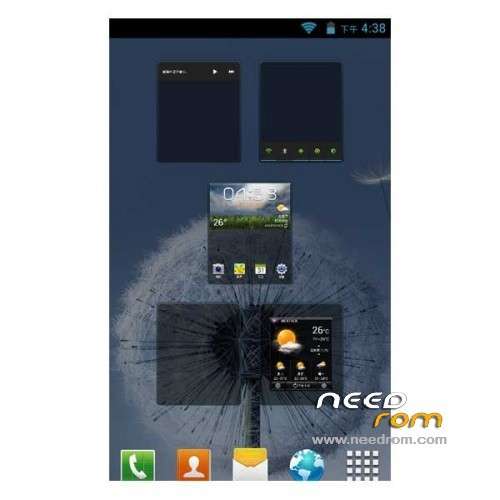
-Perfect transplant JB4.2.2, and to optimize the depth of fluency, join the global Samsung landscaping, (a lot of material s4 oh ~ ~)
-Camera stunning! ! ~ Welcome comparison test
-more than that, we offer this package to be a more perfect, and with it, I believe you will not toss
Gapps include – Rooted
Language support: EN/CN/ES/SW/TW
Install ROM:
CWM
Step 1: Download the custom ROM copied to an external SD card root directory
Step 2: the shutdown state. While holding down:
– Power button + volume button up, to enter the recovery mode.
– Wipe Data / Factory Reset -> delete all user data
– Wipe Cache Partition -> Wipe cache
– Advanced -> Wipe Dalvik Cache
Step 3: Return to recovery main interface Install zip from sdcard -> choose zip from sdcard -> Select your ROM
Step 4: Brush complete, restart the phone Patience required – first boot takes a while
※Please make a backup of your device before installing or updating ROM
Hi,
Thanks very much for this rom but here in Spain we have a serious problem with Orange and tethering.
we need to put "dun" in APN type to use tethering and this rom only has 4 options(default,supl,mms,wap). Anybody can help me? How can put this option?
thanks
Hy guys. I flashed this rom and I like it very much but gps don't work for me on maps
Ok, but it's not 4.2. It's 4.1. You should also enable multi language, there is even no English by default and worse: it runs in chinese by default. But fortunatelly, using morelocale it's possible to set any language.
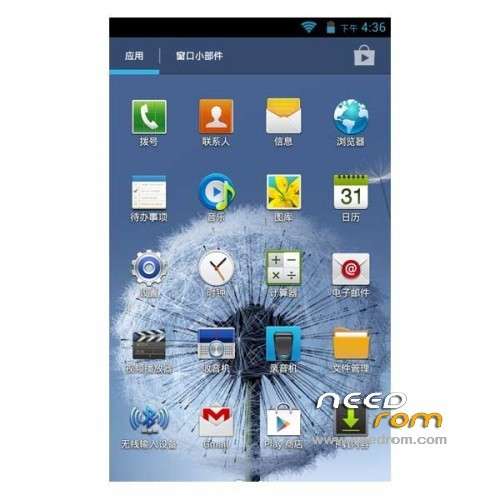
Many chinese apps, but it's possible to disable them. Also, chinese keyboard, but it's possible to install stock google keyboard from Google Play. So – not bad The only bug I found is panorama function in camera – it doesn't work.
At the end. This rom runs very fast and stable but needs some tweaks after installation. It's the same than cappa72's from xda forum, but tweaked nicely and with all cappa72's bugs fixed (including green lines while video playback).
Phone won't boot, stucks on bootscreen. Any solutions how to fix that?
Pro: nice Samsung UI, everything working fine (except GPS)
Contra: no multilang, sometimes need to restart to turn on GPS, chinese apps, keyboard, camera, no dual ring
After 1 day: only second SIM is usable, if try to use SIM in 1st socket, then starter stops. After restore working fine everything…
panorama mode in camera doesn't work..
where´s the download link? thanks