
- Title: Lenovo A820
- Listed: July, 2013
- Last modified: 07/14/2013 1:34 am
- Version: ROM Android 4.1.2
You must be logged for ROM download.
45663 total views, 2 today
3 Total favorites
 Member Info
DESCRIPTION
ROM Mobile Lenovo A820 – ROM Android 4.1.2
Model Name:a820
Android Version:4.1
ROM Author:mengxincun
ROM version number:JB4.1.2
Features ROM:
In fact, this version of the successful transplantation of early on, because it had been more pre-bug fix these strange bug,
spent a month and a half period of time. Perfect version now release:
no offset Dialer, video playback video without green block, call RF optimization to the best condition, all pass through rigorous testing, no bug!
Whether early adopters or long-term use, or businesses, JB4.2.2 are your best choice!
-Gps normal gravity of each sensor is normal, calls, SMS normal, normal camera, video normal, wifi normal, Bluetooth is normal, everything is normal!
-The first boot screen, the second screen, remove all third-screen animation Unicom wo 3g, instead lenovo!
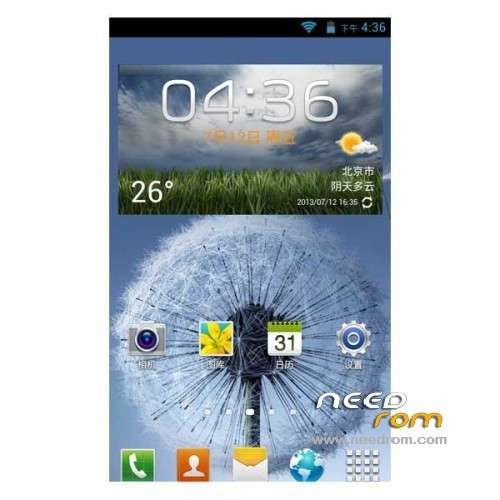
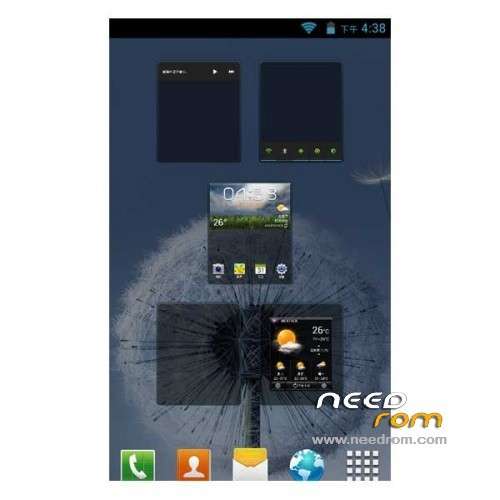
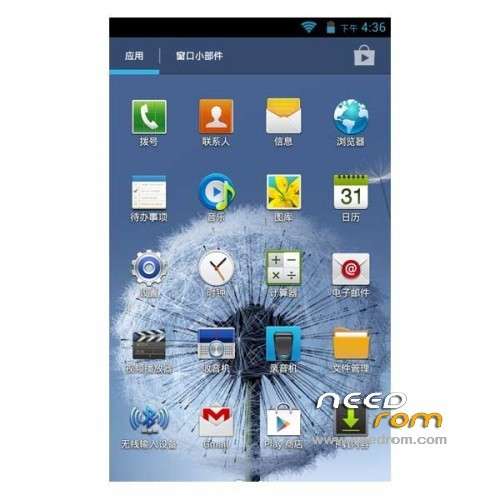
-Perfect transplant JB4.2.2, and to optimize the depth of fluency, join the global Samsung landscaping, (a lot of material s4 oh ~ ~)
-Camera stunning! ! ~ Welcome comparison test
-more than that, we offer this package to be a more perfect, and with it, I believe you will not toss
Gapps include – Rooted
Language support: EN/CN/ES/SW/TW
Install ROM:
CWM
Step 1: Download the custom ROM copied to an external SD card root directory
Step 2: the shutdown state. While holding down:
– Power button + volume button up, to enter the recovery mode.
– Wipe Data / Factory Reset -> delete all user data
– Wipe Cache Partition -> Wipe cache
– Advanced -> Wipe Dalvik Cache
Step 3: Return to recovery main interface Install zip from sdcard -> choose zip from sdcard -> Select your ROM
Step 4: Brush complete, restart the phone Patience required – first boot takes a while
※Please make a backup of your device before installing or updating ROM
Its good but battery drains like hell!!! not recommed yet.. For changing language use the More Locale 2 in market.
Battery indicator not correct, after restart batt. at %70, at 08:00 am to 21:00 %30 not bat at all.
I Just installed. Had a French SIM in the phone, started to speak French with me !! I could change the language in settings to German. Seems to be multilingual.
That is the good.
The ugly is – I can not set up my google account. The point "Add Google account" leads to the WIFI settings. Impossible to get into my account.
Any one has an idea ? If not I will have to go back to infrared – whom I really appreciate !!
Found out – had to connect to wifi first !
Now 3 o´clock in the morning. Have frozen a lot of cn apps and installed my old ones. seems to be perfect until now.
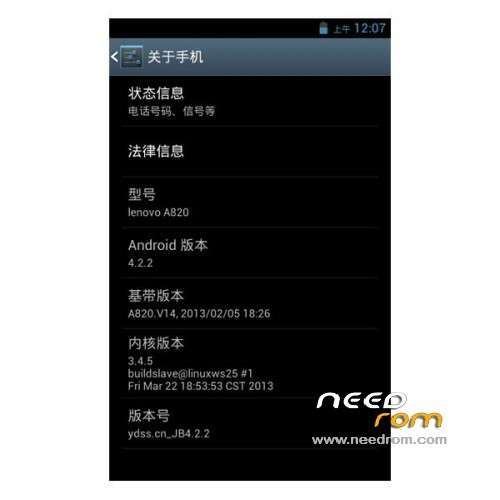
This is NOT 4.2.2 – 4.1.2 built.prop edited, see details in Mobileuncle Tools (System Android 4.1.2- eng.root1359778509 UID:1000)
Android SDK 16 (4.1.x)…Its not 4.2…
One of the best roms, with languages embebbed, you haven't to install it like others.
Pros:
- First boot, all in order, beautiful.
- Perfect OS and APP translation.
- Moves smooth.
Cons:
- First boot in chinese… is easy to get wrong choosing an option in the first Setup Wizardis easy to get wrong choosing the first setup wizard
- Some chinese APP, need to be removed with titanium backup.
- Camera take bad quality fotos compared with other roms
Changing launcher, settings, some apps and version string in build.prop doesn't make it 4.2.2 when it's using old libs.
After installing it and deleting some chinese apps, when the screen goes black, it switchs off! What the hell? What can I do? Did I uninstall any essential app?
so its 4.2.2 or 4.1.2?
English please