
- Title: Lenovo A820
- Listed: July, 2013
- Last modified: 07/16/2013 11:33 pm
- Version: ROM Android 4.1.2
You must be logged for ROM download.
22951 total views, 3 today
 Member Info
DESCRIPTION
ROM Mobile Lenovo A820 – ROM Android 4.1.2
Model Name:a820
Android Version:4.1
ROM Author:mengxincun
ROM version number:JB4.1.2_mxc
Features ROM:
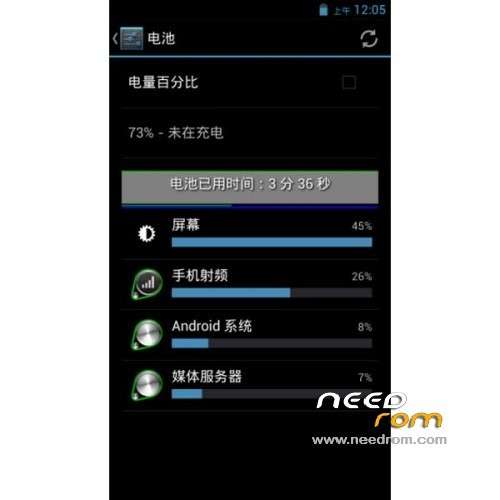
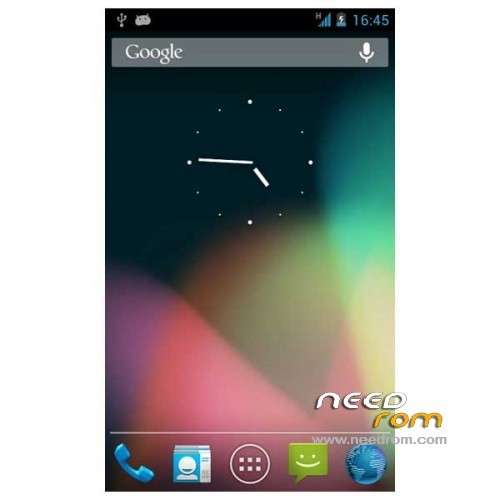
This version retains the native interface, without making any landscaping.
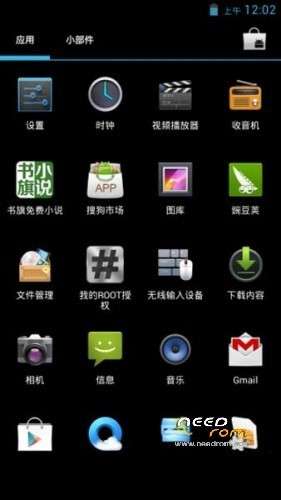
Built several commonly used software, delete unneeded amount your own.
Brush must be double clear!
Gapps include – Rooted
Language support: EN/CN/ES/SW/TW
Install ROM:
CWM
Step 1: Download the custom ROM copied to an external SD card root directory
Step 2: the shutdown state. While holding down:
– Power button + volume button up, to enter the recovery mode.
– Wipe Data / Factory Reset -> delete all user data
– Wipe Cache Partition -> Wipe cache
Step 3: Return to recovery main interface Install zip from sdcard -> choose zip from sdcard -> Select your ROM
Step 4: Brush complete, restart the phone Patience required – first boot takes a while
※Please make a backup of your device before installing or updating ROM
Hi!
I think it isn't in english and there are two launchers (native + samsung)
Can you add MultiLanguage? need Hebrew langauge
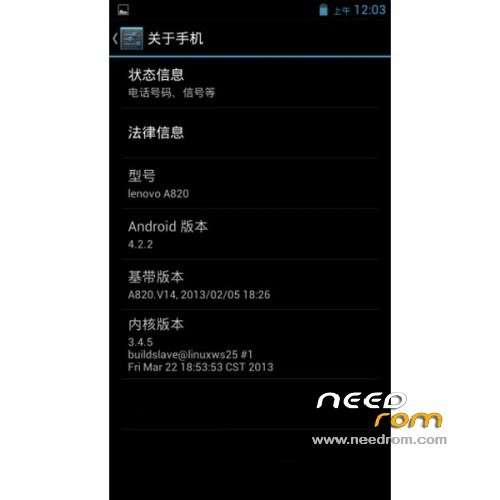
Its the same old 4.1.2 rom just the build info edited to Android 4.2.2.
Please SoCr@Te, stop posting crap!
He's not the author of the roms. He's the author/owner of the site and posts here roms found on Chinese forums.
Its a very good rom, faster and smoother than others.
Bugs: simtoolkit doesn't works and sometimes appear a message about torch app…a820 have no flash light..
Phone won't boot, stucks on bootscreen. Any solutions how to fix that? Which CWM version are you guys using?
I got my Lenovo A820 about a week ago but I really dont undestand how to make this work..
What do I do with the recovery image file? copy to sdcard in phone? I get install aborted whatever I do : (
How can I download it?