
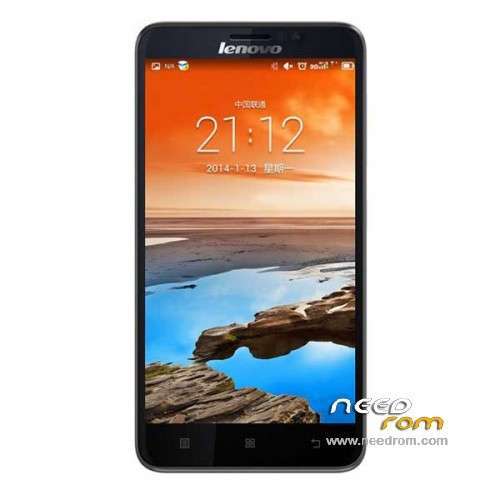
- Title: Lenovo A850+
- Listed: April, 2014
- Last modified: 05/25/2014 3:35 am
- Version: ROM Android 4.2.2
You must be logged for ROM download.
101456 total views, 3 today
27 Total favorites
 Member Info
DESCRIPTION
ROM Phone Lenovo A850+ - ROM Android 4.2.2
ONLY MT6592
Update Official ROM Lenovo A850+ version: A850+_S124_140516
—————————————————————————————————————————————————–
Official ROM Lenovo A850+ version: A850+_S119_140311
Gapps not include – No Rooted
Language support : EN/CN
Install ROM:
- Unpack FlashTools, and Click on Flash_tool.exe
- Select a the MT6592_Android_scatter_emmc.txt in ROM
- Wait file to be added into Flash Tool
- choose Option->USB Model,click USB Model
–> Choose Option->DA DownLoad All->Speed->High Speed, click High Speed
- Turn off your phone, remove the battery.
- "Press F9 (hit Download button)" OR " if upgrade ROM Firmware->Upgrade "
- and connect your phone into the computer via USB data cable.
- The process will start and a red progress bar will appear after color purple, yellow.
- And green circles display
- Finish !
- You can now safely disconnect your phone and turn it on.
※Please make a backup of your device before installing or updating ROM
Rom multilang?
does this a850+ support move to sd?
when i do all you say step by step and when i connect my phone to the PC it begins to charge….nothing happens….
take out battery!
hi…what's the changelog for S124?
hy, how i can allow to install aplication to external sd card?
Anyone how to install GApps after install this ROM ?
I saw 3 folders inside the zip file
- apdb
- modemdb
- target_bin
Folder "target_bin" is for load scatter file, how about another 2 folders ?
I rooted it with VROOT 1.7.7
can not install GooglePlay,
instead use 1Mobile, easier to use, no more registering.
Hi guys a have one problem. I need drivers on a850+ bcs without them i cant use flashtool. Maybe the problem is not in drivers but if i remove battery and hit f9 next i connect the phone to pc nothing will happend.. Sorry i dont hard speak english. But if u have any idea i should be happy
I have the same problem with my phone also (copy Lenovo A850S+).
I connect without battery to my pc and nothing happens.
I think the phone is a shitty copy and I can throw to the garbage.
Hello All,
I am having a a850+_s118_www.sjrom.cn as my build number, Version 4.2.2.
Can i just download the Lenovo A850+ – Update S124 and flash it as my rom or do i have to download the a850+ then only use this update (s124) .
Thank you
is this s124 stock sj rom(in link)???