
- Title: Lenovo P770 samsung S3 halentech mod – updated
- Listed: April, 2014
- Last modified: 07/29/2014 10:25 pm
- Version: Samsung S3 - Android 4.2.2
You must be logged for ROM download.
53421 total views, 3 today
283 Total favorites

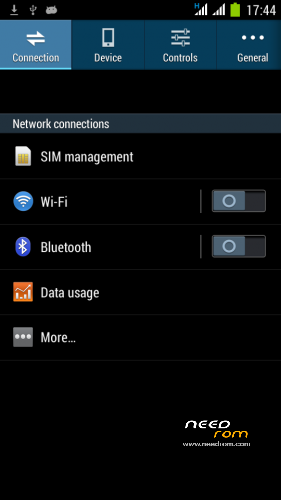
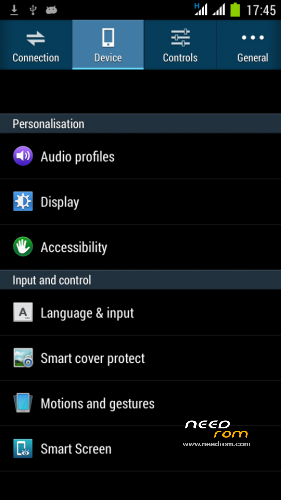
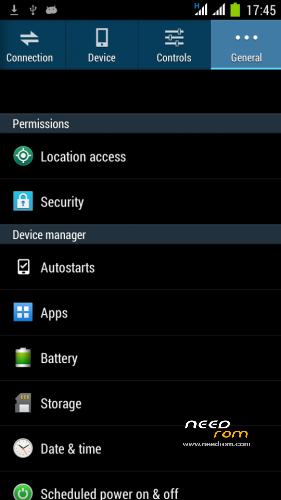
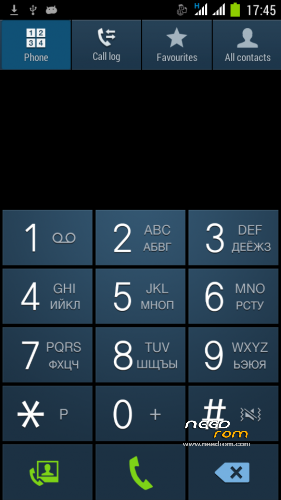
 Member Info
DESCRIPTION
For fixing bluetooth problems, please turn on Bluetooth debigging in Mobile Uncle Tools.
Posted new version 29.07.2014
Stable and fast P770 ROM.
Posted new version 15.04.2014
- dialer keypad is withouth Russian fonts
- boot animation is changed to Lenovo standard
- optimized size of ROM
———————————————————————————————————————————-
Here is a new ROM based on Android 4.2.2 . It is a port from the phone Samsung NOTE 3
Please donate, if you find this ROM useful for you! Thank you.
ROM is very stable and fast.
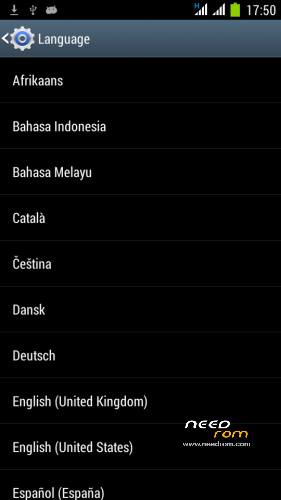
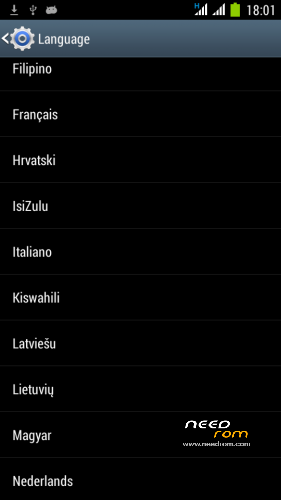
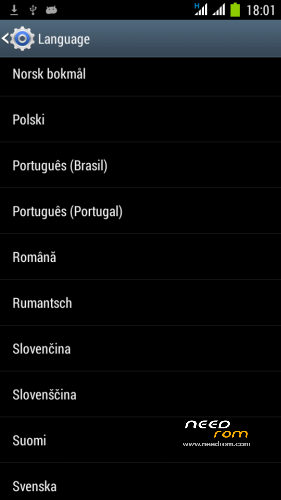
Worldwide Language support
You can switch to the Smart keyboard and uninstall standard Android AOSP keyboard using Titanium Backup ( I find it much better).
Features:
- ROM for P770 device, ported from Samsung Galaxy Note 3
- Release Date : April 14, 2014
- Author: Halentech
- Android 4.2.2
- Samsung bootscreen
- Lenovo boot screen
- Works smoothly , Max AnTuTu 9389 with GPS Fix for GPS applications (SportsTracker, Endomondo).
- CPU state Governor Hybrid – 250MHz – 1200MHz ! !
- Disabled by default EPO option (EPO is not stable)
- AGPS set for NOKIA
- Firstime GPS FIX with download AGPS data – in 30 seconds
- LED notification
- Dual 3G ! !
- SMS and MMS in the landscape works ! !
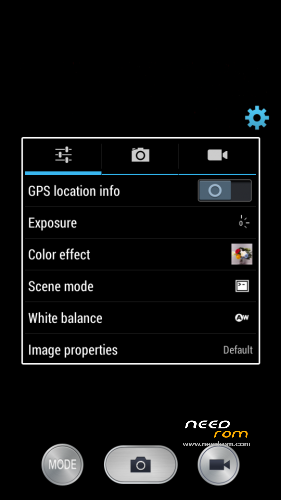
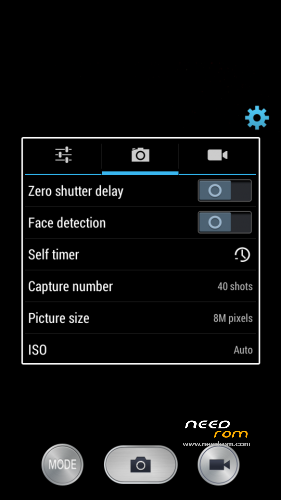
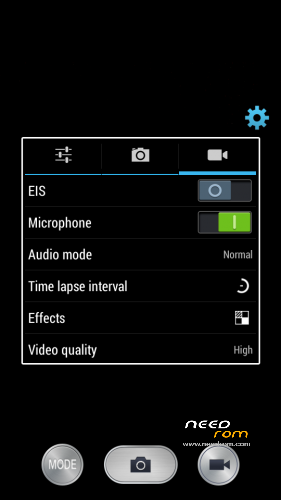
- 8MPix Camera, Full HD Video option
HOW TO INSTALL :
- YOU MUST HAVE EUROPEAN PARTITION TYPES / SIZES!!! NO FROM ASIA ROMS!!!
- Download ROM to the SD card
- Go to TWRP or CWM Recovery
- Make a complete backup of the current ROM
- Before installation erase: Cache , Dalvik Cache , Data, System
- Install this ROM, after installation delete Dalvik Cache , restart the system
- First boot takes a long time – patience is needed
First time GPS activation
- Connect to the internet
- Turn on the GPS
- Get in the Settings – / Developer Options / Engineer Mode settings
- Location / Location Based Service
- Go to the GPS tab, switch to Full, press GPS (OFF) button
- Go to the VIEW tab and wait for green satelite confirmation
- Wait for the GPS Fix , for me in 30 seconds
- After this you can close this settings
Please donate, if you find this ROM useful for you! Thank you.
※Please make a backup of your device before installing or updating ROM
ROM WORK FINE AND FAST., I LIKE IT..
I’m request, please fix bluetooth Wireless,, Music not listen to wireless bluetooth.. @
I’m experiencing some serious lags from time to time but I’m not sure if it is the ROM or if it caused by titanium backup because after the restore they started… never the less, the ROM is rather nice…
Congrats to the developer…
Fast and stable until now, well done!
Couple of suggestions:
1. Option to remove pictures in contacts list.
2. Phone numbers are not recognized when dialing, if they are saved in agenda with country prefix (if contact's number saved is +4 0123456789 and I dial 0123456789, contact name is not displayed).
A2dp working but sound doesn’t stream through Bluetooth headphone (I.e Media Sound)
Phone sound is fine.
Best ROM till now
What admin1973 said, is also one of the problems faced, ROM is good but some problems are their to be fixed majorly, to come out as the best!!
‘Google’ boot animation please..
locked on "lenovo" home screen for me….after 20 minutes… = …
Hi everyone, are the touch buttons of the phone lit up? I mean my buttons dont lit up with the ROM.
Please Halen, fix the problems coz I want to use this ROM badly, but in a proper state!!
can i use gravity box on this rom update ?
ur qs has been answered, chk comments
+1
And how work it BT A2DP audio on this release ROM?
ur qs has been answered, chk comments before u post!!