
- Title: Lenovo P770 samsung S3 halentech mod – updated
- Listed: April, 2014
- Last modified: 07/29/2014 10:25 pm
- Version: Samsung S3 - Android 4.2.2
You must be logged for ROM download.
53421 total views, 3 today
283 Total favorites

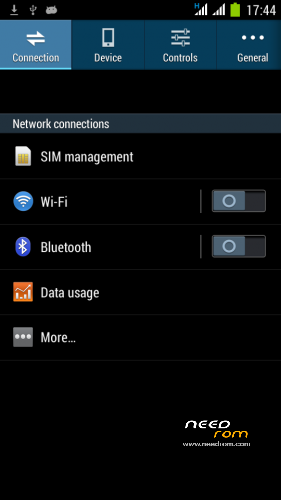
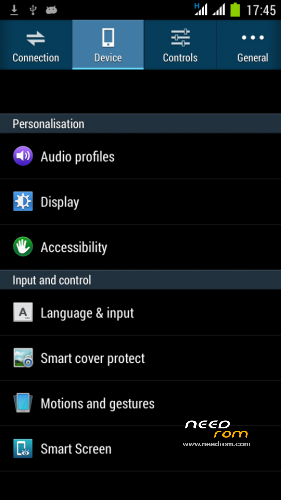
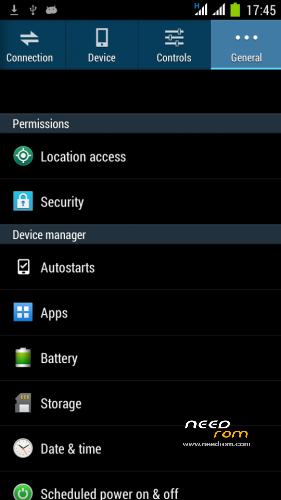
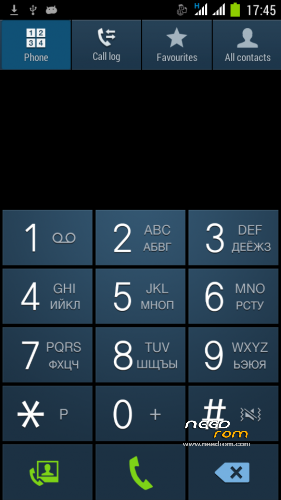
 Member Info
DESCRIPTION
For fixing bluetooth problems, please turn on Bluetooth debigging in Mobile Uncle Tools.
Posted new version 29.07.2014
Stable and fast P770 ROM.
Posted new version 15.04.2014
- dialer keypad is withouth Russian fonts
- boot animation is changed to Lenovo standard
- optimized size of ROM
———————————————————————————————————————————-
Here is a new ROM based on Android 4.2.2 . It is a port from the phone Samsung NOTE 3
Please donate, if you find this ROM useful for you! Thank you.
ROM is very stable and fast.
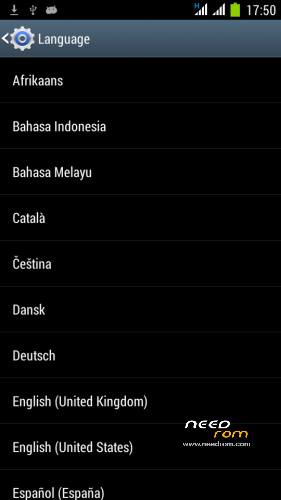
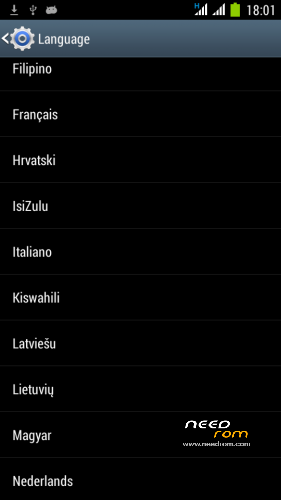
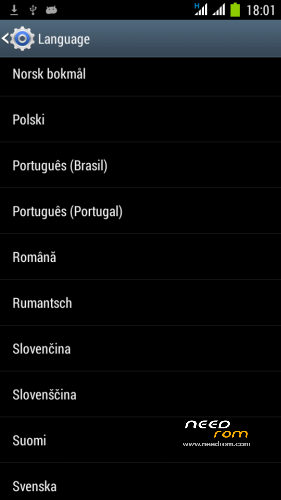
Worldwide Language support
You can switch to the Smart keyboard and uninstall standard Android AOSP keyboard using Titanium Backup ( I find it much better).
Features:
- ROM for P770 device, ported from Samsung Galaxy Note 3
- Release Date : April 14, 2014
- Author: Halentech
- Android 4.2.2
- Samsung bootscreen
- Lenovo boot screen
- Works smoothly , Max AnTuTu 9389 with GPS Fix for GPS applications (SportsTracker, Endomondo).
- CPU state Governor Hybrid – 250MHz – 1200MHz ! !
- Disabled by default EPO option (EPO is not stable)
- AGPS set for NOKIA
- Firstime GPS FIX with download AGPS data – in 30 seconds
- LED notification
- Dual 3G ! !
- SMS and MMS in the landscape works ! !
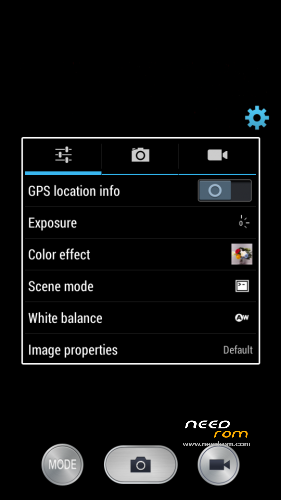
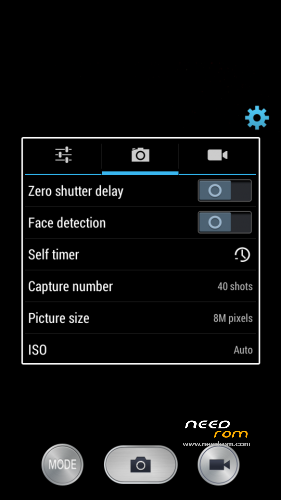
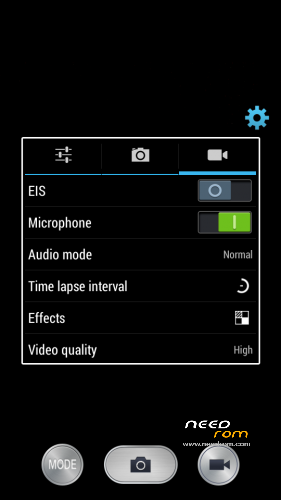
- 8MPix Camera, Full HD Video option
HOW TO INSTALL :
- YOU MUST HAVE EUROPEAN PARTITION TYPES / SIZES!!! NO FROM ASIA ROMS!!!
- Download ROM to the SD card
- Go to TWRP or CWM Recovery
- Make a complete backup of the current ROM
- Before installation erase: Cache , Dalvik Cache , Data, System
- Install this ROM, after installation delete Dalvik Cache , restart the system
- First boot takes a long time – patience is needed
First time GPS activation
- Connect to the internet
- Turn on the GPS
- Get in the Settings – / Developer Options / Engineer Mode settings
- Location / Location Based Service
- Go to the GPS tab, switch to Full, press GPS (OFF) button
- Go to the VIEW tab and wait for green satelite confirmation
- Wait for the GPS Fix , for me in 30 seconds
- After this you can close this settings
Please donate, if you find this ROM useful for you! Thank you.
※Please make a backup of your device before installing or updating ROM
where is Halen??? Go out
I am here…
Hello from germany,
My P770 shows Build-Nummer: P770-GT-9300-WMZ-20
and
Kernel-Version: 3.4.0 buildslave@lenovo-s16)) #1 SMP PREEMPT Thu Dec 13 11:47:11 CST 2012
Is it an "World" or "Asian" version??
Thanks in advance
Kleck
Hello!I have a big problem: Wi-Fi don't work!When I enable Wi-Fi,it disable automatically.
On other roms Wi-Fi work!
What I need to do to?
I'm planning to reflash all 10 my P770 to this ROM. However still there some bugs : font color hard to reconigze on black backgrous, bluetooth no working, GPS on some phone found satellies but not connect or download GPS data, launcher crash ….
It was fixed in new version
How do i change lock screen wallpaper?
if you have lock screen issue when turning it on, then this app is for you. Just shake to lock, and shake again to unlock!
https://play.google.com/store/.....e.screen.on.off
Great Work. Thx alot.
I got it finally installed, including the 2.5GB/80 MB partitions \o/.
First Impression Everything works now (GPS etc). Had an older rom installed before.
Good choice of preinstalled apps.
How to change lockscreen's wallpaper ?
With that rom my stereo-bluetooth-headset (arctic P311) isn't reconnised anymore as a2dp device (streaming media via bluetooth to the headset).
It works with the preintsalled dialer… and with an additional app I can force it to play it mono.
What BT stereo headsets can you recommend for playing music that works with this rom ?
It should be fixed now…
video recording is lagging at 1080p…many of the given functions in setting menu are not working like smart scroll, multi window etc…what is the need of giving unnecessary function if they are nt working…
those function will be removed or fixed. It is planned in the future.