
- Title: Lenovo P770 samsung S3 halentech mod – updated
- Listed: April, 2014
- Last modified: 07/29/2014 10:25 pm
- Version: Samsung S3 - Android 4.2.2
You must be logged for ROM download.
53423 total views, 5 today
283 Total favorites
 Member Info
DESCRIPTION
For fixing bluetooth problems, please turn on Bluetooth debigging in Mobile Uncle Tools.
Posted new version 29.07.2014
Stable and fast P770 ROM.
Posted new version 15.04.2014
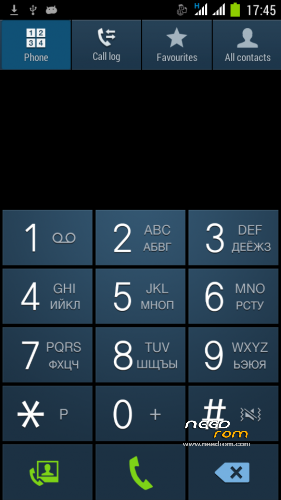
- dialer keypad is withouth Russian fonts
- boot animation is changed to Lenovo standard
- optimized size of ROM
———————————————————————————————————————————-
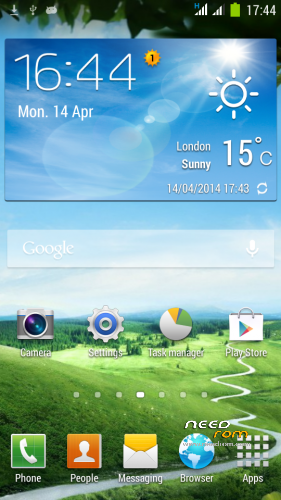
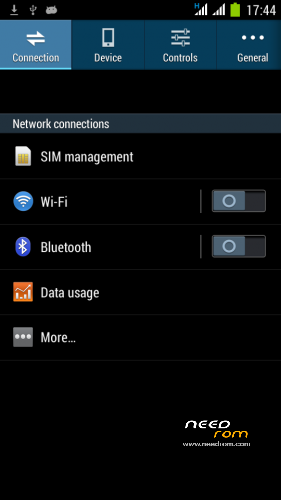
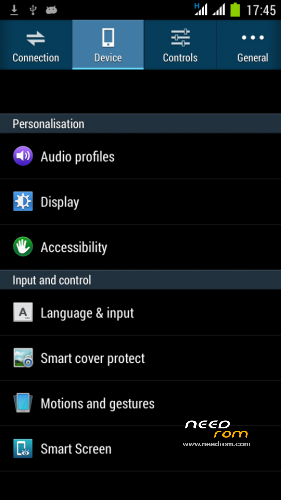
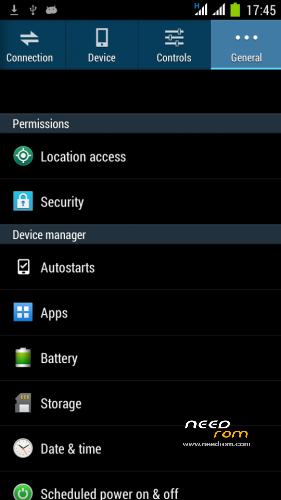
Here is a new ROM based on Android 4.2.2 . It is a port from the phone Samsung NOTE 3
Please donate, if you find this ROM useful for you! Thank you.
ROM is very stable and fast.
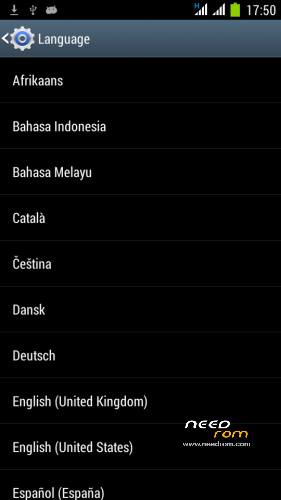
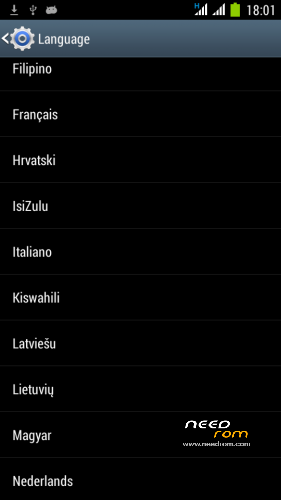
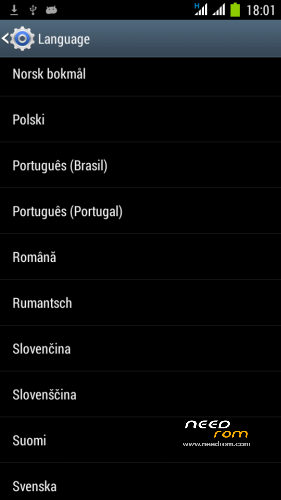
Worldwide Language support
You can switch to the Smart keyboard and uninstall standard Android AOSP keyboard using Titanium Backup ( I find it much better).
Features:
- ROM for P770 device, ported from Samsung Galaxy Note 3
- Release Date : April 14, 2014
- Author: Halentech
- Android 4.2.2
- Samsung bootscreen
- Lenovo boot screen
- Works smoothly , Max AnTuTu 9389 with GPS Fix for GPS applications (SportsTracker, Endomondo).
- CPU state Governor Hybrid – 250MHz – 1200MHz ! !
- Disabled by default EPO option (EPO is not stable)
- AGPS set for NOKIA
- Firstime GPS FIX with download AGPS data – in 30 seconds
- LED notification
- Dual 3G ! !
- SMS and MMS in the landscape works ! !
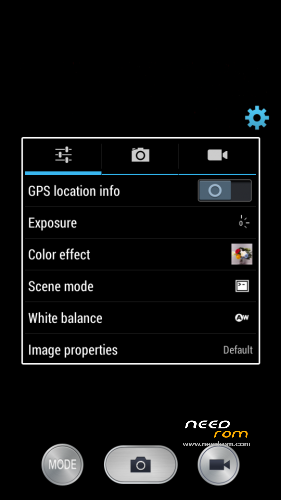
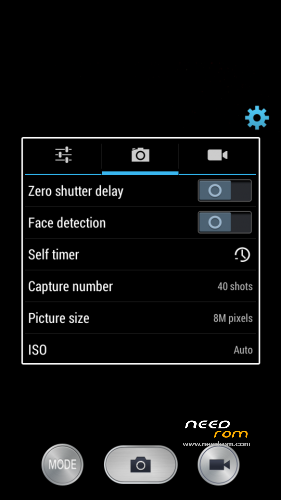
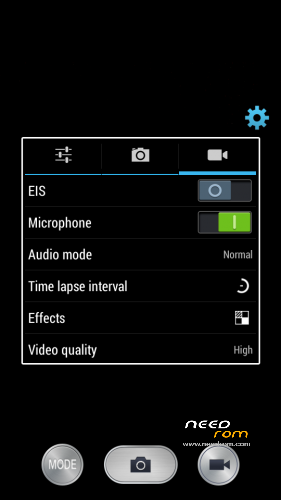
- 8MPix Camera, Full HD Video option
HOW TO INSTALL :
- YOU MUST HAVE EUROPEAN PARTITION TYPES / SIZES!!! NO FROM ASIA ROMS!!!
- Download ROM to the SD card
- Go to TWRP or CWM Recovery
- Make a complete backup of the current ROM
- Before installation erase: Cache , Dalvik Cache , Data, System
- Install this ROM, after installation delete Dalvik Cache , restart the system
- First boot takes a long time – patience is needed
First time GPS activation
- Connect to the internet
- Turn on the GPS
- Get in the Settings – / Developer Options / Engineer Mode settings
- Location / Location Based Service
- Go to the GPS tab, switch to Full, press GPS (OFF) button
- Go to the VIEW tab and wait for green satelite confirmation
- Wait for the GPS Fix , for me in 30 seconds
- After this you can close this settings
Please donate, if you find this ROM useful for you! Thank you.
※Please make a backup of your device before installing or updating ROM
copied from Agarwalkeshav…''One more thing MAJORLY to add, sometimes when I want to unlock the screen, I get a blank lit up screen, and then when I press power button again for a couple of times, then only I am able to see the lock screen. Please fix this!!!
This happens to me quite often and is very annoying.
yeah i got also same problem…
Can I flash this rom with S110? or I need to upgrade to S113 before flashing?
Hi everyone,
Is Vietnamese support on this ROM?
Thanks.
Tiếng việt Full , nhưng ko edit được notificational
Why lockscreeen hard to wake. Push power button didn't wake the screen. Mush twice or triple time. It's just me or what ?
I also occasionally occur such problem…
Maybe it's a hardware problem, not ROM bug
No, Not hardware, when I start install another ROM, its smooth like Katty Perry ass. Just one push on power button and lockscreen wake normally.
lockscreen wake up is a problem. I wanna smash the power button because of this! please fix it!!!
@Effects.C Thanks!
What's the meaning "YOU MUST HAVE EUROPEAN PARTITION TYPES / SIZES!!! NO FROM ASIA ROMS!!!".
I live in Indonesia, can I using this ROM?
Bisa kok gan.
@twisted88.. udah pake lom gan? kynya masih banyak bugs ya
Udah gan, bugs yg ane tau sih yg masalah Lockscreen itu.. kadang waktu kita pencet tombol power lock screennya kaga muncul. Harus 2x ato 3x gitu baru muncul..tp kadang2 sih..coba aja gan biar tau.
Oke gan gw mau coba… penasaran dengan dual 3G, is that works?
Tapi power button issue itu cukup mengganggu.. mungkin tunggu update-nya dulu d
Great ROM, but Screen unlock seems confusing & not responsive. I like stock Slide to unlock better (Slide Left -> Camera, Slide Right to Unlock)
I dont need all the visual crap, just a responsive ROM.
Q
+1
I got same issue, lock screen is a problem. Please fix it.. Thanks!
How to make screencapture? i can't do the usual method like holding power + vol down button.
Hi Halen, I tried using Mt657x repartition as you recommend to get more space for System storagre but not success. After applied Mt657xrepartition tool as 2.5GB setting and follow instruction, there is no diferrent. My system space still about 750MB as default.
Pls show me how to repartition. I also have a 32GB sd card.
BTW thank you so much for a best P770 ROM.
Hi Halen again, after tried many times boot to recovery and clear cache/reset default and reflashing this rom, I found that using CMW inplace for TWRM to repartition system storage.
Thanks for your best ROM.
PS: bluetooth connected with my BT620s headphone but not working.