
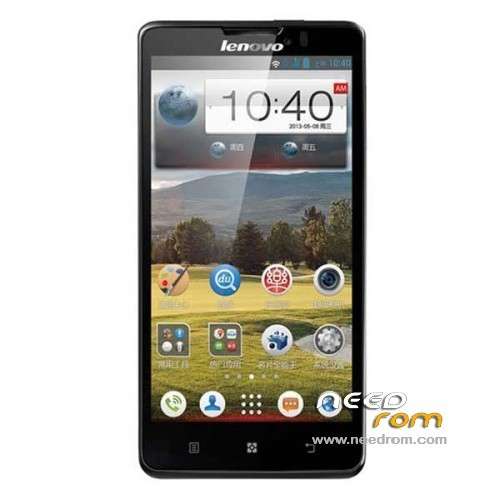
- Title: Lenovo P780
- Listed: July, 2013
- Last modified: 03/06/2014 8:34 pm
- Version: ROM Android 4.2.1
You must be logged for ROM download.
137307 total views, 6 today
149 Total favorites
 Member Info
DESCRIPTION
ROM Mobile Lenovo P780 – ROM Android 4.2.1
Update Lenovo P780 : P780_ROW_S116_130828
Gapps include – No Rooted
Language support: Multilang
————————————————————————————————————————————————–
Lenovo P780 : P780_ROW_S110_130814
————————————————————————————————————————————————–
Gapps no include
Language support: EN/CN
Install ROM :

- Unpack FlashTools, and Click on Flash_tool.exe
- Select a the MT6589_Android_scatter_emmc.txt in ROM
- Wait file to be added into Flash Tool
- choose Option->USB Model,click USB Model
–> Choose Option->DA DownLoad All->Speed->High Speed, click High Speed
- Turn off your phone, remove the battery.
- "Press F9 (hit Download button)" OR " if upgrade ROM Firmware->Upgrade "
- and connect your phone into the computer via USB data cable.
- The process will start and a red progress bar will appear after color purple, yellow.
- And green circles display
- Finish !
- You can now safely disconnect your phone and turn it on.
※Please make a backup of your device before installing or updating ROM
very good rom, few little bugs and its thrue it have multilanguage , romanian to but its not updateble !
i wait for a update!!
annyway guys its a good work!
bonus apex louncher but u can still use lenovo louncher that i lile more!!!
no problems to install no bootloop!!
For those who have problems like this
> TOOL DL Image fail!
=> uboot blocked by blablabla
You must tick the DA DL Download option in the flashtool
i have this message on screen in down-left side.. TOOL DL IMAGE FAIL and phone reboots continuosly .. do you know solution for that??? i checked the DA DL DOWNLOAD when flashing.. and got no error while flashing several times.. but phone reboots… and show this message on screen TOOL DL IMAGE FAIL thanks in advance anyone
i'm trying….
Thanks a lot.
It works so fine.
how long does this take?
it have romanian language?
it have romanian language?
1. Download the .zip archive
2. Run Flash_tool.exe
3. Check DA DL All With Check Sum (up side) IMPORTANT !!!
4. Press Scatter-loading (right side)
5. Choose MT6589_Android_scatter_emmc.txt from the folder named " target_bin "
6. Press : Firmware -> Upgrade
…………………….
You have just to press Firmware upgrade and then to connect the phone turned off. Is not the case to remove the battery.
I do not assume any damage or issue with your phone.
Hi, please help me…
I flash my phone but Baseband is Unknown and my sim card not detect.
Please…