
- Title: Lenovo P780 4.4.2 Vibe UI 2.0
- Listed: August, 2014
- Last modified: 02/18/2016 9:01 pm
- Version: Vibe UI 2.0 1512
You must be logged for ROM download.
173244 total views, 6 today
213 Total favorites

 Member Info
DESCRIPTION
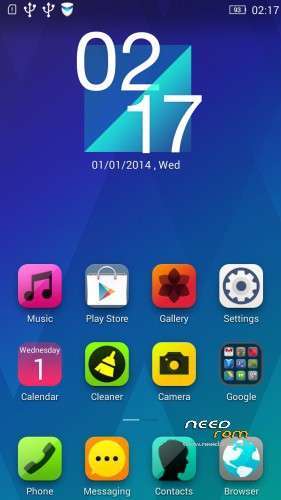
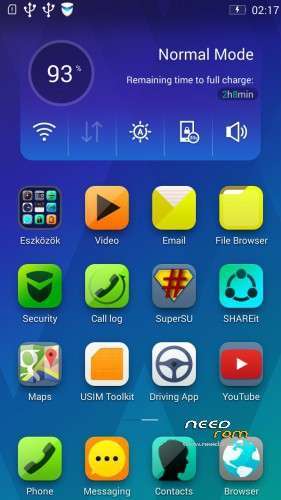
Rom for Lenovo P780
- base : Vibe UI 2.0 for P780
- Removed all unusable app
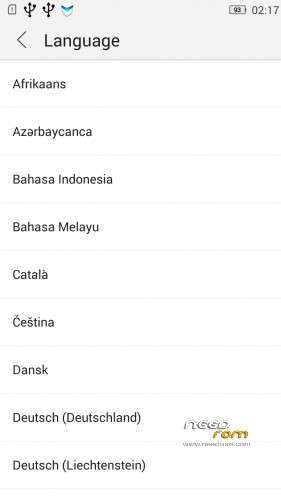
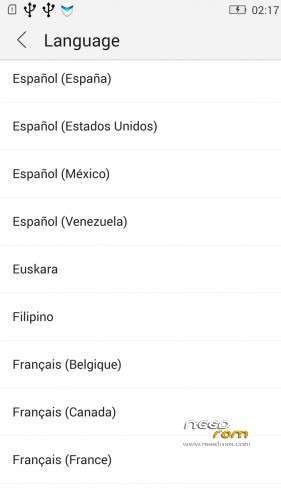
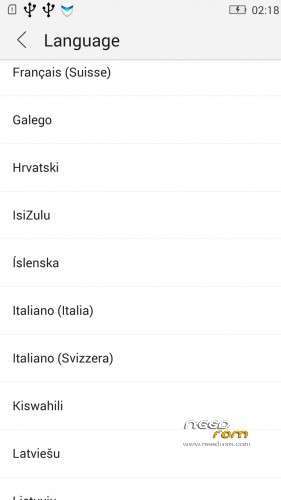
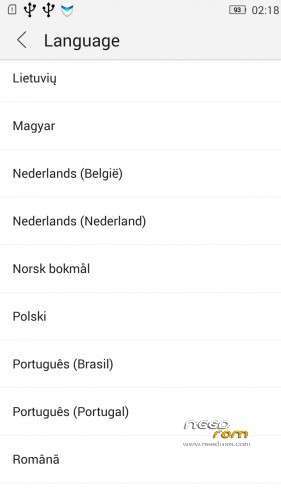
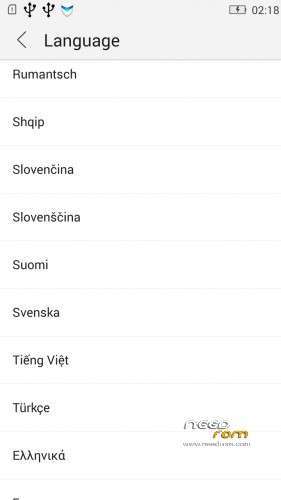
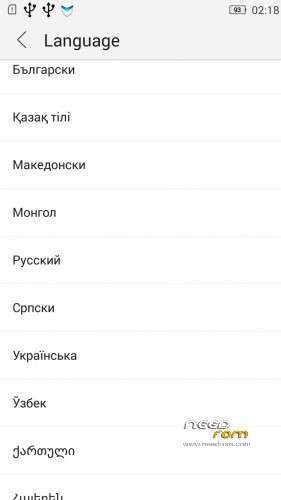
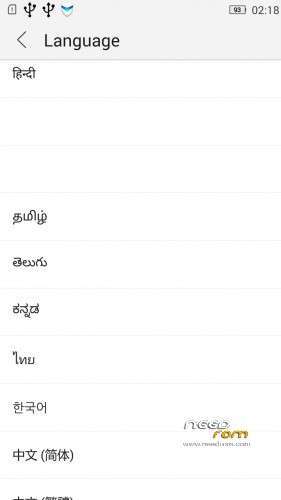
- Added about 70 languages
- The Weather app work as wordwide
Install ROM :
IF YOUR P780 MADE 03.2014 OR LATER THEN USE NEW_PRELOADER.ZIP FILE IN THE ROM!

- Unpack FlashTools, and Click on Flash_tool.exe
- Select the MT6589_Android_scatter.txt in ROM
- Wait file to be added into Flash Tool
- choose Option->USB Model,click USB Model
–> Choose Option->DA DownLoad All->Speed->High Speed, click High Speed
- choose DA DL All With Check Sum
- Turn off your phone, (push the red reset button)
- "Press F9 (hit Download button)" OR " if upgrade ROM Firmware->Upgrade "
- and connect your phone into the computer via USB data cable.
- The process will start and a red progress bar will appear after color purple, yellow, if no, then have to install the driver
- And green circles display
- Finish !
- You can now safely disconnect your phone and turn it on.
V2 : base is VIBEUI_V2.0_1435_5_DEV_P780_WC8E
- updated some languages
V3 : base is VIBEUI_V2.0_1439_7.10.1_DEV_P780_WCB
After the rom flash If get error(s) on the phone, then have to make a factory reset
- updated the russian language
V4 : base is VIBEUI_V2.0_1443_ST
V5 : base is VIBEUI_V2.0_1447_7.48.1_ST_P780_OLK_W_064D
- fixed some languages
V6: base is VIBEUI_V2.0_1503_7.141.1_ST_P780_OLK_W_855A
- changed only what the Lenovo builded to 1503 version
V7: base is VIBEUI_V2.0_1512_DEV_P780
- this is my last P780 rom…
If you like my job, do not forget donate me!
This ROM created by Android Lang Project http://www.androidlangproject.com/
※Please make a backup of your device before installing or updating ROM
Edit: NOT enabled to call
Hi!
I have the V2 of your custom Vibe UI 2.0 and I would like to update my ROM with latest version to V4, will I lose my data if I choose an Upgrade option on the flash tool?
Cheers,
Branko
HI!
If You want update v2 to v4 without reinstall programs, flash only system.imt with flashtool.
Is this a ROW rom? Sounds great! Looks like the first Multilang rom
Hi, for some reason my signal status dispays on left instead of right do you know how to fix this? …move it to the right where it belongs. thx
and thanks for amazing rom, I really like it
S tím nic nenaděláš, na to si musíš zvyknout. A popravdě jsem si to uvědomil až teď, že je to na druhé straně
Please Help …
cannot update or upgrade your phone via Custom Recovery like TWRP
How install TWRP ???
How can I update from 1431 version to this Rom?
this V4 ROM can be flashed with TWRP?
It is not ROM for update via TWRP. Non version of CWM or TWRP work with this ROM. If you want custom recovery you have to CTR_Chinesse_recovery. Any way you will not update or instal this rom via custom recovery.
Hi. I have installed this rom and so far it is awesome. But i have a problem with some applications like titanium backup and folder mount. They both can not browse the internal sd card and even the external sd card. I think the problem is the security application. I tried uninstalling it several times but it always reinstalls itself after a reboot. Does anyone know a solution to this problem please?
this rom is emptying my batterry very fast. this rom is not too good… sorry.