
- Title: Lenovo P780 4.4.2 Vibe UI 2.0
- Listed: August, 2014
- Last modified: 02/18/2016 9:01 pm
- Version: Vibe UI 2.0 1512
You must be logged for ROM download.
175027 total views, 12 today
213 Total favorites

 Member Info
DESCRIPTION
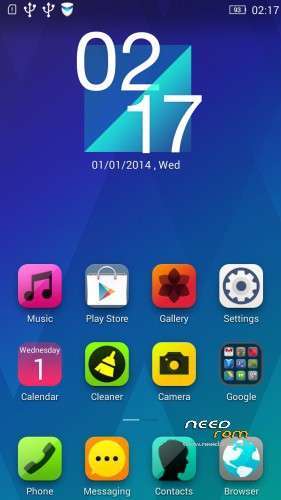
Rom for Lenovo P780
- base : Vibe UI 2.0 for P780
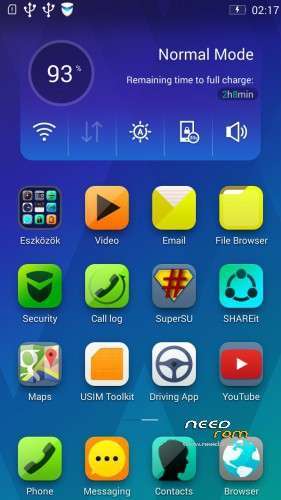
- Removed all unusable app
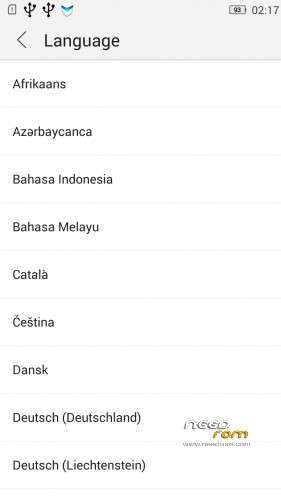
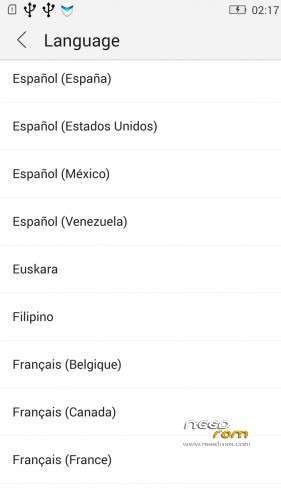
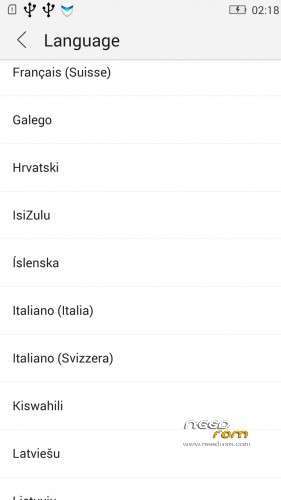
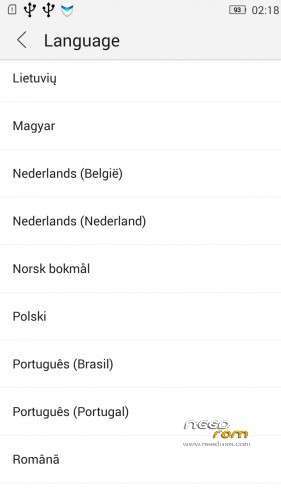
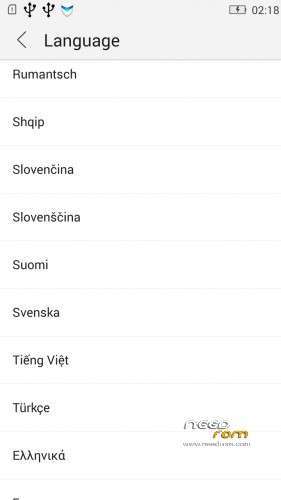
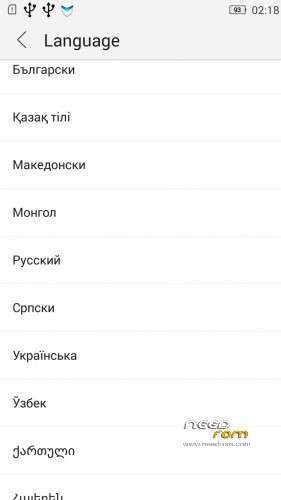
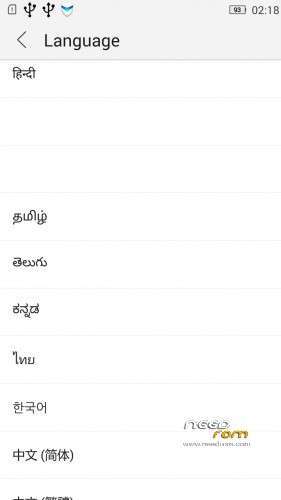
- Added about 70 languages
- The Weather app work as wordwide
Install ROM :
IF YOUR P780 MADE 03.2014 OR LATER THEN USE NEW_PRELOADER.ZIP FILE IN THE ROM!

- Unpack FlashTools, and Click on Flash_tool.exe
- Select the MT6589_Android_scatter.txt in ROM
- Wait file to be added into Flash Tool
- choose Option->USB Model,click USB Model
–> Choose Option->DA DownLoad All->Speed->High Speed, click High Speed
- choose DA DL All With Check Sum
- Turn off your phone, (push the red reset button)
- "Press F9 (hit Download button)" OR " if upgrade ROM Firmware->Upgrade "
- and connect your phone into the computer via USB data cable.
- The process will start and a red progress bar will appear after color purple, yellow, if no, then have to install the driver
- And green circles display
- Finish !
- You can now safely disconnect your phone and turn it on.
V2 : base is VIBEUI_V2.0_1435_5_DEV_P780_WC8E
- updated some languages
V3 : base is VIBEUI_V2.0_1439_7.10.1_DEV_P780_WCB
After the rom flash If get error(s) on the phone, then have to make a factory reset
- updated the russian language
V4 : base is VIBEUI_V2.0_1443_ST
V5 : base is VIBEUI_V2.0_1447_7.48.1_ST_P780_OLK_W_064D
- fixed some languages
V6: base is VIBEUI_V2.0_1503_7.141.1_ST_P780_OLK_W_855A
- changed only what the Lenovo builded to 1503 version
V7: base is VIBEUI_V2.0_1512_DEV_P780
- this is my last P780 rom…
If you like my job, do not forget donate me!
This ROM created by Android Lang Project http://www.androidlangproject.com/
※Please make a backup of your device before installing or updating ROM
why the supersu keep granting the permission of the power manager for every 5seconds?
Thnks you for P780_4.4.2_1503_VibeUI_2.0_V6. I have one suggestion about call handling, in Poland a phone number is 9-digit (i.e. 600 100 100) but some provider add a country prefix +48 and number looks like +48600100100. It is problem because number +48600100100 and 600100100, which is from the same contact is no recognize/assigne by the contact. So when I have saved contact number without prefix (+48) then I see only the incomming call number when a provider from the contact adds prefix.
In ideaFriend set Matching digits od number to 7, default is 11.
Based on Chinese firmware or ROW (Rest of the World) firmware?
¿Is the rom 1503 Multilang? Thanks!!!
yes
Thanks baralajbi…
Does the camera does not focus correctly in low light
No solution for this?
Hello. Please tell me how to set the caller foto was on full display screen? And is it possible to disable rounding photos in your contacts list? Thank you.
Yes please need this fullscreen caller photo option. Can you add an update option with recovery?
Does anyone also can not turn on wifi after the last update?
Any update for new ROM sir…
Please make new RROM 1517 with ROW modem.
viper4android not working
error busybox