
- Title: Lenovo P780 4.4.2 Vibe UI 2.0
- Listed: August, 2014
- Last modified: 02/18/2016 9:01 pm
- Version: Vibe UI 2.0 1512
You must be logged for ROM download.
175028 total views, 13 today
213 Total favorites
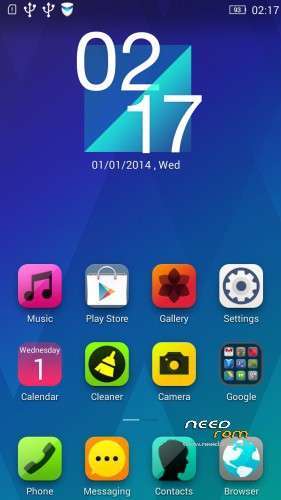
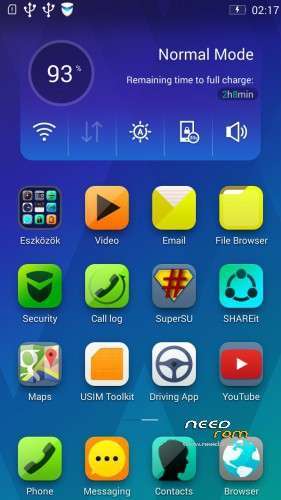
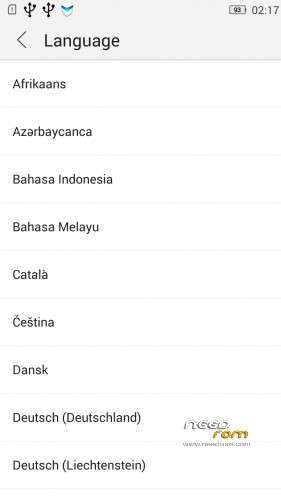
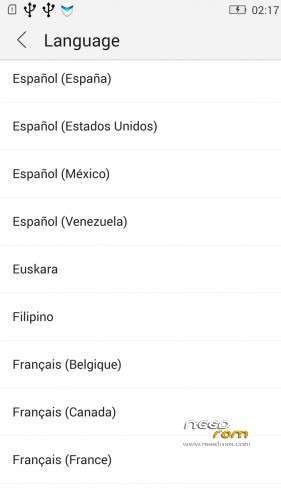

 Member Info
DESCRIPTION
Rom for Lenovo P780
- base : Vibe UI 2.0 for P780
- Removed all unusable app
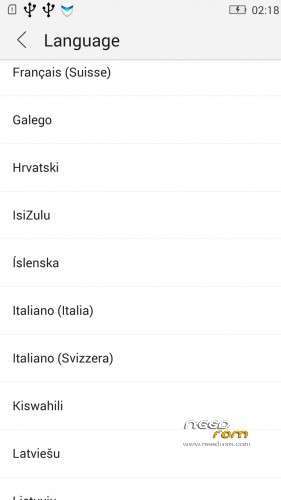
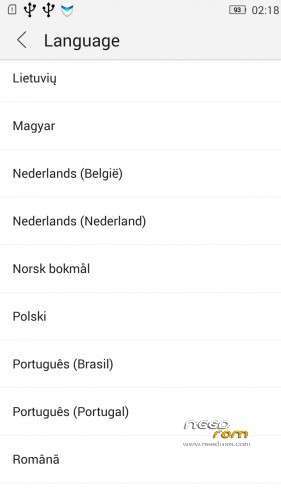
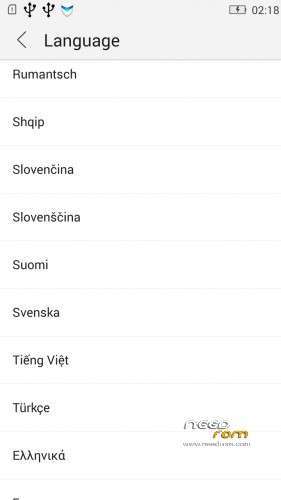
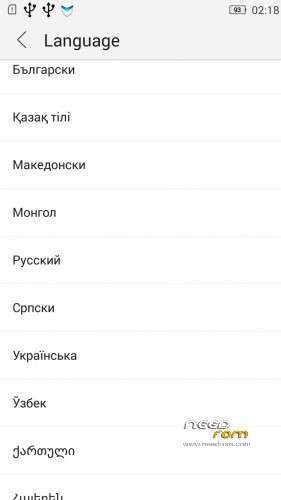
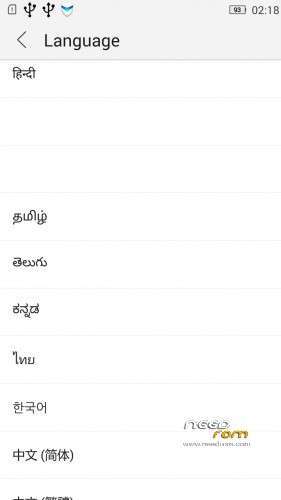
- Added about 70 languages
- The Weather app work as wordwide
Install ROM :
IF YOUR P780 MADE 03.2014 OR LATER THEN USE NEW_PRELOADER.ZIP FILE IN THE ROM!

- Unpack FlashTools, and Click on Flash_tool.exe
- Select the MT6589_Android_scatter.txt in ROM
- Wait file to be added into Flash Tool
- choose Option->USB Model,click USB Model
–> Choose Option->DA DownLoad All->Speed->High Speed, click High Speed
- choose DA DL All With Check Sum
- Turn off your phone, (push the red reset button)
- "Press F9 (hit Download button)" OR " if upgrade ROM Firmware->Upgrade "
- and connect your phone into the computer via USB data cable.
- The process will start and a red progress bar will appear after color purple, yellow, if no, then have to install the driver
- And green circles display
- Finish !
- You can now safely disconnect your phone and turn it on.
V2 : base is VIBEUI_V2.0_1435_5_DEV_P780_WC8E
- updated some languages
V3 : base is VIBEUI_V2.0_1439_7.10.1_DEV_P780_WCB
After the rom flash If get error(s) on the phone, then have to make a factory reset
- updated the russian language
V4 : base is VIBEUI_V2.0_1443_ST
V5 : base is VIBEUI_V2.0_1447_7.48.1_ST_P780_OLK_W_064D
- fixed some languages
V6: base is VIBEUI_V2.0_1503_7.141.1_ST_P780_OLK_W_855A
- changed only what the Lenovo builded to 1503 version
V7: base is VIBEUI_V2.0_1512_DEV_P780
- this is my last P780 rom…
If you like my job, do not forget donate me!
This ROM created by Android Lang Project http://www.androidlangproject.com/
※Please make a backup of your device before installing or updating ROM
CH, 4Gb, after 04.2014, V6 ROW
Have same problem like user stympy – can't make any recovery from Titanium Backup. On forum of Titanium Backup I learned that problem is in bad root, but I can't change default root that goes with ROW.
Also can't change my time zone from settings.
Hy
A big problem for me with this custom room is low volume on heasphones
Mobile uncle tools not change audio maxim level on headset, its possible change volume mtk for high volume sound on headset?? 4.4.2
on vibe 1.0 work change level audio on headset …:(
Thankyou very mouch if someoane know reselve my audio problem ! waiting opinions
install this zip file via recovery
https://yadi.sk/d/s-Ly1B2WdqF2.....8
Guys,
If someone is having a problem with Titanium Backup (not enough free space error) you need to launch SuperSU and UN-CHECK "Mount namespace separation" in the settings of the SuperSU.
For a signal issues you need to try different modem version.
Did you try it ? It is working ?
That's work. After you change parameter in SuperSU you need to reboot phone.
Thanks.
Please Sir, can you Teach me How To Repartition in Vibe UI 2.0..?? or ANY China ROM…
my phone 4 GB Version.
It is well known that the Lenovo P780 is a dual sim smartphone, so it does not make sence that a rom developer will build a complete rom for such a smartphone without checking or testing the dual sim issue. Sim2 is not detected by the phone. I contacted you twice without any reply from you. Then, I see you posting new threads the next day. Come on, man please help.
v6 low space to internal card after install 1gb apps
how to forced to install al ldata apps to external card ? or reparted internal card all to system?? with aroma reparted 0.2.2 not work
any one can help me in the problem of the Sim2 is not detected, please?
buddy change basband version. it should helps you.
It is slow to me!! skype, etc tend to take 5-7 seconds to open. any other having same experience?
@hussain.almarzooqi@gmail.com look on your private messages !
hi baralajbi,
The V6 version after installation does not recognize the sim (IMEI loss) does not go after mobileuncle imei restore. only if mtkdroidtools restores NVRAM. 2014.04 after device.