
- Title: Lenovo P780 4.4.2 Vibe UI 2.0
- Listed: August, 2014
- Last modified: 02/18/2016 9:01 pm
- Version: Vibe UI 2.0 1512
You must be logged for ROM download.
175027 total views, 12 today
213 Total favorites
 Member Info
DESCRIPTION
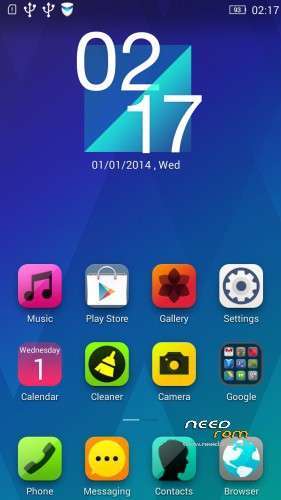
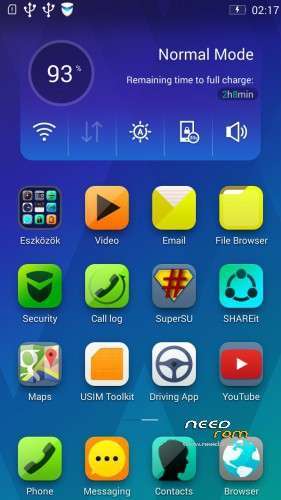
Rom for Lenovo P780
- base : Vibe UI 2.0 for P780
- Removed all unusable app
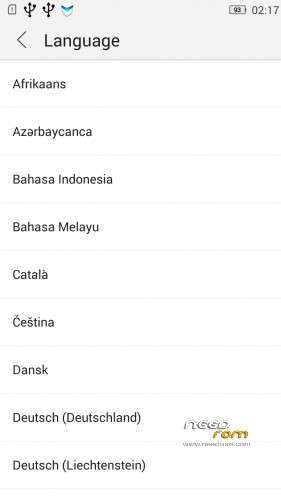
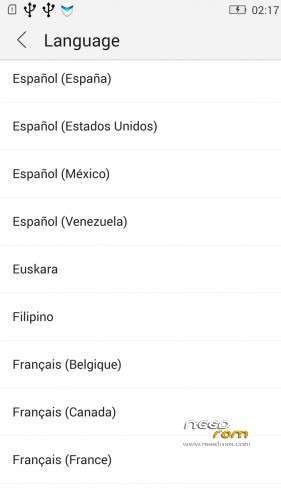
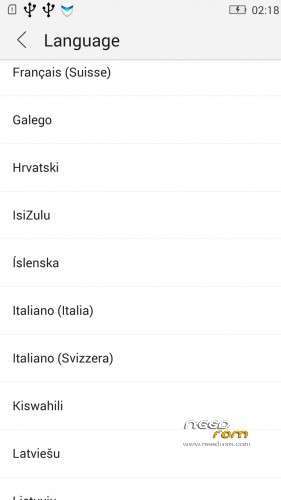
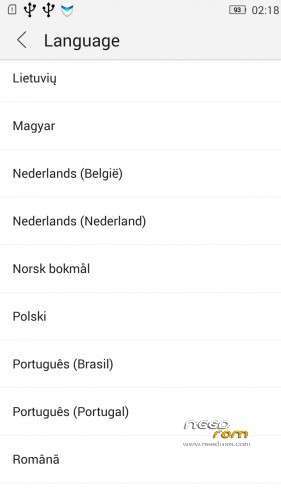
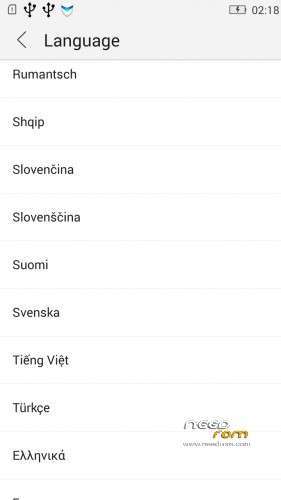
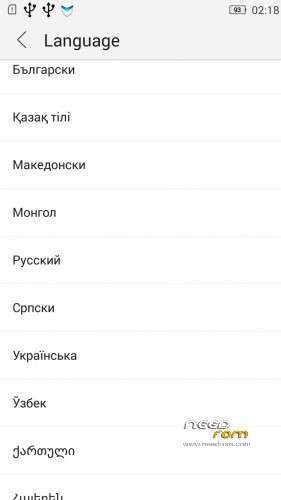
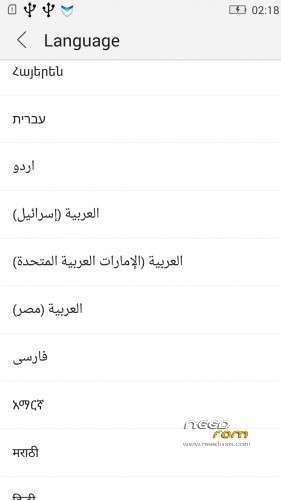
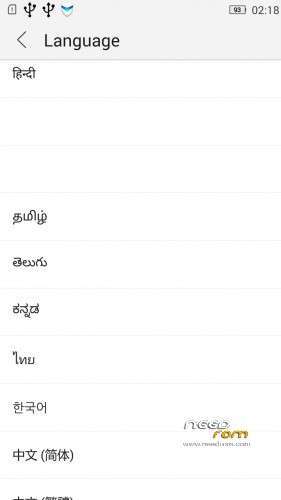
- Added about 70 languages
- The Weather app work as wordwide
Install ROM :
IF YOUR P780 MADE 03.2014 OR LATER THEN USE NEW_PRELOADER.ZIP FILE IN THE ROM!

- Unpack FlashTools, and Click on Flash_tool.exe
- Select the MT6589_Android_scatter.txt in ROM
- Wait file to be added into Flash Tool
- choose Option->USB Model,click USB Model
–> Choose Option->DA DownLoad All->Speed->High Speed, click High Speed
- choose DA DL All With Check Sum
- Turn off your phone, (push the red reset button)
- "Press F9 (hit Download button)" OR " if upgrade ROM Firmware->Upgrade "
- and connect your phone into the computer via USB data cable.
- The process will start and a red progress bar will appear after color purple, yellow, if no, then have to install the driver
- And green circles display
- Finish !
- You can now safely disconnect your phone and turn it on.
V2 : base is VIBEUI_V2.0_1435_5_DEV_P780_WC8E
- updated some languages
V3 : base is VIBEUI_V2.0_1439_7.10.1_DEV_P780_WCB
After the rom flash If get error(s) on the phone, then have to make a factory reset
- updated the russian language
V4 : base is VIBEUI_V2.0_1443_ST
V5 : base is VIBEUI_V2.0_1447_7.48.1_ST_P780_OLK_W_064D
- fixed some languages
V6: base is VIBEUI_V2.0_1503_7.141.1_ST_P780_OLK_W_855A
- changed only what the Lenovo builded to 1503 version
V7: base is VIBEUI_V2.0_1512_DEV_P780
- this is my last P780 rom…
If you like my job, do not forget donate me!
This ROM created by Android Lang Project http://www.androidlangproject.com/
※Please make a backup of your device before installing or updating ROM
Keys light not work. How can I fix it? What files in root derectory I need to change?
In 1503 and the previous update you cannot change 3g and 2g mode. It works only on 3g. There is no id recognition on the messages if you do not put the country code in the contacts and you lose the id in the calls if you put it. Also the data network many times crashes and i have no internet at all.
So, I got bricked!
I pushed download button, following the instructions above, then SPFT asked me not to download, just "Firmware -> Upgrade" to avoid data loss. And then I did it.
I saw a full set of colored bars, and a green circle at the end.
Now, phone does not boot, does not blink, does nothing. There is not a single button or combination of keys that makes it do something.
And to make matters worst, Windows cannot detect it connected to USB anymore due to error "Unknown USB Device (Device Descriptor Request Failed)", error code 43.
Any ideas baralajbi?
I got a fix from based in instructions from a russian site:
1 – copy the preloader_prada_cu.bin from New_Preloader1.zip over the preloader_prada_cu.bin in the ROM folder.
2 – Delete the Checksum.ini
3 – Press the the red reset button under the battery cover;
4 – Open SPFT and load the MT6589_Android_scatter_emmc.txt
5 – Check DA AL All With Check Sum
6 – Choose Option->DA DownLoad All->Speed->Do Not Switch Speed
7 – Push the Download button
8 – Connect the phone.
http://lenovo-forums.ru/topic/.....году/page-3
Hello,
Will You prepare new version of rom based on the newest build VIBEUI V2.0 1512 7.149.1 STABLE?
Can you please do an TWRP update for the last stable release of VIBEUI V2.0 1512 7.149.1 ?
Pleaseeee. Thanks !
guyw the weather app does not find my location does anybody have the same problem? and also i cant change modem with root browser
Hallo, no new version? THX
Fuzo
network singal problem 4.4.2….back to 4.2.2
change the modem versin to your region..
A new version of VIBEUI 2.0 official has been released. Will you update the custom rom?
New Rom or new Update please…
There is not mutch to update ! Use V6 with trust ! Just a minor update for VibeUI 2.0 1512.7.149 ST.
New Huan Jing theme resource updates
Lenovo repair Huan Jing theme default inconsistent weather plugin.