
- Title: Lenovo P780 4.4.2 Vibe UI 2.0
- Listed: August, 2014
- Last modified: 02/18/2016 9:01 pm
- Version: Vibe UI 2.0 1512
You must be logged for ROM download.
173246 total views, 8 today
213 Total favorites

 Member Info
DESCRIPTION
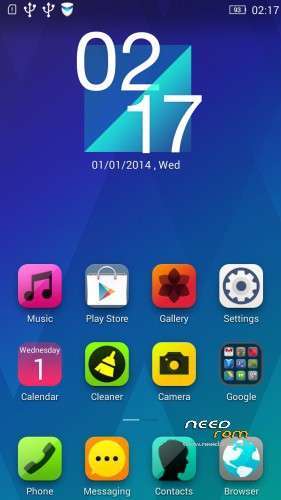
Rom for Lenovo P780
- base : Vibe UI 2.0 for P780
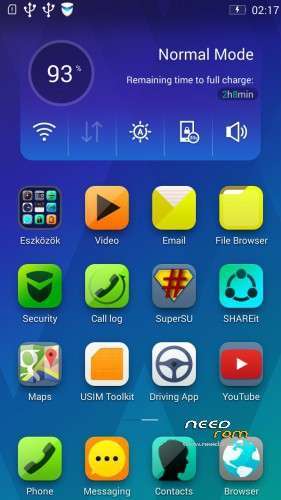
- Removed all unusable app
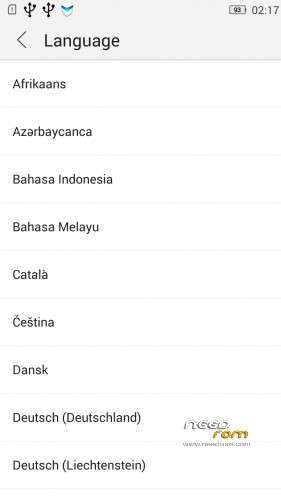
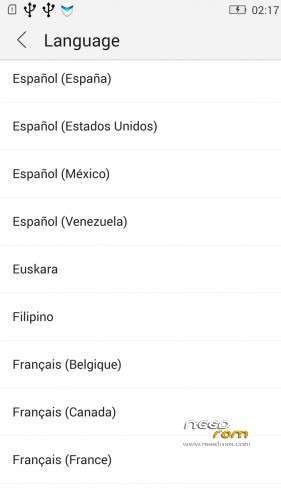
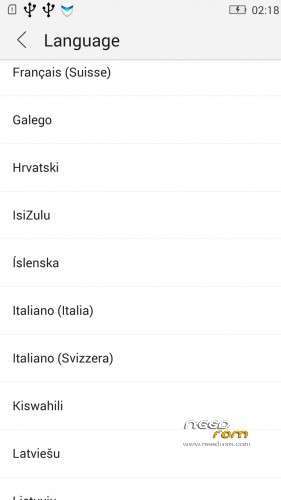
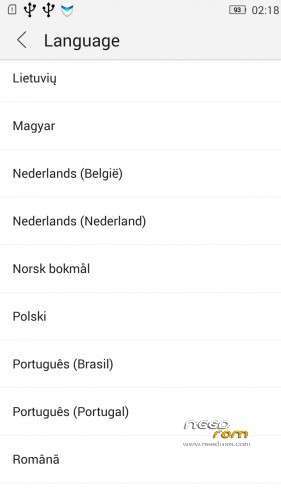
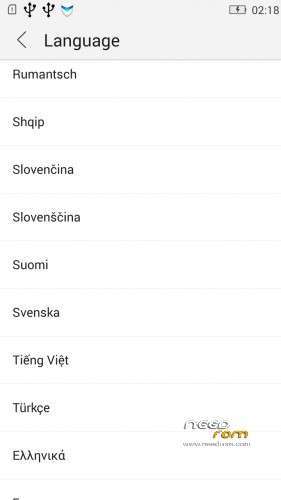
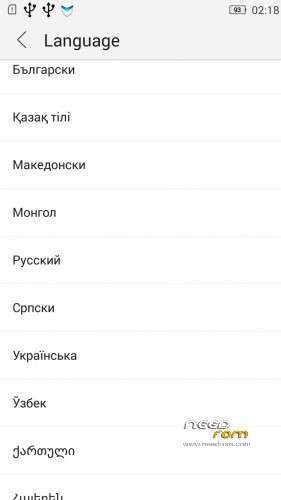
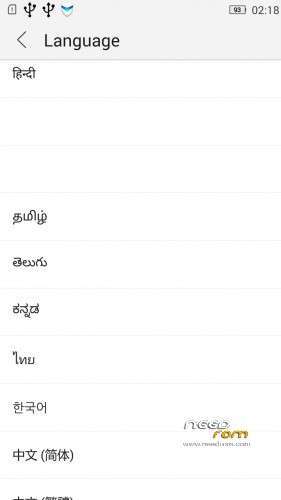
- Added about 70 languages
- The Weather app work as wordwide
Install ROM :
IF YOUR P780 MADE 03.2014 OR LATER THEN USE NEW_PRELOADER.ZIP FILE IN THE ROM!

- Unpack FlashTools, and Click on Flash_tool.exe
- Select the MT6589_Android_scatter.txt in ROM
- Wait file to be added into Flash Tool
- choose Option->USB Model,click USB Model
–> Choose Option->DA DownLoad All->Speed->High Speed, click High Speed
- choose DA DL All With Check Sum
- Turn off your phone, (push the red reset button)
- "Press F9 (hit Download button)" OR " if upgrade ROM Firmware->Upgrade "
- and connect your phone into the computer via USB data cable.
- The process will start and a red progress bar will appear after color purple, yellow, if no, then have to install the driver
- And green circles display
- Finish !
- You can now safely disconnect your phone and turn it on.
V2 : base is VIBEUI_V2.0_1435_5_DEV_P780_WC8E
- updated some languages
V3 : base is VIBEUI_V2.0_1439_7.10.1_DEV_P780_WCB
After the rom flash If get error(s) on the phone, then have to make a factory reset
- updated the russian language
V4 : base is VIBEUI_V2.0_1443_ST
V5 : base is VIBEUI_V2.0_1447_7.48.1_ST_P780_OLK_W_064D
- fixed some languages
V6: base is VIBEUI_V2.0_1503_7.141.1_ST_P780_OLK_W_855A
- changed only what the Lenovo builded to 1503 version
V7: base is VIBEUI_V2.0_1512_DEV_P780
- this is my last P780 rom…
If you like my job, do not forget donate me!
This ROM created by Android Lang Project http://www.androidlangproject.com/
※Please make a backup of your device before installing or updating ROM
Dear Sir,
how to install recovery update ( twrp/cwm). i already use many way but still not working.
TQ
Hi!
I use https://drive.google.com/file/.....iew?usp=sharing this twrp & working good.
Flash with sp flash tools, load the 1439 scatter file, check "DA DL All With Check Sum" and uncheck all "Preloader,MBR,EBR1 …." without recovery, click recovery and browse P780.twrp.china-based.img . Start downloading and press ok the Download warning.
can this be flash using twrp?
signal(2) poor..
Why contact manager crashes when I restore IMEI (mobileuncle or MTKDroidTools)? Anyone have the same problem? (Testing V4)
Thanks a lot!
hello,
when will the new version of 1445 ??
?
I have the same problem like tichac – InCallUI stopped working – so it´s not possible to end calls or get calls…
I´ll try V5 now and see what will happen…
last v5 version made my phone bricked. I think its for 8gb ram version
mine was broken too, after flash it is briked and when t try to flash i get S_FT_ENABLE_DRAM_FAIL error.
i used new preloader and now it is ok.
For all who can't install from CD Card. Just install system app remoover from google play, and uninstall Security app (its in "user app").
This version does not work with pebble