
- Title: Lenovo P780 4.4.2 Vibe UI 2.0
- Listed: August, 2014
- Last modified: 02/18/2016 9:01 pm
- Version: Vibe UI 2.0 1512
You must be logged for ROM download.
173242 total views, 4 today
213 Total favorites

 Member Info
DESCRIPTION
Rom for Lenovo P780
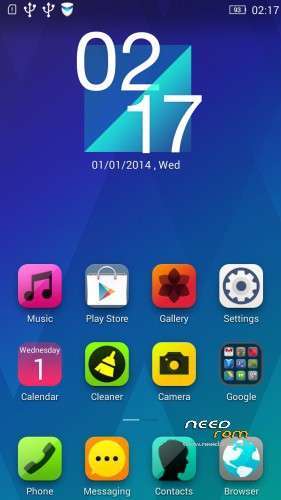
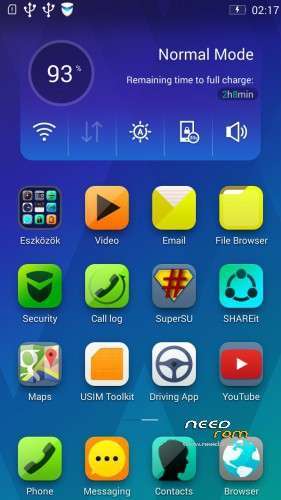
- base : Vibe UI 2.0 for P780
- Removed all unusable app
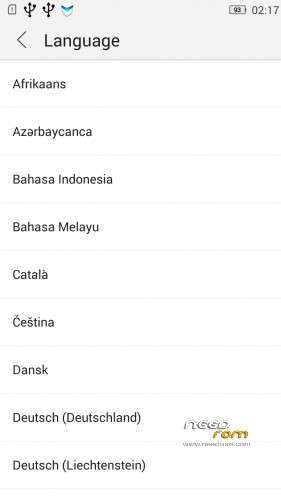
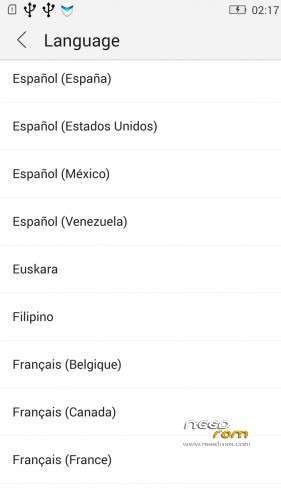
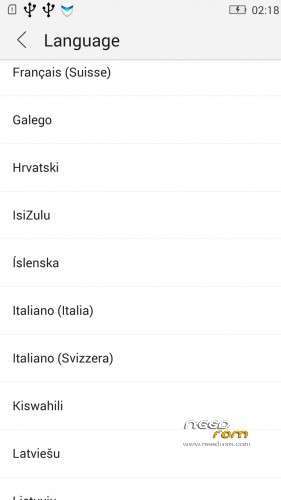
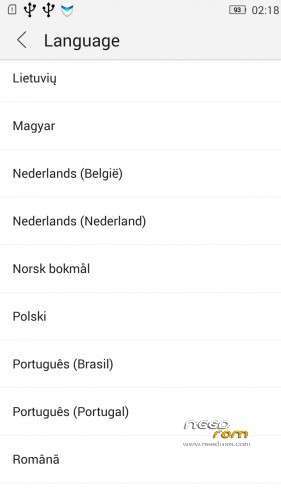
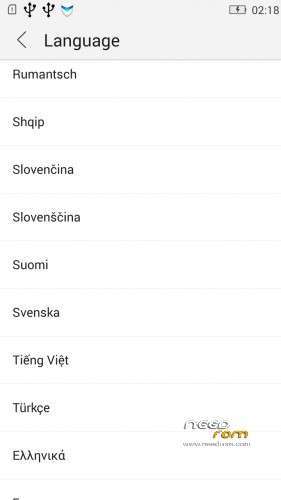
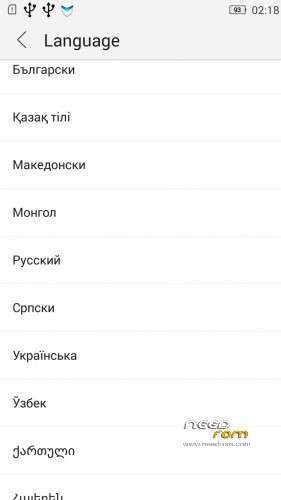
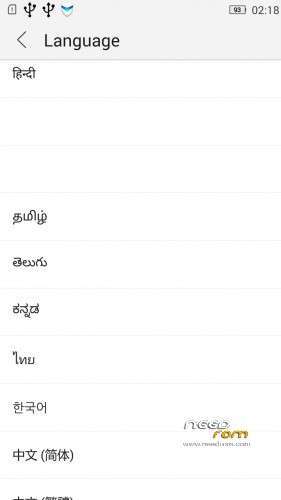
- Added about 70 languages
- The Weather app work as wordwide
Install ROM :
IF YOUR P780 MADE 03.2014 OR LATER THEN USE NEW_PRELOADER.ZIP FILE IN THE ROM!

- Unpack FlashTools, and Click on Flash_tool.exe
- Select the MT6589_Android_scatter.txt in ROM
- Wait file to be added into Flash Tool
- choose Option->USB Model,click USB Model
–> Choose Option->DA DownLoad All->Speed->High Speed, click High Speed
- choose DA DL All With Check Sum
- Turn off your phone, (push the red reset button)
- "Press F9 (hit Download button)" OR " if upgrade ROM Firmware->Upgrade "
- and connect your phone into the computer via USB data cable.
- The process will start and a red progress bar will appear after color purple, yellow, if no, then have to install the driver
- And green circles display
- Finish !
- You can now safely disconnect your phone and turn it on.
V2 : base is VIBEUI_V2.0_1435_5_DEV_P780_WC8E
- updated some languages
V3 : base is VIBEUI_V2.0_1439_7.10.1_DEV_P780_WCB
After the rom flash If get error(s) on the phone, then have to make a factory reset
- updated the russian language
V4 : base is VIBEUI_V2.0_1443_ST
V5 : base is VIBEUI_V2.0_1447_7.48.1_ST_P780_OLK_W_064D
- fixed some languages
V6: base is VIBEUI_V2.0_1503_7.141.1_ST_P780_OLK_W_855A
- changed only what the Lenovo builded to 1503 version
V7: base is VIBEUI_V2.0_1512_DEV_P780
- this is my last P780 rom…
If you like my job, do not forget donate me!
This ROM created by Android Lang Project http://www.androidlangproject.com/
※Please make a backup of your device before installing or updating ROM
отстой в кирпич превратился пришлось заливать заного
+++
Flashed on 8gb..working good…missing some functions from stock rom…otherthan dat okay…no bugs found yet
Keep up d good work
Hello, the rom is very good, but the flashlight was better earlier (in 1439).
Can I change it back?
Can i install this on 8gb row version? Or, this is only for china version.
Smart scene is not working on preffered time…have to do it manually…plz fix dat…thank u
i must be very noob at this… can someone tell me how to remove shortcuts from screen? in normal android i just tap and drag up and it tells me to remove it but in vibe ui i can´t do it.
Those are not shotcuts, but the progs. This launcher is so, that the progs are direct on the screen.
I have installed your V4 ROM. All are working fine for india. Thanks for updated ROM.
Is the latest version (1443 V4) also multilanguage and with GAPPS and rooted?
I flashed this rom ( 1443 V4 ) on two phones. It works good, but after one day on the first phone stopped working InCallUI, it's really big problem, because with this issue is enabled to call. Another day was the same problem with second phone. What can i do? Previous versions worked good.