
- Title: Lenovo P780 SLXROM
- Listed: November, 2013
- Last modified: 11/23/2013 1:45 am
- Version: ROM Android 4.2.1
You must be logged for ROM download.
40752 total views, 1 today
3 Total favorites

 Member Info
DESCRIPTION
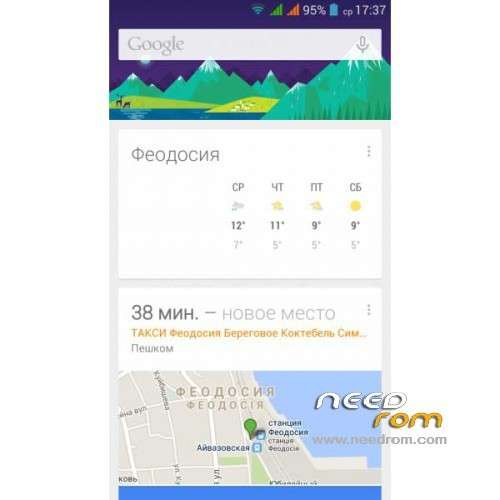
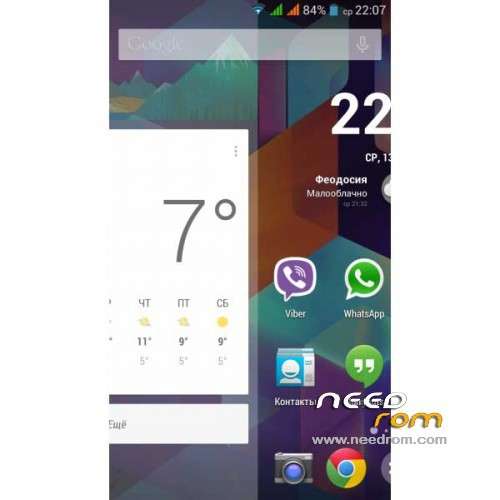
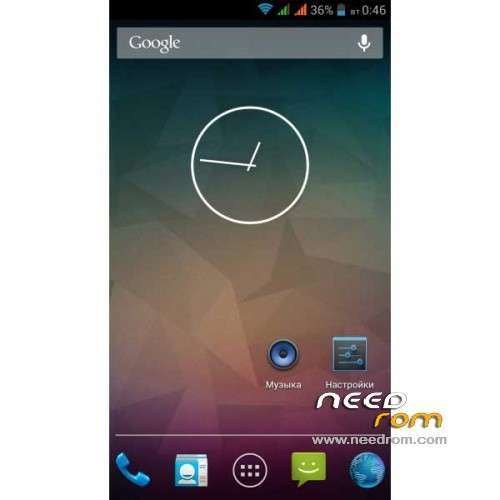
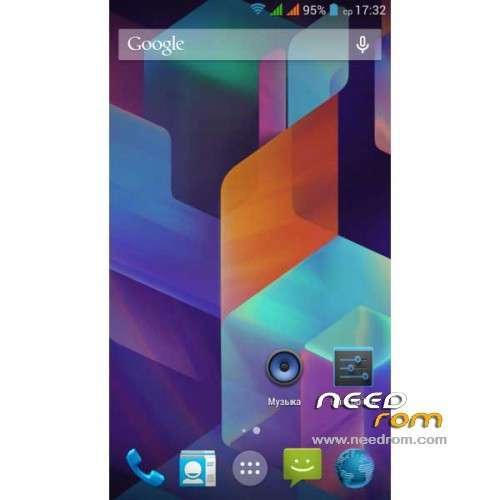
ROM Phone Lenovo P780 – ROM Android 4.2.1
ROM features :
- Root-law
- Root-Shell
- Busybox
- Support init.d scripts
- Updated Google Apps
- Removal of Chinese software
- APN Update
- Fixed mapping CallerID calls and messages
- Auto-hide report icons for empty slots for SIM cards
- No annoying message "SIM card is not inserted"
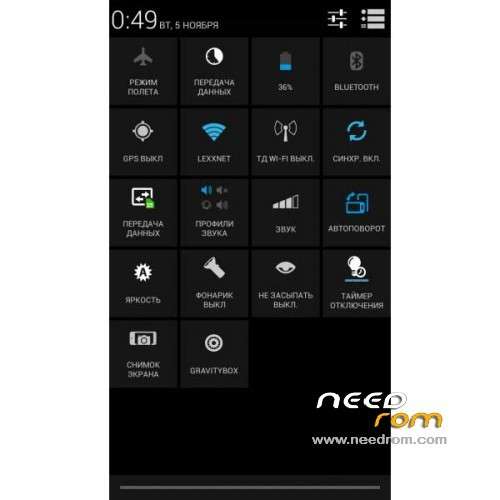
- Restart and recovery from the power menu
- Full Screen Photo Caller
- The names of contacts in a few lines
- Volume buttons control the cursor
- Reset button all the latest list of applications (long press HOME)
- Support for Internet calling (SIP)
- Engineering Mode is available from the developer Settings / Options
Gapps include – Rooted
Language support: Multilang
Thx SilentLexx on Forum Lenovo my friends russian
Install ROM :
CWM
Step 1: Download the custom ROM copied to an external SD card root directory
Step 2: the shutdown state. While holding down:
– Power button + volume button up, to enter the recovery mode.
– Wipe Data / Factory Reset -> delete all user data
Step 3: Return to recovery main interface Install zip from sdcard -> choose zip from sdcard -> Select your ROM
Step 4: Brush complete, restart the phone Patience required – first boot takes a while
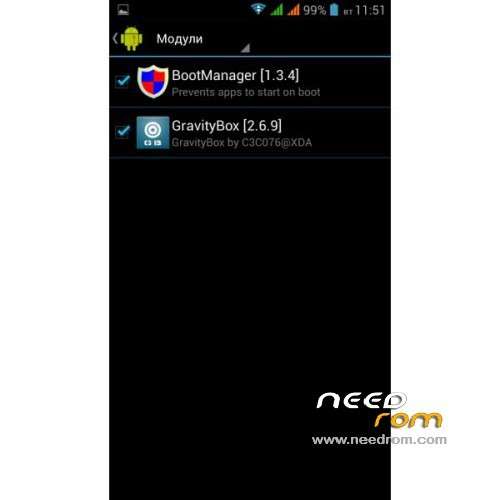
After installation, you need to go Xposed install , and click Install / Update. Modules and then put all the boxes. Restart the mobile
Others problems go on Forum
※Please make a backup of your device before installing or updating ROM
Hi, I install this rom and everything works very well !!
Thanks a lot
Hi gregm202,
Can you please explain me how you did this ? I don't really understand the steps.
Thanks,
Marc
hi!
its romanian language suported?
hotspot its working?
Yes Romanian language is on the list as I see. The hotspot function is working well.
Hi.i have a problem.twrp or cwm recovery don’t work.e:can’t mount /emmc.but sp tool is work.can you make rom for sp tool.i don’t like lenovo clasic rom.but i didn’t firmware download.
Gardaş sen derdini Çin sitelerinde ne arıyorsun? Türkiye'deki forumlara baksana
SP tool ile Life_v3 kuracaksın. Üstüne TWRP ile bunu kuracaksın.
Suport Greek language??
Hepsini yaptim.life v3 kurdum.üstüne ne kurmaya kalksam sistem çöküyor.can’t mount emmc hatasi aliyor.ne yaptiysam boş.sp tool ile kurulabilen 3 romuda denedim.farklı kactane cwm ve twrp denedim yok.kimse anlamıyor.
Life_v3'ün üzerine Rus tabanlı ROM'ları kurabilirsin. Çin tabanlı romları kuramazsın.
Life'i PC'den Flash tool ile, Rus tabanlı Diğer romları ise Life içinde gelen Recovery ile.
http://lenovo-forums.ru/forum/.....ideaphone-p780/
Bu linkteki romların neredeyse hepsi Life üzerine hatasız kuruluyor.
Rusça'dan ingilizce'ye Google ile çevirt, incele…
Hello,
what is the best english CWM version to use? can you please provide it?
thanks!
Good morning, did all procedure, but it only gets the boot GOOGLE, I waited over 30 minutes and did not initialize. what am I doing wrong??
installed but it does not start, is only google boot logo
same here, only google logo.
anyone can help?
Try to use CWM v6.0.1.5
download here: http://ulozto.cz/xMWPUqPv/reco.....-cwm-6-0-1-5-7z
it's work for me.
Hi,
I had the same problem with TWRP. I changed boot.img in SLXROM_v19-Lenovo_P780.zip file to the boot.img from P780_S135_130917_rooted_twrp_gapps.7z, Now it works.
for me too
installed but it does not start, is only google boot logo