
- Title: Lenovo P780 SLXROM
- Listed: November, 2013
- Last modified: 11/23/2013 1:45 am
- Version: ROM Android 4.2.1
You must be logged for ROM download.
40753 total views, 2 today
3 Total favorites


 Member Info
DESCRIPTION
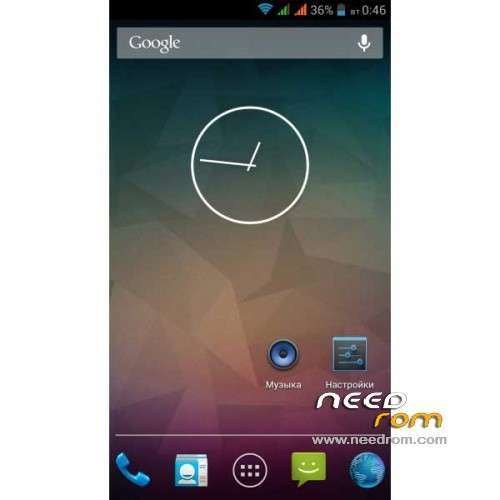
ROM Phone Lenovo P780 – ROM Android 4.2.1
ROM features :
- Root-law
- Root-Shell
- Busybox
- Support init.d scripts
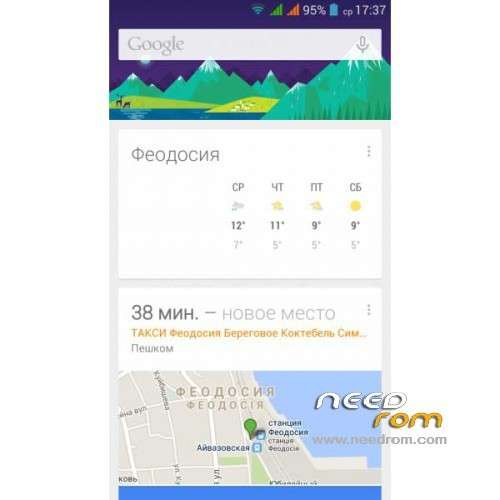
- Updated Google Apps
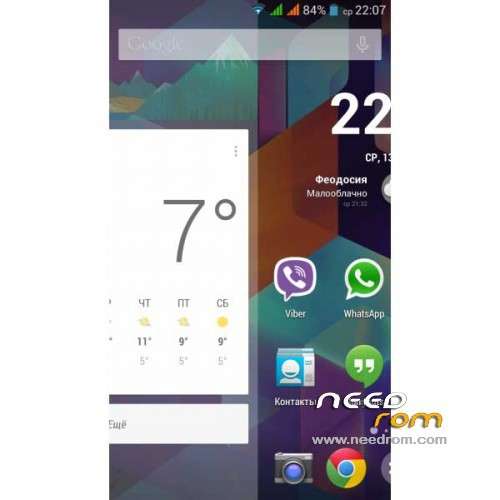
- Removal of Chinese software
- APN Update
- Fixed mapping CallerID calls and messages
- Auto-hide report icons for empty slots for SIM cards
- No annoying message "SIM card is not inserted"
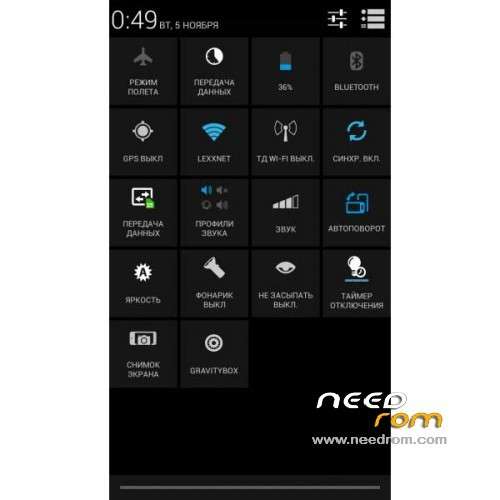
- Restart and recovery from the power menu
- Full Screen Photo Caller
- The names of contacts in a few lines
- Volume buttons control the cursor
- Reset button all the latest list of applications (long press HOME)
- Support for Internet calling (SIP)
- Engineering Mode is available from the developer Settings / Options
Gapps include – Rooted
Language support: Multilang
Thx SilentLexx on Forum Lenovo my friends russian
Install ROM :
CWM
Step 1: Download the custom ROM copied to an external SD card root directory
Step 2: the shutdown state. While holding down:
– Power button + volume button up, to enter the recovery mode.
– Wipe Data / Factory Reset -> delete all user data
Step 3: Return to recovery main interface Install zip from sdcard -> choose zip from sdcard -> Select your ROM
Step 4: Brush complete, restart the phone Patience required – first boot takes a while
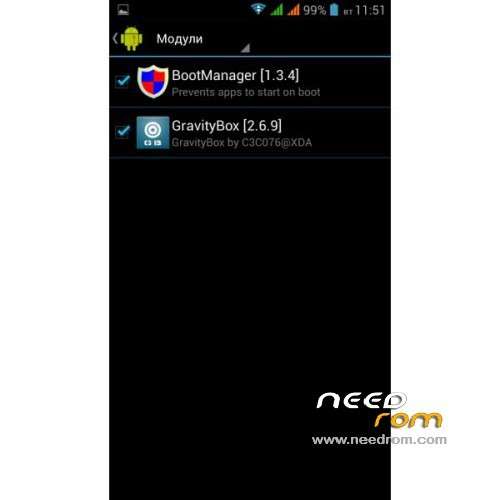
After installation, you need to go Xposed install , and click Install / Update. Modules and then put all the boxes. Restart the mobile
Others problems go on Forum
※Please make a backup of your device before installing or updating ROM
Syn nurettinozturk.Tamam sonunda başardım.sorun sd karttamı yoksa çin romları ile rus romlarinin sd kartı farkli bicimlendirmesindenmi anlamadim.çünkü daha önce life v3 üzerine kurmayi denedigimde olmamişti.simdi sd kartıda değistirerek yapabildim
some one, just a google boot logo. Please HELP!
I have a answer now:
Step 1: Download the custom ROM copied to an external SD card root directory
Step 2: the shutdown state. While holding down:
– Power button + volume button up and down , to enter the recovery mode.
– Wipe Data / Factory Reset -> delete all user data
– Wipe Cache Partition -> Wipe cache
Step 3: Return to recovery main interface Install zip from sdcard -> choose zip from sdcard -> Select your ROM
Step 4: Brush complete, restart the phone Patience required – first boot takes a while
how do i remove or hide "google search" bar on screen?
Hello,
I tried to update with CWM 6.0.2.6 but now my device doesn't start anymore. Do you know any help?
thanks!
Hi,
is arabic supported ?
thanks
…now it works fine! thank you!
did you mention this? http://www.reddit.com/r/Androi.....tory_dial_home/
?
Dear all, I'd appreciate your support to download this. Is there someone I can call ?
thanks,
Marc
Hi,
I could successfully install this ROM, but I always get an error message: "Unfortunately, Setup Wizard has stopped." Do you know any solution?
I had to wipe again, and now it works. I don't delete the comment, maybe it will help someone later.