Recommend
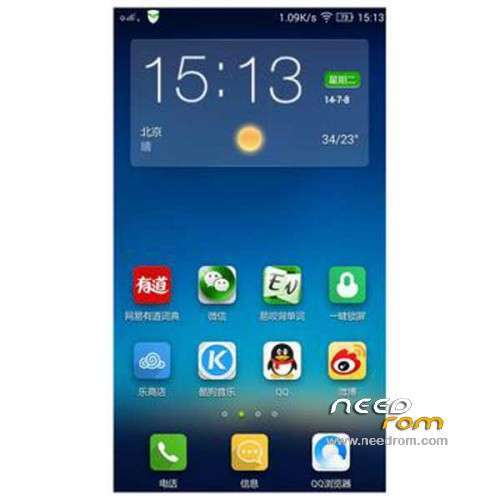
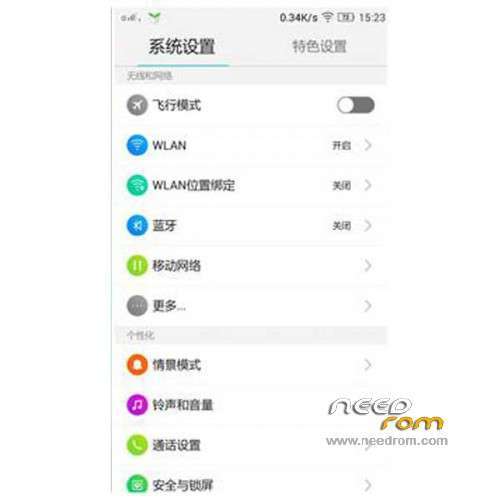
Add VIBEUI2.0 first public beta, a new visual experience
Add 14 performance, silky smooth experience more
Added a new visual style to give you an immersive experience alone show, enjoy the texture perfectly clear without borders
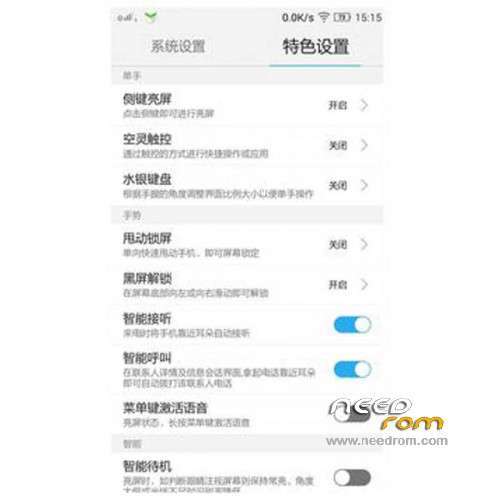
Add a number of innovative features, just to let you have a better experience
Lenovo contacts
New VIP unread messages automatically top, no longer miss important contact information
New intelligent packet attribution: Easy to understand the distribution of friends, where to have friends
New Show attribution Weather: Contact Details dropdown get other location the weather, always pay attention to the most important person in life
New information into the call: call can be edited again, sending information more humane
New secondary positioning tray drawer: Shortcut to find someone to locate, contact, not afraid more
Add eggplant to introduce fast pass a key replacement: import / export contacts get a key
New dial-up interface used to integrate Contact: Phone purest experience, integrated intelligent analysis of the most popular list, so find someone quickly and then quickly dial
Add New group added ungrouped contacts tab: Every time a new group should be checked in all contacts, needle in a haystack, now just relaxed a program, not grouped contacts at a glance
Added support links Contact: Contact Details link contacts to support rapid integration of connections
Lenovo Weather
New weather widget will change with the theme and switch between different styles
Added concise weather APP
New notification bar integration
Added support for the World Cup theme
New main application removal 3X2
Optimize the list of cities, adding urban interface
E-mail
New virtual mailbox name added to the mailing list
Add a new mail interface to read e-mail alerts of location
Music
Add new Lenovo account and open an account with Baidu
Add new features to achieve online songs, song single collection, offline playback
Add new GUI effects, gorgeous smooth sidebar, sliding menus, playback interface, such as moving the Leads efficiency
Video
Added suspended player: Video playback has been suspended, watching films correct operation; window readily scaled freedom
New Smart Sort: Breaking the bottleneck shuffling, sorting and more intelligent, more humane
Calendar
New festival throttle, holiday arrangements
New schedule reminders, birthday wishes
Added Gregorian lunar calendar, daily Taboo
File Butler
Added a new visual style
New Remote Management: Wireless connect computers, files freely management
Search
Added new UI interface
New fast search engine switch
Saving
New applications and optimization of power consumption data expansion
Add consuming application detection, anomaly monitoring processing
New import power saving engine functions (visual / computing / graphics power saving engine)
New UI simplifies the left menu bar, the new GUI style
Emergency power-saving optimization optimization
Topic Center
Added to enhance stability and performance
Add a new lock screen themes on-line
Add more lines on the wonderful theme album
Notification Center
Add new visual design and dynamic efficiency
New enhanced version of the application status bar integration, adaptive colorful black and white background APP
Add a Bluetooth device connection status that is significantly Tips
New view notifications, calendar events notification showing support
Add optimize application notification disabled, preferred operating experience
New UI / GUI performance is more consistent application notification message
Add new multitasking operating experience a new multi-tasking operating experience
Optimizing the layout and operation experience fast switching, independent brightness adjustment easier
Boot Wizard
Add a new page style gui
Add wlan set
New Lenovo ID, cloud service reference feature
Add a key replacement of old and new phone

 Member Info
FlashTool – https://yadi.sk/d/6rFQFHfMEphk.....5
TWRP – https://yadi.sk/d/cVU6stdvEuFF.....D
1. Run Flash_tool.exe and select MT6582_Android_scatter.txt.
2. Make sure you only have one check mark in RECOVERY and
untick "DA DL ALL With Check Sum".
3. Click "Download" and select Yes if warning message prompt out.
4. Now you should see the bottom status bar change from USB to Searching.
5. Connect your phone without battery to begin the flash process.
Done…
Thank you very much
I’m using the same files.
I forgot to remove battery :S
And, when unchecked DA.. . Thing it gives error. Have to check it.
Please add Indonesian language pack
good afternoon
please someone can help me with a rom for the s650 which includes the Spanish language. Thank you
where can I find gapps for this rom?
Gapss : http://goo.im/devs/BaNkS/GApps...../4.4.2
Did it work with gapps? Not any problem?
hi everyone, this rom is still in chinese right?
another quesiton, does it fix 'google play services not running' issue?
google play service working fine no issue
I’m using this file, no problem with play store. The name of the file is “5-22_GApps_Minimal_4.4.2_signed”
This rom is Chinese and English.
i'am using this rom for past three days. Everything works fine but battery drains fast. is there any settings for battery to withstand long.