
- Title: Lenovo S939 4.4.2 MultiLang
- Listed: May, 2014
- Last modified: 01/26/2015 4:48 pm
- Version: S939 S915 VIBEUI V1.5 1427
You must be logged for ROM download.
72760 total views, 7 today
13 Total favorites


 Member Info
DESCRIPTION
Description
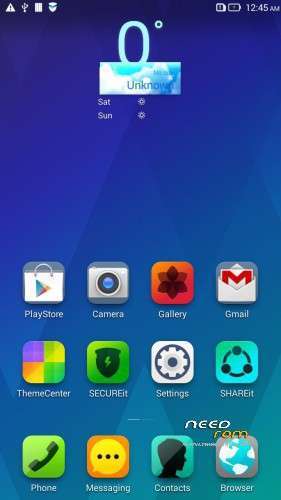
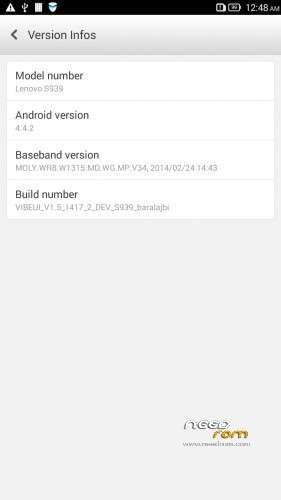
ROM for Lenovo S939 – Android 4.4.2
————————————————————————————————————————————————–
Official Lenovo S939 VIBEUI_V1.5_1417_2_DEV_S939_NK_W_B215
PLUS :
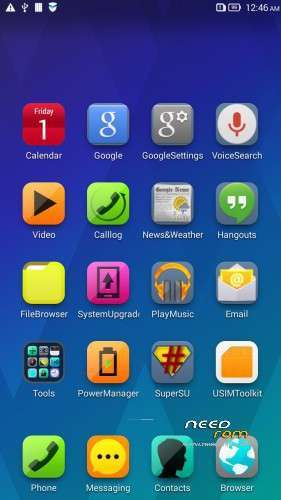
Gapps included
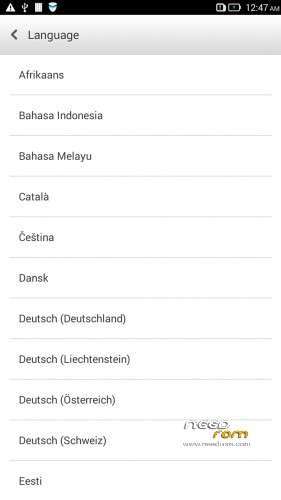
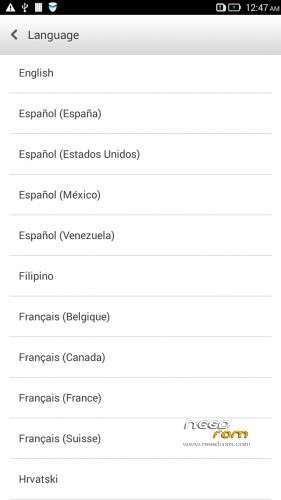
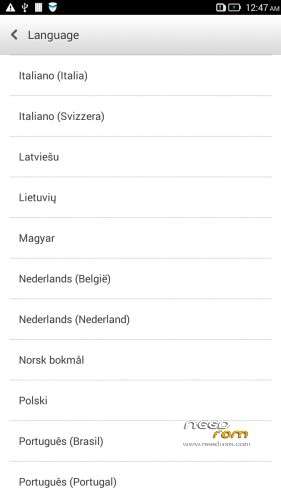
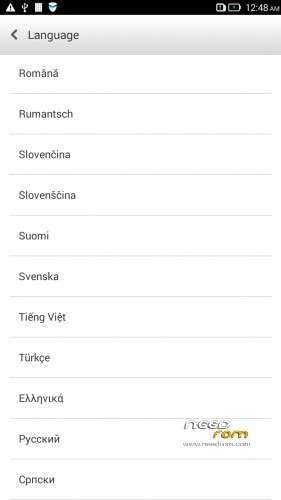
Language support: Multilang
This rom is rooted
Removed all unusable app
This ROM have original Lenovo recovery, but if you want I attached a CWM recovery for S939
V2 :
- Fixed front camera problem
- Fixed many Languages
V3 : (base : S939_S915_VIBEUI_V1.5_1427)
- the lenovo weather widget work with all city in the word
- Possible to remove some system applications. Just take your fingers on app, and click on the red ix, but the next factory reset the removed apps, again appear!
- Fixed many languages
V3 install :
- install CWM to phone
- copy the S939_S915_VIBEUI_V1.5_1427_baralajbi.zip to SD card
- Boot into run CWM
- install zip from SD with CWM
- If you want to root, then install SuperSu zip
V4: base is VIBEUI_V2.0_1501_7.5.1_DEV_S939_WC19
- VibeUI2.0 with many new features
Install ROM :
- Download FlashTools MediaTek SP Flash Tool V5.1348.0.100, and Click on Flash_tool.exe
- Select a the MT6592_Android_scatter.txt in ROM
- Wait file to be added into Flash Tool
- choose Options->Options>,Download>select DA DL All with Checksum
- Turn off your phone, remove the battery.
- "Press Download"
- and connect your phone into the computer via USB data cable.
- install the vcom driver if you don't do this before
- The process will start and a red progress bar will appear after, yellow, grey and green circles display
- Finish !
- You can now safely disconnect your phone and turn it on.
This ROM created by Android Language Project (http://www.androidlangproject.com/)
If you like my job, please donate me!
※Please make a backup of your device before installing or updating ROM
also it is not registering on any network any one please need help
thanks
thx bro great work ur tje king of roms
testing
nice bro
no network for both of the two sim cards ,,, urgent help required
hi, after i upgrade my lenovo s939 using your rom, the original lenovo camera app is gone and it is replaced with google camera, and it cannot focus, so my pix became blurry.
please help, tq
Hi,

I tried for a few days and seek no solution, therefore I would like to ask if anyone have such situation and got a solution.
Model: Lenovo S939
It was with android 4.2.2 which is the stock rom until I successfully flash it to android 4.4.2 which is the official VIBEUI_V2.0_1507_7.9.1_ST_S939_WC36 about two months ago.
I think I accidently deleted some apps in the phone(I was trying to clear personal contents) and now the phone cannot turn on at all. I am able to connect the phone to my PC using USB and have the driver for it. So I can use SP_Flash_Tool_v5.1524.00.000. I have stock roms S939_S129_140217 and S939_S126_140109 in scatter form.
I flash one of them using the SP tool, but when I finish downloading and reboot, it go back to android vibe UI v2.0, and all sort of system processes stopped continuously, I cannot access the phone at all.
Then I reboot and boot into recovery ( CWM 5 for S939, get from Needroom). I have quite some customs roms saved in my Sd cards which I got from needroom.com:
VIBEUI_V2.0_1501_7.5.1_DEV_S939_WC19.ZIP
VIBEUI_V2.0_1507_7.9.1_ST_S939_WC36.zip
Material_ROM_V3.zip
Loli_Dark_S939_FASTCHIP.zip
I try to flash every one of them, all of them say successful, but when reboot, I boot back to vibe UI 2.0 and all systems processes stopped continuously. I tried to patiently click “OK” and try to access the system setting to enable to USB debugging, but no success.
Have encounter such situation before and a solution of it? Appreciate any input.
additional info: I can't erase emmc in ori meta mode, it shutdown automatically when i click it.
Regards,
Lacer
thank you