
- Title: Lenovo S939 4.4.2 MultiLang
- Listed: May, 2014
- Last modified: 01/26/2015 4:48 pm
- Version: S939 S915 VIBEUI V1.5 1427
You must be logged for ROM download.
72759 total views, 6 today
13 Total favorites
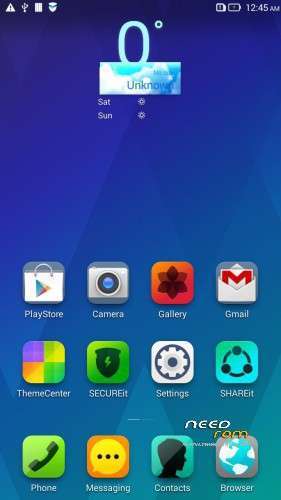
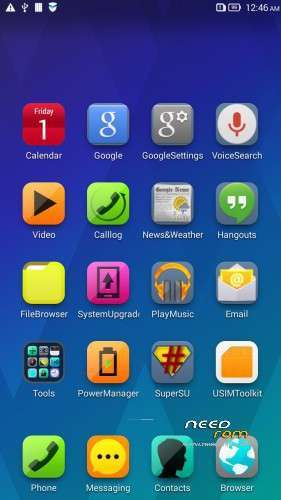
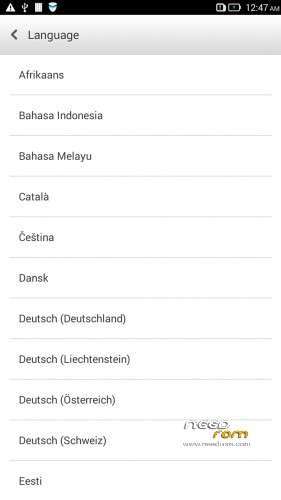
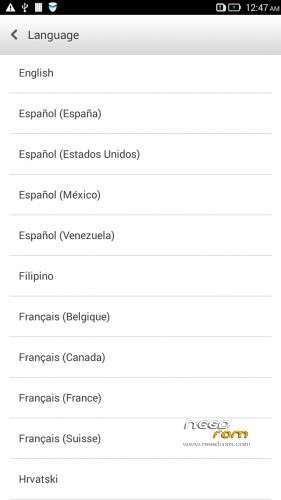


 Member Info
DESCRIPTION
Description
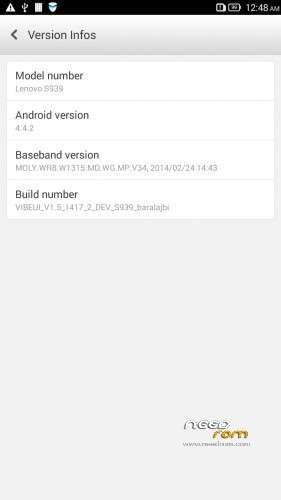
ROM for Lenovo S939 – Android 4.4.2
————————————————————————————————————————————————–
Official Lenovo S939 VIBEUI_V1.5_1417_2_DEV_S939_NK_W_B215
PLUS :
Gapps included
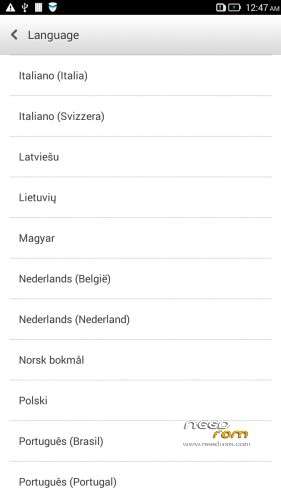
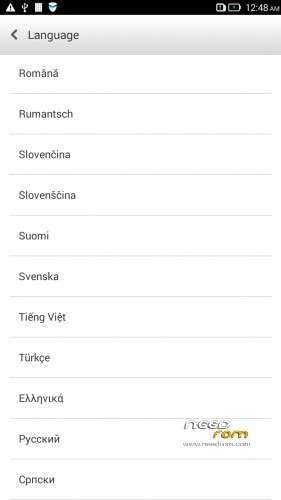
Language support: Multilang
This rom is rooted
Removed all unusable app
This ROM have original Lenovo recovery, but if you want I attached a CWM recovery for S939
V2 :
- Fixed front camera problem
- Fixed many Languages
V3 : (base : S939_S915_VIBEUI_V1.5_1427)
- the lenovo weather widget work with all city in the word
- Possible to remove some system applications. Just take your fingers on app, and click on the red ix, but the next factory reset the removed apps, again appear!
- Fixed many languages
V3 install :
- install CWM to phone
- copy the S939_S915_VIBEUI_V1.5_1427_baralajbi.zip to SD card
- Boot into run CWM
- install zip from SD with CWM
- If you want to root, then install SuperSu zip
V4: base is VIBEUI_V2.0_1501_7.5.1_DEV_S939_WC19
- VibeUI2.0 with many new features
Install ROM :
- Download FlashTools MediaTek SP Flash Tool V5.1348.0.100, and Click on Flash_tool.exe
- Select a the MT6592_Android_scatter.txt in ROM
- Wait file to be added into Flash Tool
- choose Options->Options>,Download>select DA DL All with Checksum
- Turn off your phone, remove the battery.
- "Press Download"
- and connect your phone into the computer via USB data cable.
- install the vcom driver if you don't do this before
- The process will start and a red progress bar will appear after, yellow, grey and green circles display
- Finish !
- You can now safely disconnect your phone and turn it on.
This ROM created by Android Language Project (http://www.androidlangproject.com/)
If you like my job, please donate me!
※Please make a backup of your device before installing or updating ROM
Official new version now S939-S910 VibeUI version: VIBEUI_V1.5_1421_DEV_S939 ( Developer version )
I hope you can make it support Gapps and multilang
please tell me what's wrong and how to cope. I do everything according to instructions, vcom_drivers installed, but the firmware does not start. Thank you.
Nice job baralajbi!
I have a question. Is there a way to add/modify APN? Somehow there are no menu items in Settings > Wireless controls > Mobile networks > Access Point Names..
Thanks,
lukas
Hello! Have some problem with contact manager in ROM 2. Its go down and do not work anyway. Only full reset can change it. What is the problem?
hi sir,
i do have a prob since i was very new with all this.. just bought this lenovo s939 china set cannot open the google play. so i want to install this v1417 into my phone.
i download all the file given and follow all the step but untill here and connect your phone into the computer via USB data cable. nothing happen. what could be the prob already install the pdanet usb driver but still there is nothing hapen. need some advise. thank you. in advance
Hi friends,
Do you know how to fix the front camera focus issue?
The front camera is not focusing in this ROM.
Thanks!
Exucuse me, I did exactly as you said but nothing happened!! The flashing doesn't wanna start. Will you plz tell me the steps in details? first, I installed everything you said about the phone. I chose scatter log, made sure checking DA, removed battery, clicked download, plugged the phone!! Nothing happned.. what am i doing wrong?
Is it possible to carry out the flashing via SD card?
Do I understand correctly, using a file CWM recovery for S939 I get on the phone firmware VIBEUI_V1.5_1417_2_DEV_S939_NK_W_B215_MultiLang_GAPPS_Root_baralajbi, or CWM recovery for S939 is a return to the factory settings? There is a Russian language?
admin can you make detail for install this rom… i cant understand,,,please