
- Title: Lenovo S939 4.4.2 MultiLang
- Listed: May, 2014
- Last modified: 01/26/2015 4:48 pm
- Version: S939 S915 VIBEUI V1.5 1427
You must be logged for ROM download.
72757 total views, 4 today
13 Total favorites
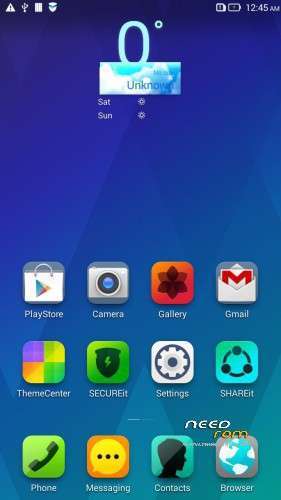
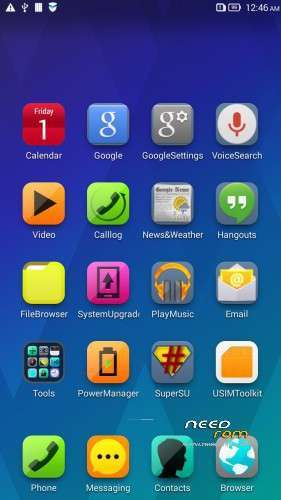
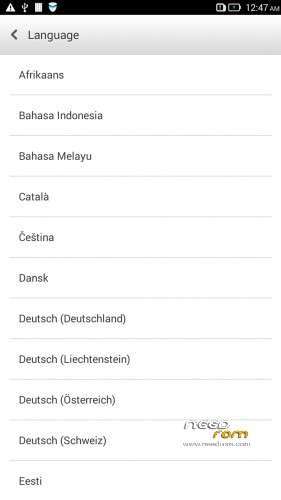
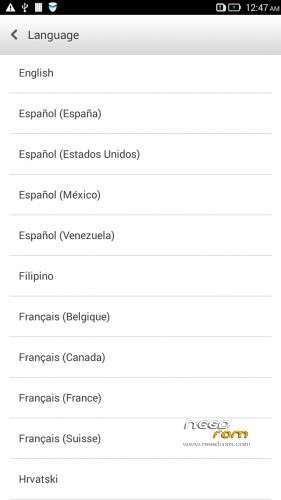


 Member Info
DESCRIPTION
Description
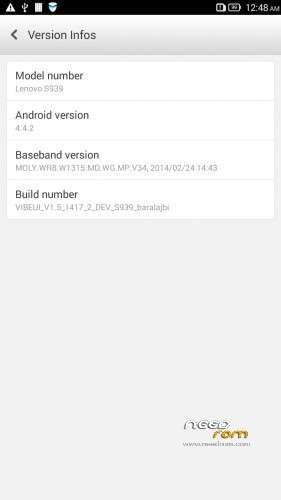
ROM for Lenovo S939 – Android 4.4.2
————————————————————————————————————————————————–
Official Lenovo S939 VIBEUI_V1.5_1417_2_DEV_S939_NK_W_B215
PLUS :
Gapps included
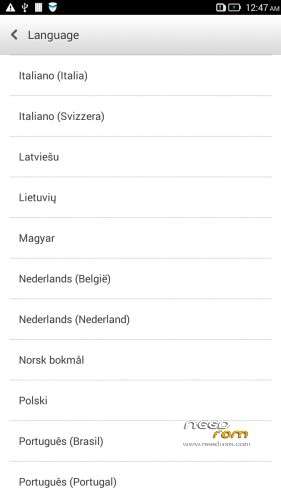
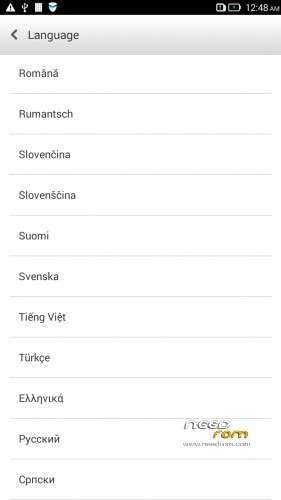
Language support: Multilang
This rom is rooted
Removed all unusable app
This ROM have original Lenovo recovery, but if you want I attached a CWM recovery for S939
V2 :
- Fixed front camera problem
- Fixed many Languages
V3 : (base : S939_S915_VIBEUI_V1.5_1427)
- the lenovo weather widget work with all city in the word
- Possible to remove some system applications. Just take your fingers on app, and click on the red ix, but the next factory reset the removed apps, again appear!
- Fixed many languages
V3 install :
- install CWM to phone
- copy the S939_S915_VIBEUI_V1.5_1427_baralajbi.zip to SD card
- Boot into run CWM
- install zip from SD with CWM
- If you want to root, then install SuperSu zip
V4: base is VIBEUI_V2.0_1501_7.5.1_DEV_S939_WC19
- VibeUI2.0 with many new features
Install ROM :
- Download FlashTools MediaTek SP Flash Tool V5.1348.0.100, and Click on Flash_tool.exe
- Select a the MT6592_Android_scatter.txt in ROM
- Wait file to be added into Flash Tool
- choose Options->Options>,Download>select DA DL All with Checksum
- Turn off your phone, remove the battery.
- "Press Download"
- and connect your phone into the computer via USB data cable.
- install the vcom driver if you don't do this before
- The process will start and a red progress bar will appear after, yellow, grey and green circles display
- Finish !
- You can now safely disconnect your phone and turn it on.
This ROM created by Android Language Project (http://www.androidlangproject.com/)
If you like my job, please donate me!
※Please make a backup of your device before installing or updating ROM
SP_Flash tools say no scatter file found. Where is it?
The last version for the CWM, not flashtool!
Yes work!
Hello baralajbi, plis help me,i'm facing some problems:
- Nothing happen after clicking download. what should i do? FYI, i've already followed all ur instruction well,word by word and step by step but still the percentage doesn't go up n the the screen doesn't indicates anything @ saying it is installing the new ROM..
same with me. have u figured it how?
bro i really newbie…. already update with ur previous version…. now im lost how to install the cwm… when i follow google… everytime i install cwm it will be back to lenovo recovery
request file update supersu v2.01..
when i try open SuperSu..it request to install update binary..after im update thru CWM or normal, it become no root
when i open again SuperSU, it keep ask update binary..
i want to know how to instal cwm recovery in lenove s939.
Please fix bug. Power consumption not working, and theme Centre can’t work apply some themes, notify “resources change failed” . Sorry bad English
bad translation the Russian by places it isn't translated, fix please
wifi problem…
OK ad…
Normal installer can't use, only can install from play store, please fix…tq
+1. Can not install apk files. Only play store use.