
- Title: lenovo S820 KITKAT 4.4.2 multi-lang+gapps
- Listed: September, 2014
- Last modified: 09/06/2014 3:44 am
- Version: kitkat 4.4.2 multi
You must be logged for ROM download.
80153 total views, 2 today
15 Total favorites
 Member Info
DESCRIPTION
6/9/2014 update v9 rom:
add reboot option in power menu
fix Nvram Warning Error 0×1 in wifi
fix Bluetooth issue (Some people had problems)
add CWM_v6.0.3.4_S820 recovery
update apps google
wallpaper => settings=>display=>wallpaper=>gidgat)
Call Recorder: During a call press the Menu button and record calls
screenshot = Shutdown button + volume down (Together)
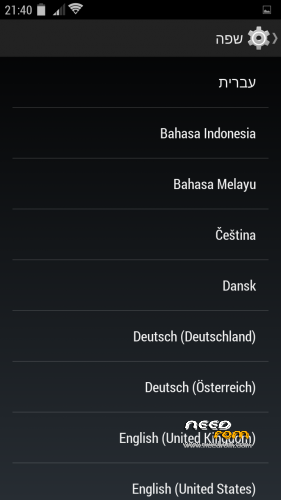
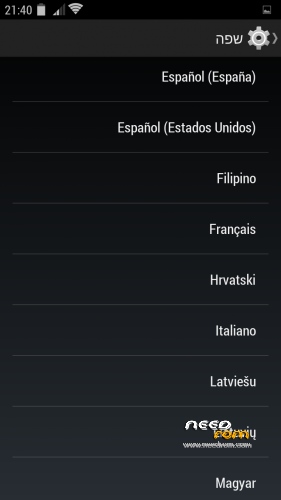
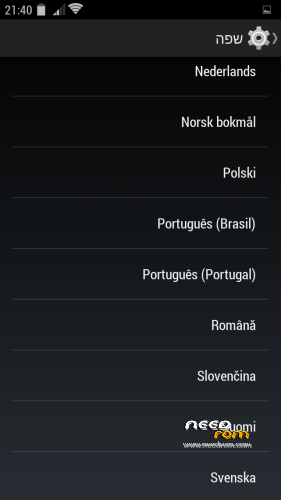
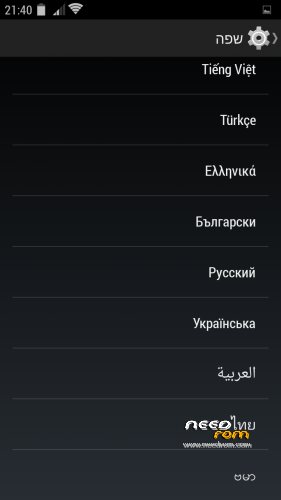
multi language: ALL language
רום לנובו s820 קיטקט 4.4.2 כולל עברית מלאה
how to install rom 2 step:
pre_install_rom_v9_sp_flash_tool.zip is update frimwork + install recovery add CWM_v6.0.3.4_S820 recovery) + install kernel kitkat 4.4.2, and more….
First back up your rom In case you need.. installation does not delete anything from external sd card
step 1:
dwonload the 2 file
yaaki_v9_lenovo_S820_KITKAT_4.4.2_rooted.zip
pre_install_rom_v9_sp_flash_tool.zip
copy yaaki_v9_lenovo_S820_KITKAT_4.4.2_rooted.zip to sd card
1. extract zip file pre_install_rom_v9_sp_flash_tool.zip in new folder in pc
2. remove usb from phone
3. open sp flash tool as administrator
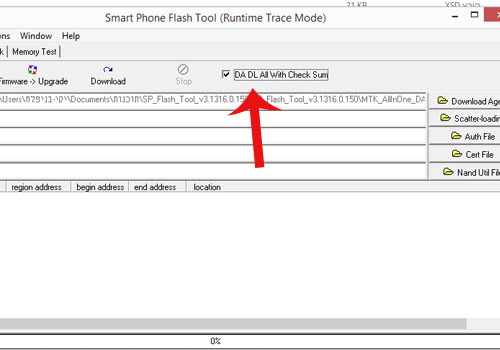
4. in sp flash tool mark DA DL All Witeh Check Sum
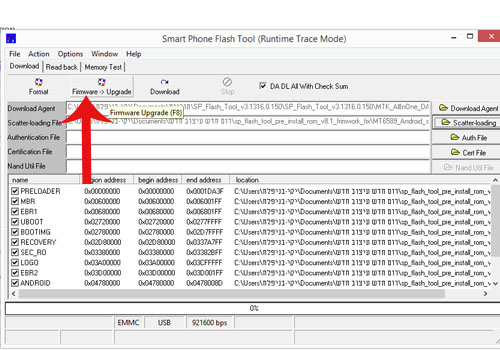
5. click scatter-loading and load => MT6589_Android_scatter_emmc.txt (load from pre_install_rom_v9_sp_flash_tool extract folder)

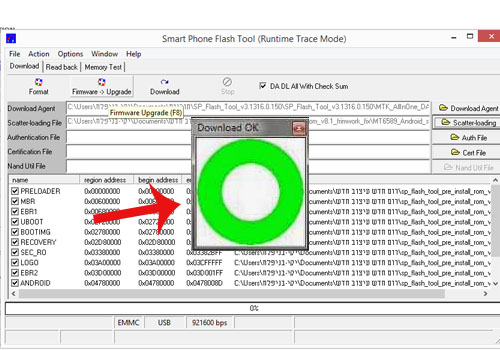
6. click => Frimware->Upgrade
7. conect usb to phone and flash begin
8. After the green circle Installation is complete
step 2:
boot to recovery mode button volume up + button volume down + button shut down
wipe data/factory reset => yes
wip cache partition => yes
advanced => wipe dalvik cache => yes
install zip => choose zip from sdcard => yaaki_v9_lenovo_S820_KITKAT_4.4.2_rooted.zip
after install complete go back => reboot system now => (important) disable recovery flash => no
First time boot take a minute or two until it go up
Tutorial fix IMEI
your imi number is on the box or Behind the battery

go to settings
about phone
on build number click 7 time untiil you get developer
go back => click developer options
mark usb debugging
opem mtk droid root & tool 2.5.3 as administrator
click root

pop up click yes

after YOU SEE —>>>> connect to davice <<<<——
click IMEI/NVRAM button

insert your IMEI number in IMEI 1 & IMEI 2
click Replace IMEI

pop up click yes
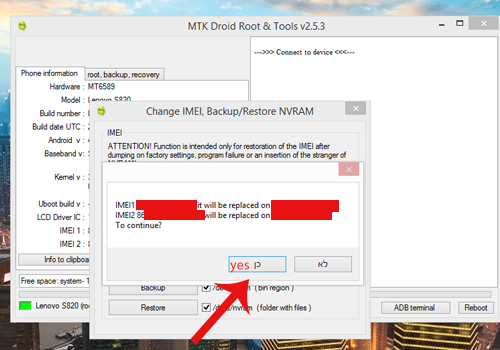
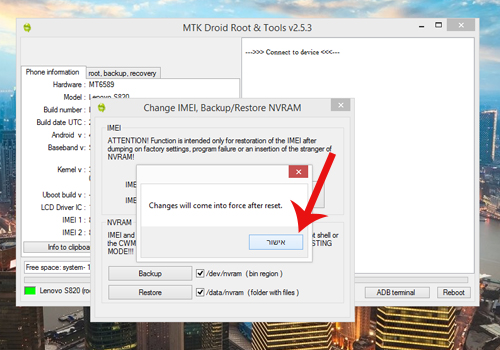
pop up click accept
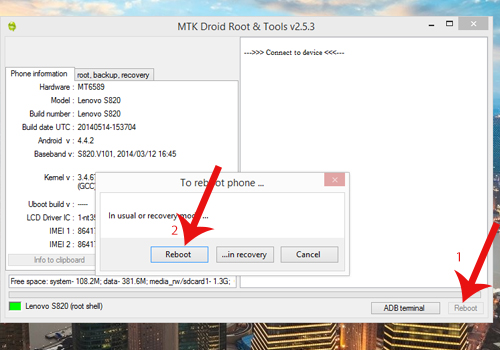
click button REBOOT(1) — pop up and click REBOOT(2)
the phone will reboot and you see the IMEI number
DONE imei
Tutorial how to add apn for internet from sim card:
http://www.phonebuff.com/2012/07/configure-apn-settings-for-android/
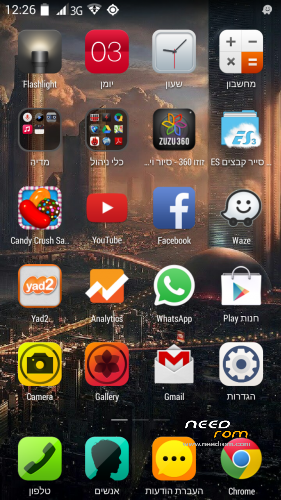
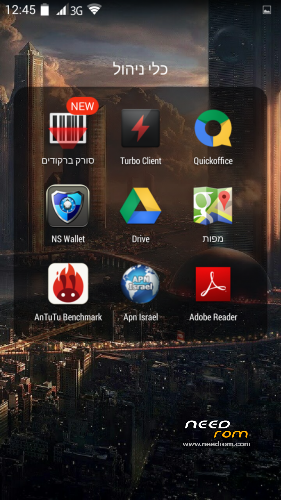
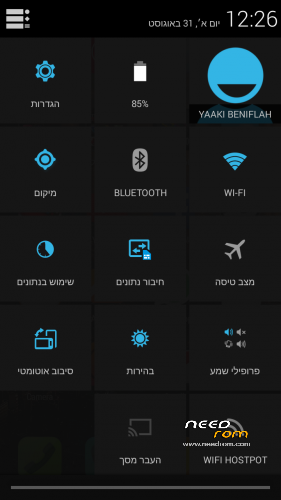
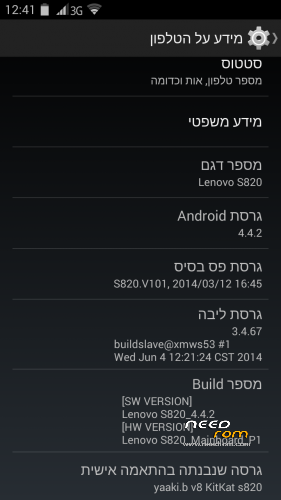
Lenovo s820 v8.1 Kitkat 4.4.2 Rom includes gapps + root
Based on an original lenovo rom row_221 rom and DinasNet aosp
※Please make a backup of your device before installing or updating ROM
extract the zip file 1. extrac zip file sp_flash_tool_pre_install_rom_v8.1_fix.zip to where?
I do not understand you do not see the guide with step by step pictures?
copy the rom v8.1to sd card
extract pre fix zip in pc and install wite sp flah tool
after you install pre fix install rom v8.1 zip from recovery
Hi Yaaki,
As I said yesterday I was coming back today to give you my feedback about the rom. Everything works smoth and I haven't had any system issue at all.
Only two things that I noticed:
1 – No rebbot option when pressing the turn on button (not really important)
2 – I CAN NOT add bluetooth devices to my phone. I got only one, which was the first one, and then I tried to connect another 3 different devices and they won't connect at all. They connect normally to another phones but not on my mobile. Is there any fix for this???
Thanks again for your help!
Cheers
i dont see any problem in bluetooth
i connect 2 davice samsung s2 + samsung s4
no problem
coloradopac i wont to send you a fix to try and test how can i send you
contact me in pravite
download new v9 6/9/14
look up
dwonload the 2 file
yaaki_v8.1_lenovo_S820_KITKAT_4.4.2_rooted.zip
sp_flash_tool_pre_install_rom_v8.1_fix.zip
copy yaaki_v8.1_lenovo_S820_KITKAT_4.4.2_rooted.zip to sd card
1. extrac zip file sp_flash_tool_pre_install_rom_v8.1_fix.zip <—- (extract to where?)
i had use SP flash tool V3.1332.0.1887 which i downloaded from another site (since I cant find sp_flash.exe from this site) and firmware upgrade using the files from the link above. (am I doing it right?)
and i dont understand the meaning of —> extract zip file sp_flash_tool_pre_install_rom_v8.1_fix.zip u stated above.
thank you and sorry.
extract = to open the zip file
you need program for open zip file
download this one
http://cdn.mirror.garr.it/sf/p...../9.20/7z920.exe
install this program
if you wont help download this file http://www.ammyy.com/en/
share a desktop pc to help you install rom
1. extrac zip file sp_flash_tool_pre_install_rom_v8.1_fix.zip <—- (extract to where?) – Extract in your desktop (anywhere that you can find )
)
2 – Run SP flash tool as administrator
3 – . in sp flash tool mark DA DL All Witeh Check Sum
Now follow the previous instructions given by Yaaki from step 5. The SCATTER file that you have to use (select) on SP Flash Tool is located INSIDE of the EXTRACTED file sp_flash_tool_pre_install_rom_v8.1_fix.zip.
I see i tought there is another file called fix in the zip file.
Yes. I had followed all yr steps from the beginning and my system stayed at Lenovo and does not boot into the UI.
My problem is still not solved. I had followed the steps directly from the pictures you posted above exactly.
if you wont help download this file http://www.ammyy.com/en/
share a desktop pc to help you install rom
i have downloaded it and another thing my phone is a ROW at the first place.
go to praive and send me your ip id in program
After i load sp_flash_tool_pre_install_rom_v8.1_fix whith SP Flash tool my pnoone i bricked,cant boot even in recovery.When i try to flash again with SP flash tool have error .Please HELP
i load a new fix file Please wait while
after you install sp_flash_tool_pre_install_rom_v8.1_fix from sp flash tool you need to reboot to recovery and install the rom v.8.1 rom zip from recovery
what u want me to screenshoot..?
the bluetooth detected by other device…but when i try send a file…its show a popup file cant send to s820 device…
and there is no popup to receive or reject…
sory for my bad english..
I cant repartion my internal storage with this
rom
I did not understand
http://lenovo-forums.ru/topic/.....BE%D0%B4%D1%83/
You are great Yaaki,
hope everyone appreciate all of your effort to maintain our telephones in good condition, useful and in most effective condition!
Thank you very much
This appreciate gives you power to do more
Thank you