
- Title: lenovo S820 KITKAT 4.4.2 multi-lang+gapps
- Listed: September, 2014
- Last modified: 09/06/2014 3:44 am
- Version: kitkat 4.4.2 multi
You must be logged for ROM download.
80153 total views, 2 today
15 Total favorites
 Member Info
DESCRIPTION
6/9/2014 update v9 rom:
add reboot option in power menu
fix Nvram Warning Error 0×1 in wifi
fix Bluetooth issue (Some people had problems)
add CWM_v6.0.3.4_S820 recovery
update apps google
wallpaper => settings=>display=>wallpaper=>gidgat)
Call Recorder: During a call press the Menu button and record calls
screenshot = Shutdown button + volume down (Together)
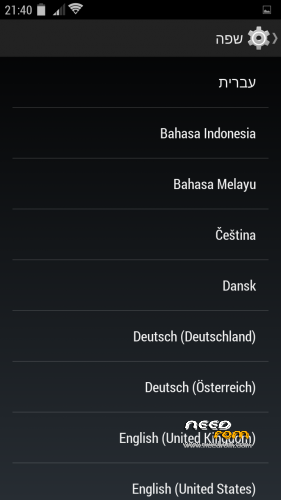
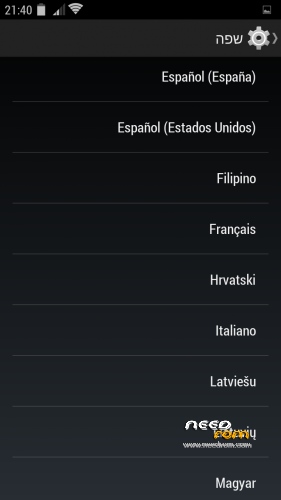
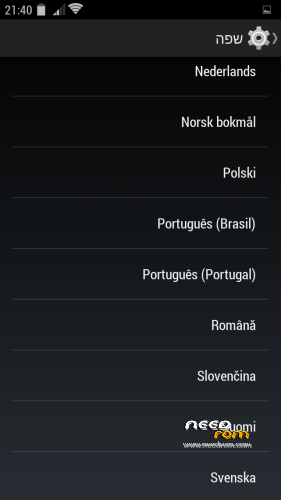
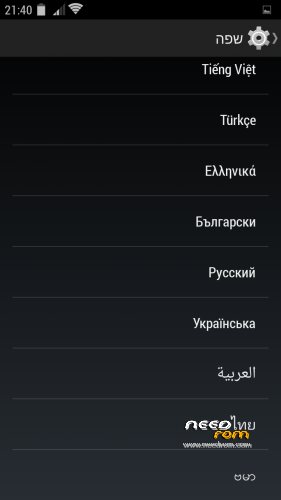
multi language: ALL language
רום לנובו s820 קיטקט 4.4.2 כולל עברית מלאה
how to install rom 2 step:
pre_install_rom_v9_sp_flash_tool.zip is update frimwork + install recovery add CWM_v6.0.3.4_S820 recovery) + install kernel kitkat 4.4.2, and more….
First back up your rom In case you need.. installation does not delete anything from external sd card
step 1:
dwonload the 2 file
yaaki_v9_lenovo_S820_KITKAT_4.4.2_rooted.zip
pre_install_rom_v9_sp_flash_tool.zip
copy yaaki_v9_lenovo_S820_KITKAT_4.4.2_rooted.zip to sd card
1. extract zip file pre_install_rom_v9_sp_flash_tool.zip in new folder in pc
2. remove usb from phone
3. open sp flash tool as administrator
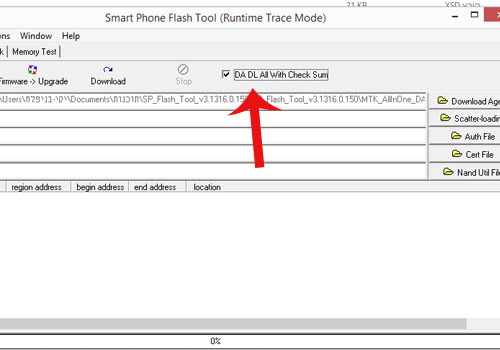
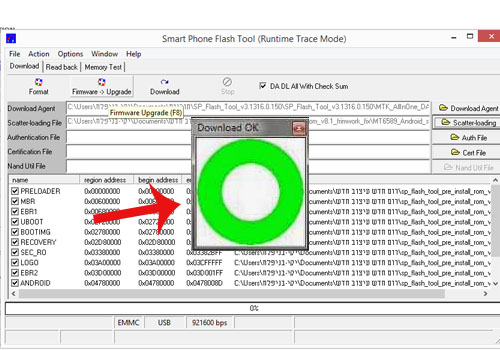
4. in sp flash tool mark DA DL All Witeh Check Sum
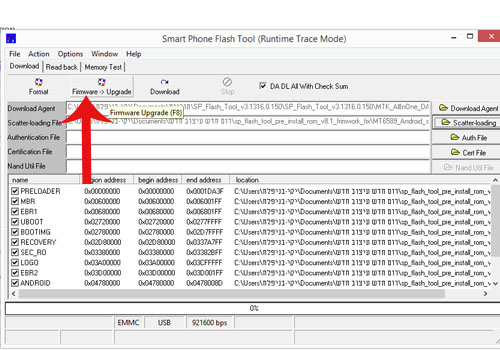
5. click scatter-loading and load => MT6589_Android_scatter_emmc.txt (load from pre_install_rom_v9_sp_flash_tool extract folder)

6. click => Frimware->Upgrade
7. conect usb to phone and flash begin
8. After the green circle Installation is complete
step 2:
boot to recovery mode button volume up + button volume down + button shut down
wipe data/factory reset => yes
wip cache partition => yes
advanced => wipe dalvik cache => yes
install zip => choose zip from sdcard => yaaki_v9_lenovo_S820_KITKAT_4.4.2_rooted.zip
after install complete go back => reboot system now => (important) disable recovery flash => no
First time boot take a minute or two until it go up
Tutorial fix IMEI
your imi number is on the box or Behind the battery

go to settings
about phone
on build number click 7 time untiil you get developer
go back => click developer options
mark usb debugging
opem mtk droid root & tool 2.5.3 as administrator
click root

pop up click yes

after YOU SEE —>>>> connect to davice <<<<——
click IMEI/NVRAM button

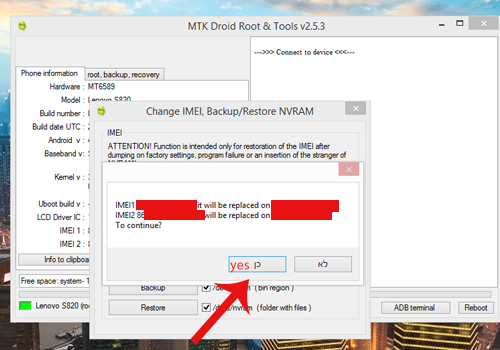
insert your IMEI number in IMEI 1 & IMEI 2
click Replace IMEI

pop up click yes
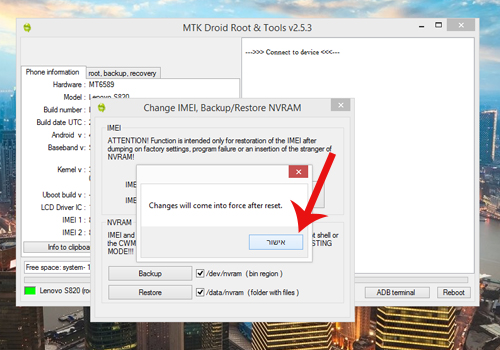
pop up click accept
click button REBOOT(1) — pop up and click REBOOT(2)
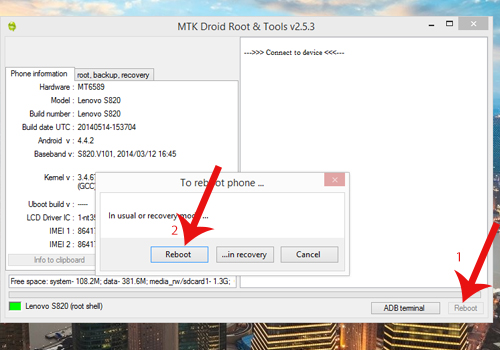
the phone will reboot and you see the IMEI number
DONE imei
Tutorial how to add apn for internet from sim card:
http://www.phonebuff.com/2012/07/configure-apn-settings-for-android/
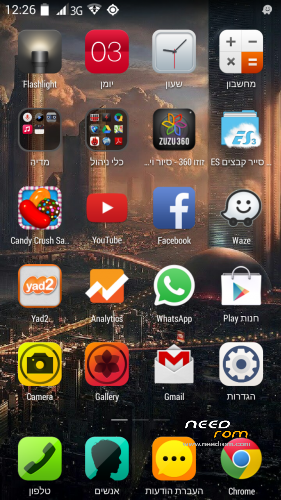
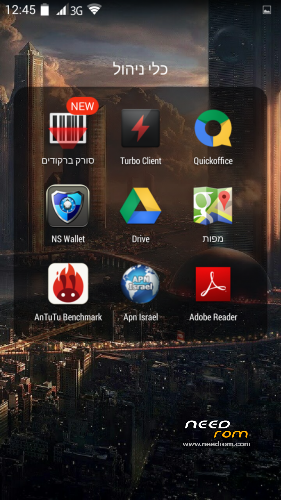
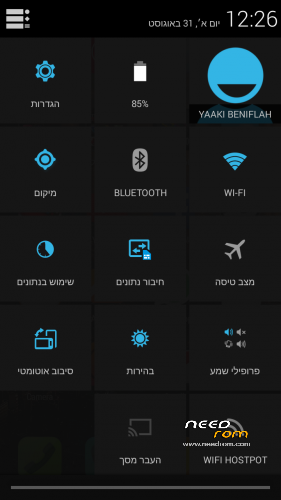
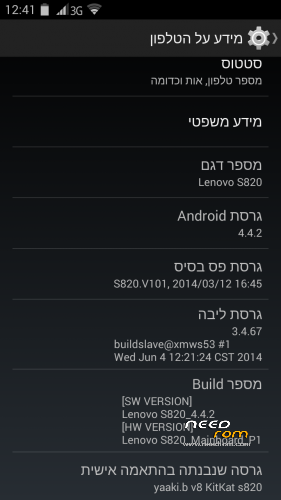
Lenovo s820 v8.1 Kitkat 4.4.2 Rom includes gapps + root
Based on an original lenovo rom row_221 rom and DinasNet aosp
※Please make a backup of your device before installing or updating ROM
hello,
s820 being used in uk and want to use in english. will a upgrading the rom etc give the option to set english as the root language?
this rom It has all languages including english uk root language
When installing you could choose which language you want
Hello Yaaki,
your V9 ROM is very smooth, thanks for the update. Bluetooth is working much better now.
Are you panning to make the notification LED work, in a further update?
Please download version v9 again, I uploaded again Now i fix some new important stuff
Meanwhile there is no solution for led
Thanks a lot, hope you continue the good job!
Thank you
I appreciate you very much
LED notifications do not work
My phone wont boot after firmware upgrade. I'm using Lenovo S820 ROW 8GB, is that the problem?
after firmware upgrade you need to install my rom from recovery
Great job Yaaki !
Thank you very much.
Would be much better with an "unlock with side buttons" option and the notification light,
But still an Exelent job by Yaaki.
is this rom rooted? I installed but rootchecker says it is not rooted…
this rom is rooted
Probably You not followed the guide
after install complete go back => reboot system now => (important) disable recovery flash => no
I'm sure you click yes it disable the root recovery
May I choose oe of the choices that ysays "no" in that option?
if you choose yes this disable root If you want to root in rom choose no
reboot system now
Should choose no
No matter which one
no
no
no
no
no
no
no
yes disable recovery flash
no
no
no
no
no
OK thanks, I made it. it is now rooted. I'm using your rom now. I'll write my impressions here. Thanks for your answers and also for your work..