
- Title: Lite ROM 2.0
- Listed: June, 2015
- Last modified: 07/21/2015 2:53 pm
- Version: multilanguage
You must be logged for ROM download.
33385 total views, 2 today
9 Total favorites
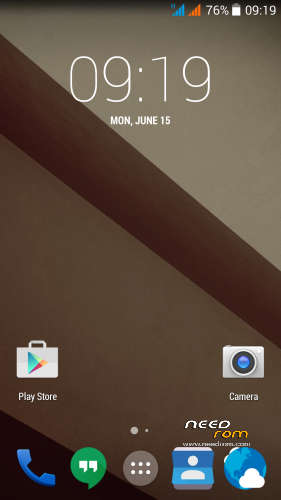
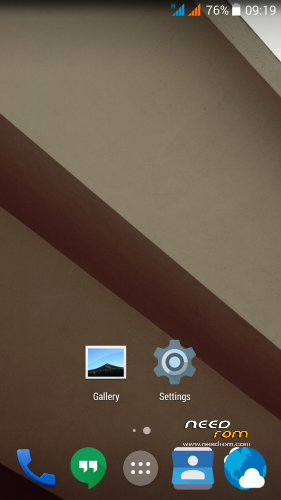
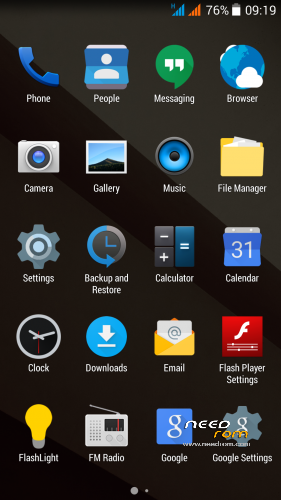
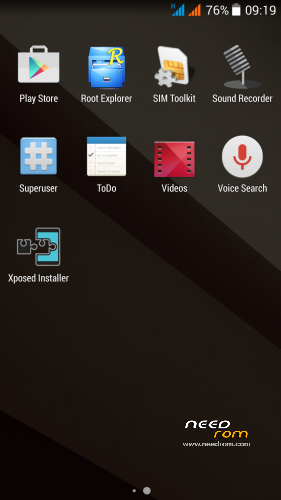

 Member Info
DESCRIPTION
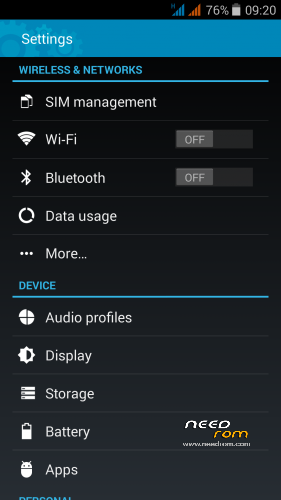
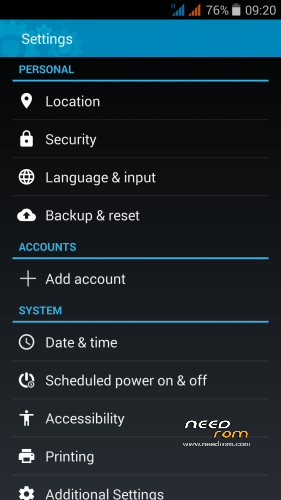
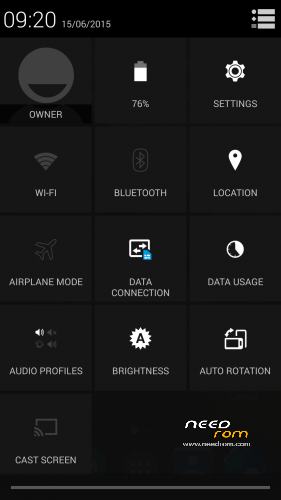
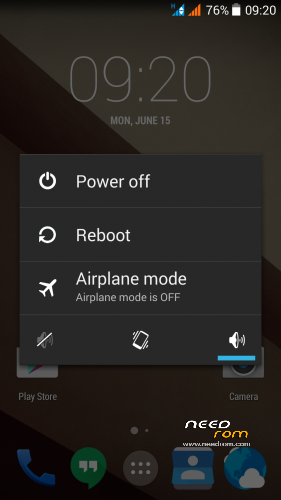
THL 5000 Lite ROM 2.0 - all Lite ROMs are very fast and smooth, there is no lagg of any kind, works perfect, fast and smooth.
This is the next ROM from excellent ukrainian author Dimid/iv2012 (see below this post and please donate him on WebMoney, if you have an account there). It's a pity that Dimid hasn't Paypal. ROM advantages are: pure Android, small size, simplicity, speed and low battery consumption. ROM is ROOTed, GAPPS are included, OTG works. Dimid gave me permission to upload ROM here. I prepared a little bit modified version where removes residual cyrillic, added missing translates and made a few small changes. I'm excited from this ROM - I have installed Gravity Box through which I set what I need.
Languages: Multilanguage
Installation: (as usually from TWRP)
1 – save the ROM file Lite_v2_Odex_2.zip on the SD card
2 – jump to TWRP recovery, if you haven't it, install it (installation instructions are here, sorry in slovak language only,use Google translator): http://androidforum.cz/twrp-2-7-1-0-root-pre-thl-5000-t57731.html
3 – click Wipe and select items: Dalvik Cache, System, Cache, Data, Int.SDcard (optional) and Android Secure, then click Swipe to Wipe
4 – click on Install, choose ROM file Lite_v2_Odex_2.zip and install it – click Swipe to Install, then click Reboot System
5 – enable notification LED in Settings/Display/Led switch -> Enable
6 – finish
7 – if you don't like default wallpaper (like me), setup wallpaper from Classic V3 ROM
8 – If you will install Gravity Box, do not forget change default setting in Phone tweaks/Telephony/Fullscreen caller photo, set it to Partial and restart phone
Optional patches (Important: Install it in TWRP: click on Install, then click Wipe Cache/Dalvik, finally click Reset to system):
- Modem_st_850.zip – original THL modem 850/2100MHz. If you have problems with wifi/3G, try this. It will replace integrated 900/2100Mhz modem from Dimid (several people reported small problems, me not). This modem may be used in any Dimids ROM. If you do not have problems, do not install.
- Kernel110_old_disp_fixed.zip - core for old display type (install when your Gama is different from value 2.0)
- SoundRecorder.zip - corrects falling sound recorder
- Unlock_VolKey.zip - phone unlocking by the volume buttons
- Unlock_VolKey_back.zip - switch off unlocking by the volume buttons (revert back original state)
- PermControlNoIcon.zip - deactivate the Permission Controll apk icon in the upper left corner in any launcher
- FMRadio112.zip - FM Radio from stock ROM 1.1.2. (has RDS)
- DolbyAtmos_r6.5.zip - sound enhancer Dolby Atmos 6.5, after installation will get new icon Dolby Atmos, settings there. (before installation make full backup in TWRP (If you would like to go back)
Other files:
- default_wallpaper_Classic3.rar - default wallpaper from Classic V3 ROM – unpack archive, will get JPG file, set it as wallpaper in launcher.
Didmid page: http://4pda.ru/forum/index.php?s=&showtopic=592576&view=findpost&p=40807828
Dimid donation – WebMoney: WMU: U413791826969, WMR: R386284664505, WMZ: Z333649149339
Dolby Atmos home page: http://forum.xda-developers.com/android/apps-games/mod-dolby-atmos-t3109446
※Please make a backup of your device before installing or updating ROM
There is no lagg on this rom of any kind, its perfect, fast and smooth.
Yes this is actually the best ROm for THL 5000, I think.
BTW: Added Dolby Atmos archive - I do not use, but someone may be interested. hanks to SS.boy for finding install file.
Question, is anyone in here tried to compare V3's performance against this ROM? I want to try V3, but I also want to try this, but I don't know which is really better. Does this Lite ROM has missing features that V3 has? Thanks!
I used both ROM. I think, this is better. There is no special in Ultimate V3, except some special settings, that can be set via the Gravity Box (e.g. data monitor in status bar, …). Me personally this easier ROM meets more. Try both, and manage your own opinion. All ROMs from Dimid are excellent.
This rom is my current favorite
@rbarat – Okay I see, hmmm, how about the fact that this is odex and not deodexed? So it means that it is a bit less customize-able compared to V3? I think I'll try this ROM then… Thanks! Oh by the way, is there anyway where you can write to Dimid about starting to release Kernels? You know, for tweaking, overclocking, undervolting and better performance? Thanks again.
Simply delete all *.odex files and you’ll get deodexed ROM. I did so.
ODEX ROM is a liitle bit faster and smoother.
hi guys,just installed the rom and so far i like it but i have 1 major issue: the wifi connection stops working after 30 min or so. the connection is present but no internet. other tevices have internet so it is not the router. even after turning router/modem off and on still no internet.the only to get it to work again is restarting the phone.
Check wifi settings:
-> Settings/Wi-Fi/Advanced/Keep Wi-Fi on during sleep – set it to Always
-> Settings//Advanced/Wi-Fi optimization - try checked or unchecked
This is waaay smoother than all the ROMs I've ever used! Perfect!
This ROM is real perfection – I am so close to delete my old ROM backups of Ultimate V3 and Classic V3 Mod….
This rom is nearly perfect but the camera is not good like on ultimate v1 and v3. Is there a way to port the cam app from ultimate to this rom?
What bothers on the camera?
Camera is the same as on every other ROM (Classic, Ultimate)…, I do not see the difference…
Same here, allthough i never use stock camera app
Still have the same bug of stock camera, regardless of ROM, automatically resets it's settings to default after exiting the app, especially the image properties. But compared to all ROMs I've used for THL 5000, this is the best. Close to perfection.