
- Title: Lite ROM 2.0
- Listed: June, 2015
- Last modified: 07/21/2015 2:53 pm
- Version: multilanguage
You must be logged for ROM download.
33386 total views, 3 today
9 Total favorites
 Member Info
DESCRIPTION
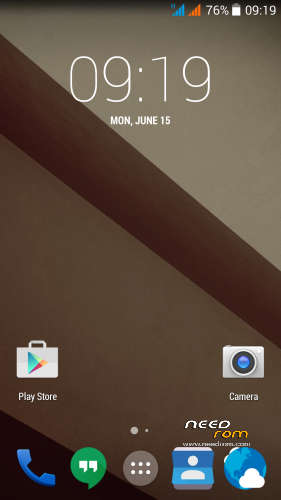
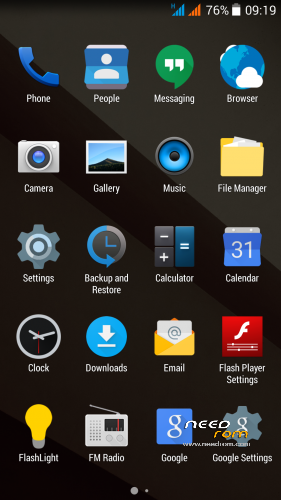
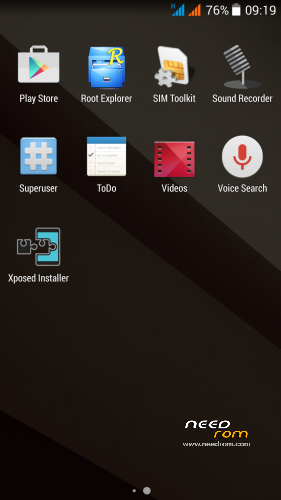
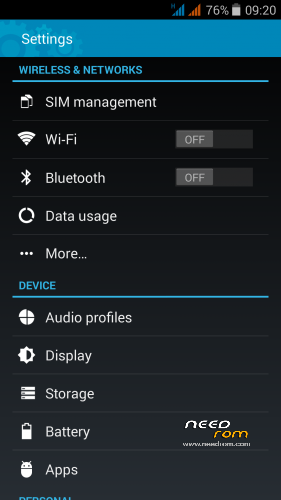
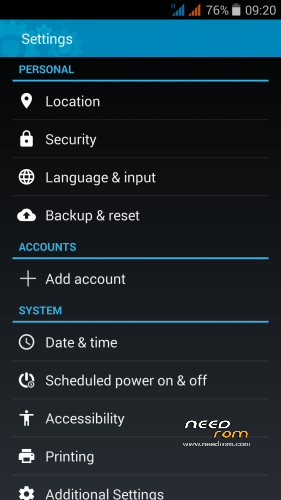
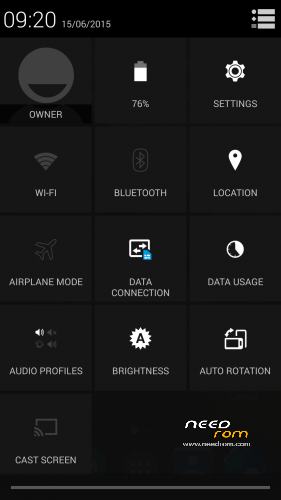
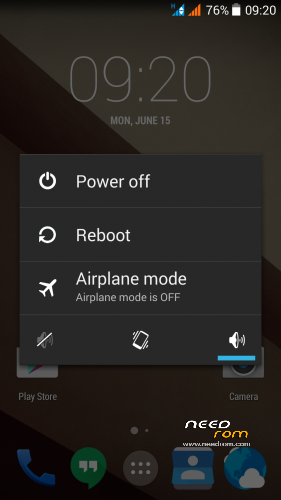
THL 5000 Lite ROM 2.0 - all Lite ROMs are very fast and smooth, there is no lagg of any kind, works perfect, fast and smooth.
This is the next ROM from excellent ukrainian author Dimid/iv2012 (see below this post and please donate him on WebMoney, if you have an account there). It's a pity that Dimid hasn't Paypal. ROM advantages are: pure Android, small size, simplicity, speed and low battery consumption. ROM is ROOTed, GAPPS are included, OTG works. Dimid gave me permission to upload ROM here. I prepared a little bit modified version where removes residual cyrillic, added missing translates and made a few small changes. I'm excited from this ROM - I have installed Gravity Box through which I set what I need.
Languages: Multilanguage
Installation: (as usually from TWRP)
1 – save the ROM file Lite_v2_Odex_2.zip on the SD card
2 – jump to TWRP recovery, if you haven't it, install it (installation instructions are here, sorry in slovak language only,use Google translator): http://androidforum.cz/twrp-2-7-1-0-root-pre-thl-5000-t57731.html
3 – click Wipe and select items: Dalvik Cache, System, Cache, Data, Int.SDcard (optional) and Android Secure, then click Swipe to Wipe
4 – click on Install, choose ROM file Lite_v2_Odex_2.zip and install it – click Swipe to Install, then click Reboot System
5 – enable notification LED in Settings/Display/Led switch -> Enable
6 – finish
7 – if you don't like default wallpaper (like me), setup wallpaper from Classic V3 ROM
8 – If you will install Gravity Box, do not forget change default setting in Phone tweaks/Telephony/Fullscreen caller photo, set it to Partial and restart phone
Optional patches (Important: Install it in TWRP: click on Install, then click Wipe Cache/Dalvik, finally click Reset to system):
- Modem_st_850.zip – original THL modem 850/2100MHz. If you have problems with wifi/3G, try this. It will replace integrated 900/2100Mhz modem from Dimid (several people reported small problems, me not). This modem may be used in any Dimids ROM. If you do not have problems, do not install.
- Kernel110_old_disp_fixed.zip - core for old display type (install when your Gama is different from value 2.0)
- SoundRecorder.zip - corrects falling sound recorder
- Unlock_VolKey.zip - phone unlocking by the volume buttons
- Unlock_VolKey_back.zip - switch off unlocking by the volume buttons (revert back original state)
- PermControlNoIcon.zip - deactivate the Permission Controll apk icon in the upper left corner in any launcher
- FMRadio112.zip - FM Radio from stock ROM 1.1.2. (has RDS)
- DolbyAtmos_r6.5.zip - sound enhancer Dolby Atmos 6.5, after installation will get new icon Dolby Atmos, settings there. (before installation make full backup in TWRP (If you would like to go back)
Other files:
- default_wallpaper_Classic3.rar - default wallpaper from Classic V3 ROM – unpack archive, will get JPG file, set it as wallpaper in launcher.
Didmid page: http://4pda.ru/forum/index.php?s=&showtopic=592576&view=findpost&p=40807828
Dimid donation – WebMoney: WMU: U413791826969, WMR: R386284664505, WMZ: Z333649149339
Dolby Atmos home page: http://forum.xda-developers.com/android/apps-games/mod-dolby-atmos-t3109446
※Please make a backup of your device before installing or updating ROM
Hi guys, there is an issue
When you got a call and answer it, there isn’t big red button
So i have to activate in gravitybox the full photo option for incoming calls, i hope this fix the issue
Thanks for this rom
It's not the ROM problem. You have installed the Gravity Box with wrong settings. I already wrote about this here, to be read properly.
In Gravity Box go to Phone tweaks/Telephony/Fullscreen caller photo, set it to Partial or Disabled. Then restart phone.
I recommend setting "Partial".
If you read the first post properly, you would have found:
7 – If you will install Gravity Box, do not forget change default setting in Phone tweaks/Telephony/Fullscreen caller photo, set it to Partial and restart phone
I was wrong, battery life is really great….
Yes, this is actually the best ROM for THL 5000, I think.
Yes it is.., and because of this THL5000 is almost the best choise for those who do not need 4G connection, little bit “Old, but not obsolete”…, but because of battery still little bit too expensive…, GREAT ROM – THE BEST
Framework doens't work.
Anyone having the same problem ?
No, on this ROM works well everything… Did you respect the installation instructions?
Followed the instruction and there was more bugs. Seems that it was a fail install.
After reinstall everything worked fine
Hello guys! I’m using Ultimate V3 and usually I use the phone all day long without charge.
But I see that other guys can use it more than 3, 4 days.
Do I have some battery problem ?
Is it better to install Lite version ?
The batteries in the THL of variable quality and the people works with the phone differently -> therefore various battery life.
ROM Lite has not better battery life than Ultimate ROM -> it is approximately the same.
Nice rom ! No problems yet ( using it one week ) Maybe slight issue : wifi reception a bit weaker than with Ultimate rom but could be coincedence. The settings icons of Ultimate rom are bit better I think. But the new style is cool too. Thanks for this rom . Please keep up the good work.
Kind regards Skyfire
Guys, can you please check if your Bluetooth is working with this ROM. mine won’t turn on. I never had this problem before. Thanks.
For me Bluetooth works well – use Bluetooth GPS module Nokia LD-3W.
I installed this ROM, but is wasn't as I thought.
It consumed much more battery than other version that I had. Now I don't know if I'll install Ultimate or Ultimate V3 version. I won't use it. Can anyone help me about what version I have to install ?
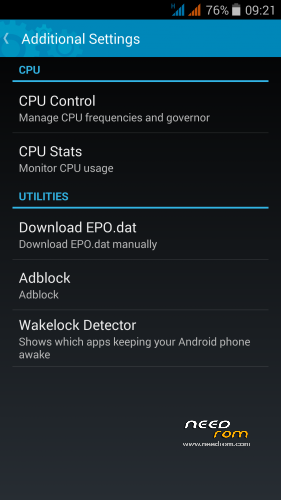
It is not true the ROM has a high battery consumption -> some people compared it on ruasian debate. Consumption is the same as on Ultimate ROM. Maybe you installed some application that do not let your phone fall do deep sleep. Use buld in Wakelock Detector to identify it.
I think this is the best ROM for THL 5000 actually. It is possible that Classic V3mod ROM had a bit less power, but this ROM is smoother.
I installed in other ROM a MOD "PurePerformanceX" but I did Wipe and Factory Reset.
I think that it was uninstalled, or was not ? If not, Can you teach me how to uninstalled it ?
And I installed 850 MHz modem, but it didn't show GSM signal, help me please! Thanks and I'm sorry…
Just saw on dimids page V2.1
Will test it…
Ciao.
I have prepared V 2.1 for publication here, but there is not many changes – it is V 2.0 + aplied patchs + soem small changes.
Will add here today.