
- Title: MediaMod Rom 2.0 for juice
- Listed: September, 2015
- Last modified: 09/23/2015 2:00 am
- Version: Android M 6.0
You must be logged for ROM download.
21482 total views, N/A today
7 Total favorites
OFFICIAL











 Member Info
DESCRIPTION
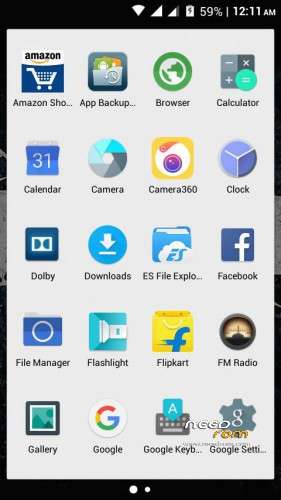
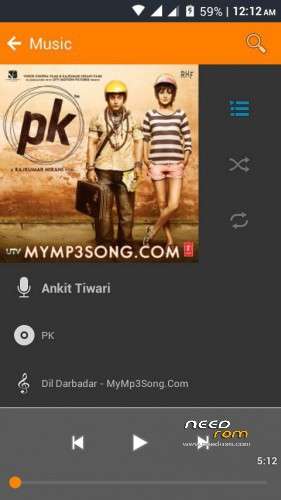
MediaMod Rom 2.0 for juice a77 and a177
New Features -
- Android M UI
- Everything Orange
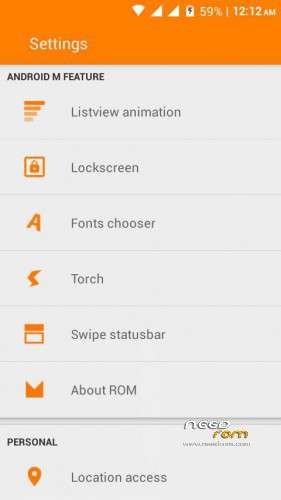
- List view animations
- Awesome audio quality
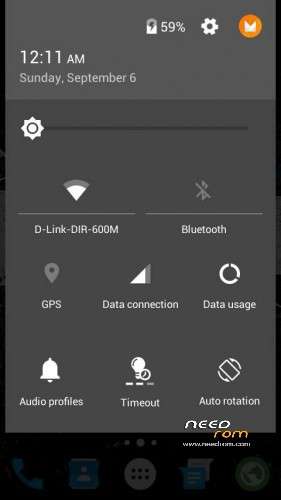
- Android M Notification Panell
- Drag to show tiles in Notification grin emoticon
- Good RAM management
- Gaming ROM
- Font Changer
- Status Bar Gestures
- Better RAM Management
- Fixed color bugs from previous version
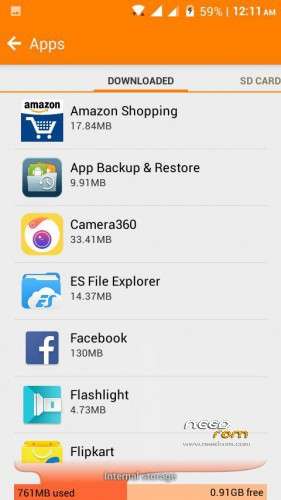
- Partition Info In Settings
- Lag fix
https://www.facebook.com/groups/mmxjuicedevs/permalink/731967820281973
※Please make a backup of your device before installing or updating ROM
very nice rom super camera 8mp . bug video camera in hd recoding mode flash is continuously blinking please fix this , over all ui is very nice (a77)
Bro i am want to know something about this rom before installing it……it looks like you have installed this rom pls help me…..Actually i need google meet app very badly for my online classes…that's why i installed another android 5.0 rom from this website only…but even that rom is not able to download google meet…..can u pls tell that can i install google meet in this rom or is it just a launcher type rom which iam running on now…..pls tell me asap i need google meet v. Badly and i don't have enough internet to download different roms….pls help bro I'll be v.greatful if u help me
link is not wotking properly…
This rom will work on both A77& A177??? or we need to change boot.img for A177?
will this rom work on both A77& A177 ??
or we need to change boot.img for A177?
yes this rom work for both A77 & A177 ,
Very good ROM. Not even the HD Video Recording bug is there on my A177. Users of A177 will have to change their boot image though.
I am a a177 user. How to change the boot.img in it. Pls answer my question fast. Thank you
How to change boot.img in canvas juice A177?
And where will i get gapps for this rom?
Can anyone tell me how to flash it into cwm recovery and does it have theme engine???
koi bolo boot.img kaisa change karna aur plz tell me how to flash this rom step by step
अपने बैकअप में boot.img देखो उसको जो zip यहां से मिली है उससे रिप्लेस कर दो। या उसको डिलीट कर दो अपने बैकअप वाली boot.img कॉपी करके पेस्ट कर दो।
how to install this rom via cwm recovery
1. Open cwm recovery mode
2. Then on “Install Zip”
3. Install zip by external sdcard ….then go to the ROM location
4. Click on the ROM you have downloaded
5. Flash it by following the commands given by ROM.