
- Title: MediaMod Rom 2.0 for juice
- Listed: September, 2015
- Last modified: 09/23/2015 2:00 am
- Version: Android M 6.0
You must be logged for ROM download.
21483 total views, 2 today
7 Total favorites
OFFICIAL








 Member Info
DESCRIPTION
MediaMod Rom 2.0 for juice a77 and a177
New Features -
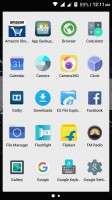
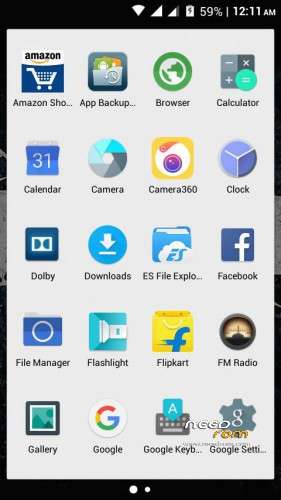
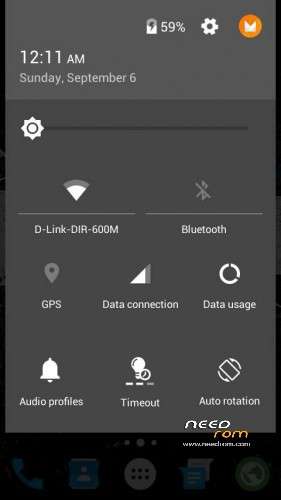
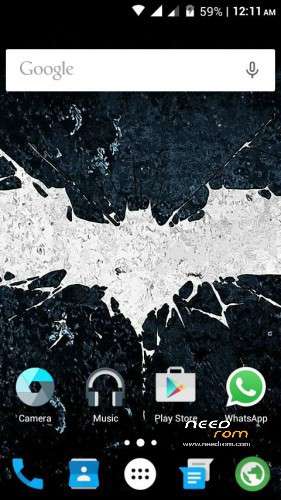
- Android M UI
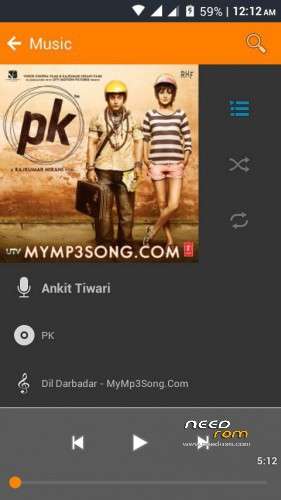
- Everything Orange
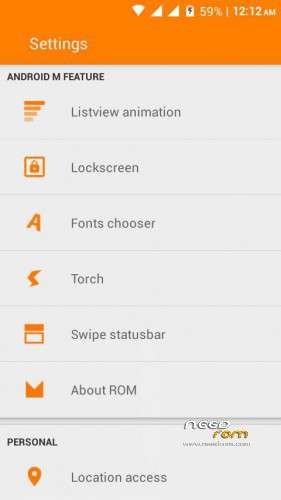
- List view animations
- Awesome audio quality
- Android M Notification Panell
- Drag to show tiles in Notification grin emoticon
- Good RAM management
- Gaming ROM
- Font Changer
- Status Bar Gestures
- Better RAM Management
- Fixed color bugs from previous version
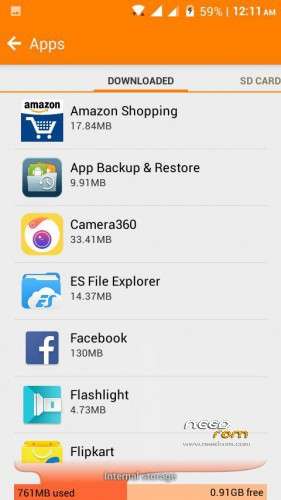
- Partition Info In Settings
- Lag fix
https://www.facebook.com/groups/mmxjuicedevs/permalink/731967820281973
※Please make a backup of your device before installing or updating ROM
Dialpad bug here… No. Dial hi nhi hota
Dial pad bug… Dial buttn not workng…Can't dial
Guy’s please someone tell me the process to flash mediamod 2.0
I also changed the boot. IMG in zipzip
But I facing the problem in recovery ..
After installation It says “no os installed”
Please someone help..
My fb username :-
Fb.com/saddamsam777
Pls help
I want reply from u guys…
very simple steps are here…to flash mediamod 2.0 in a177 a d a77 ..
do all process at your own risk ..me and any other person is not responsible for anything…
just u have to do all steps carefully with some patience..
so let’s do it..
for a177 only:- download mediamod 2.0 zip from the above link and you need to replace the boot.IMG of the ROM file (or search at Google how to change boot.IMG of ROM files.)
when you will change boot.IMG of mediamod 2.0 zip file then open any custom recovery not stock one..
when you will enter recovery mode
first wipe data cache and dalvik cache and system.
after that install mediamod 2.0 zip then install Dolby patch .
(if no os installed appears before rebooting then wipe data and reinstall mediamod zip and Dolby patch.)
that’s it…enjoy…
for a77 only:- download the mediamod zip and Dolby patch
wipe data cache and dalvik cache and system then flash the ROM and dolby patch no need to change boot.IMG in a77
(if no os appears before reboot then wipe data and reinstall the ROM and Dolby patch ) that’s it..
enjoy…
if u face any problems then u can messege me at fb
my fb link :-
fb.com/saddamsam777
u can also join our fb group :-
https://m.facebook.com/groups/.....8&__tn__=C
can you send me installation steps
Is this really marshmallow 6.0 for A77/A177? Can anyone who's tried/installed this confirm with the xposed version installed?
Recent app is not working
Which bootboot.IMG that I have to replacereplace?