
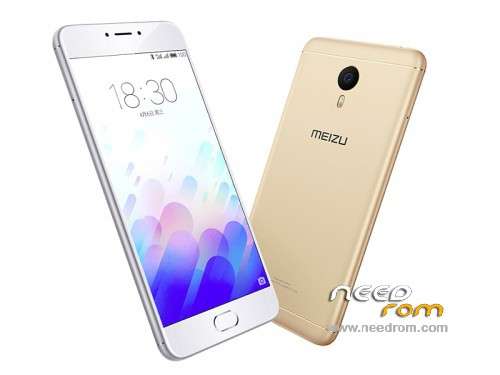
- Title: Meizu M3 Note Global ROM
- Listed: June, 2016
- Last modified: 06/05/2016 3:48 pm
- Version: Flyme OS 5.1.3.4G
You must be logged for ROM download.
49365 total views, 5 today
17 Total favorites
 Member Info
DESCRIPTION
Official International Firmware:
Note: There are two versions of Meizu M3 Note: M-Series and L-Series. Check your Hardware version before flashing otherwise it will brick your device.
Flyme OS 5.1.3.4G for M/L Series (Change the file name to update.zip before flashing)
Flyme OS 5.1.3.3G for M Series (Change the file name to update.zip before flashing)
Flyme OS 5.1.3.2G for M/L Series (Change the file name to update.zip before flashing)
Flyme OS 5.1.3.1G for M Series
1. Enable root or make sure you have root access. You can obtain root using KingRoot app also.
2. Download and copy the attached global.sh script to root directory.
3. Also, download update.zip file and copy to root directory.
4. Search in google and download any Android Shell Terminal Emulator and install. Launch Android Shell Terminal Emulator and input following commands:
su
(wait till $ sign changes to #. If it doesn't change, then you don't have root access)
sh /sdcard/global.sh
5. The script will backup old phone id and will replace by new id and then it will reboot automatically.
6. Upon reboot it will go to Recovery mode. In the recovery mode, you MUST select both System Update and Clear Data, and proceed.
7. Wait until the update completes and you will have international firmware installed.
Note: You can use ADB to execute above commands but you will need to enable USB debugging mode (Settings>>Accessibility>>Developer Option) and required drivers installed for access via ADB
CREDITS TO 4PDA.RU
※Please make a backup of your device before installing or updating ROM
same problem,need rom for sp flashtool
Thanks it worked Perfectly…
those who failed, try this way:
1st download the currect file
then rename the zip file to update.zip
goto recovery mode on your phone
connect to pc and copy the zip file on recovery drive
select both option System update n clear data
after copied disconnect mobile from pc and touch start from mobile
done!
thx my phone is now working very good i would say perfect this flyme 5 is better than Flyme 6 i recommend to downgrade from flyme 6 because flyme 6 is s****
link is so bad