
- Title: MIUI 9 S7- 3g & 4g
- Listed: October, 2017
- Last modified: 02/12/2018 5:30 pm
- Version: Android 6
You must be logged for ROM download.
21919 total views, 5 today
6 Total favorites

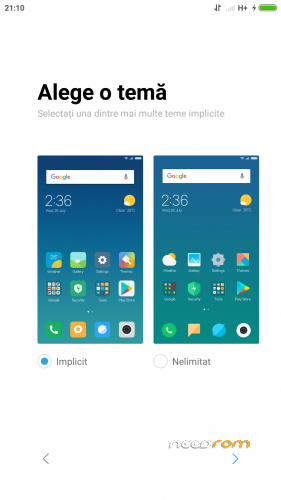
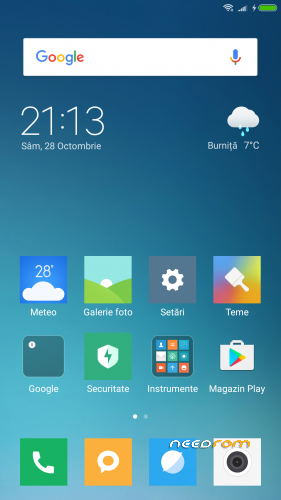
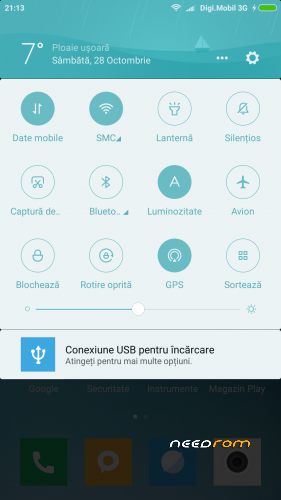
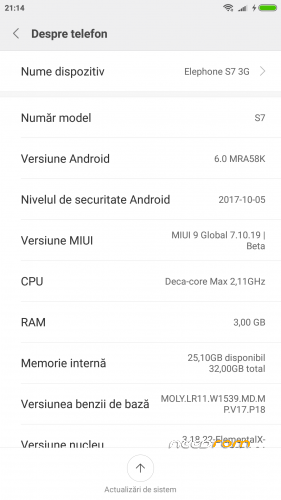
 Member Info
DESCRIPTION
Update MIUI 9 Global 8.2.8 v.2
• Fix GPS
• Removed RO as default region but still not working to choose another lang.
Update MIUI 9 Global 8.2.8
• Increase speed
• Fix NVRAM _warning_0x10 message
• Update Magisk Manager v15.3
MIUI 9 Global 7.11.6
• Rooted with latest Magisk Manager
• Busybox runtime
• Init.d support
• build.prop tweaks
• Smoother device with less battery drain
• Bloatware Removed
New script for mount point – it can be installed with TWRP 3.0.3 or TWRP 3.1.1
Thanks to flar2 for ElementalX-ES7-1.04 KERNEL
INSTALLATION:
• Download the ROM from the link above
• Put the zip file on your SDCard
• Reboot in Recovery
• Perform an advanced Wipe
Dalvik / art
Cache
Data
System
• Select "Install zip from SDCard"
• Choose ROM zip file
• Flash
• Wipe Cache & Dalvik Cache
• Reboot system
※Please make a backup of your device before installing or updating ROM
I managed to solve the lost IMEI and MAC problem very easily:
Start the phone by pressing the power and volume down
A chinese menu will come up.
Select the option close to the bottom of the list, that has "eMMC" at the end
Reboot your phone and you will have IMEI and MAC again.
I am facing a new issue with the ROM.
MTP connection to the computer is not working. I am connecting the phone via a cable but i dont see the phone on the computer.
"Transfer Photos PTP" works fine, but "Transfer Files MTP" does not work.
I also have Google Keep that keeps crashing.
Google Keep keeps crashing and i cant understand why. All other google applications are running with no issues.
All good with connection with PC
It was the MTP drivers on my PC
The major issue now with this ROM is the GPS.
MadSkill, do you think you can do us a favor and work on the GPS?
As always, your work is highly appreciated
yes, but I will wait for the final stable release not a beta version
hello hello hello
MIUI 9 rom 6.11.23 port????
Güncelleme por yapılacak mı…????
Another bug i have found:
When install a new application, its not visible on the phone, i need to restart the phone to show the application
Thanks MadSkill for this wonderful rom
Everything is working great so far on my S7 4G/64GB X20.
The steps i followed are below:
First on Stock Android 7.1.1
- Flashed TWRP 3.0.3
- Make Nandroid Backup of my Old Data
- Flashed Stock Android 6.0 (S7_4g_20170410135619_v2.2)
- Flashed TWRP 3.0.3
- Reboot in Recovery
- Perform an advanced Wipe and then (follow installation steps)
- Select "Install zip from SDCard"
Choose ROM zip file
Flash
Wipe Cache & Dalvik Cache
Reboot system
Hope this helps
Really thanks bro
GPS too ?
Tutorial: https://www.youtube.com/watch?.....eature=youtu.be
Thank you
Reprint link Https://tieba.baidu.com/p/5513.....577382
Unable to link the original address for policy reasons
The problems found are as follows:
The area is default to Romania and cannot be changed
Relatively small sound system
Unable to do OTA updates
Desktop layout cannot be changed
The HOME key cannot be transferred to the most recent task