
- Title: Miui stable Inew V3 port
- Listed: June, 2016
- Last modified: 03/05/2017 2:22 pm
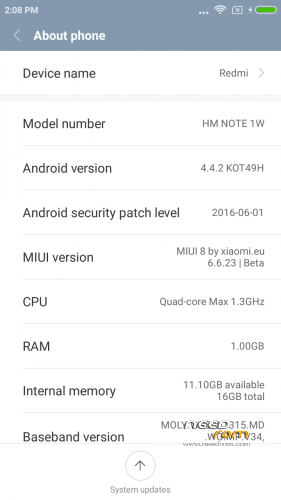
- Version: 4.4.2 Miui V8.2.1.0.KHDCNDL
You must be logged for ROM download.
29329 total views, 4 today
19 Total favorites
 Member Info
DESCRIPTION
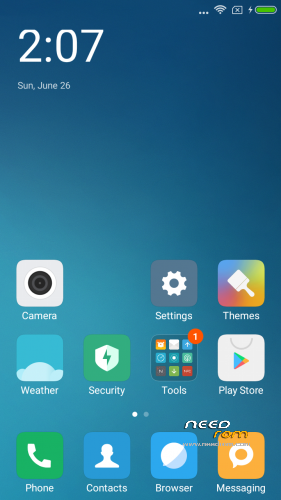
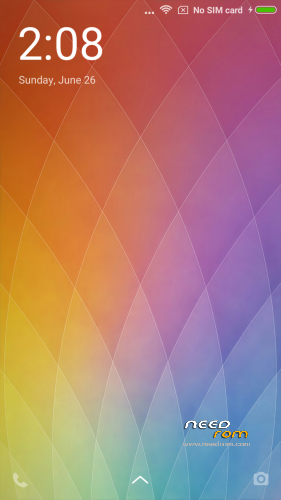
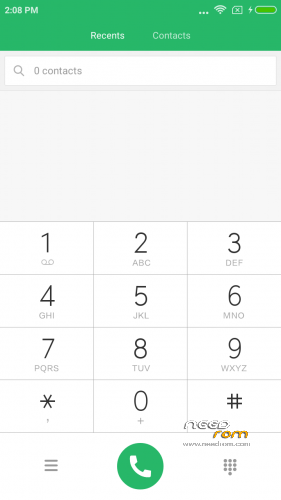
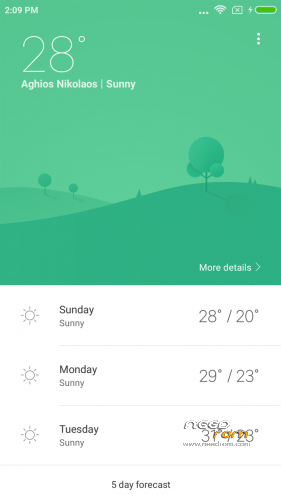
Here I present you my MIUI V8 ota ROM for Inew V3. Ported from Xiaomi Note 3G
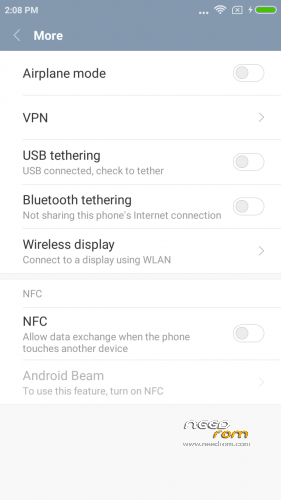
Miui V8.2.1.0.KHDCNDL NFC fix – Stable Version (final?)
DO NOT UPDATE from phone downloaded OTA ….. Only use mine from here plz.
PLEASE DONATE SOMETHING TO HELP WITH MY BILLS and invoke me to continue my work. PAYPAL link is below.
It is for the internal /data/media type phones. (with only MBR and EBR1). System is part5 data is part7.
————————————————————-
Installation
—————
You must first install official KK 1.14 if you come from Jellybean (to make the partitions correct)
Backup your NVRAM and Sec.ro partitions. (better be safe than sorry!) It can be fixed anyway so don't worry.
Transfer my zip rom to your SD. Insert SD in phone.
Reboot phone , enter recovery. (Use this https://www.needrom.com/download/twrp-2-8-4-0-inew-v3/)
If you come from another rom or something is not working after install press Wipe (Default one wipe data , davlik , cache) .
Return to main menu after finished.
Go to install. Choose storage microSD at the middle-bottom
Select correct zip file ( InewV3_V8.2.1.0.KHDCNDL_v8.zip) from microSD
When finished , return to main menu and POWER off phone
Remove microSD and Start phone.
Wait a little bit longer than normal , Rom rebuilding data. Done!
Rom is Deodexed , Superuser and Busybox support , zipaligned!
MULTILANGUAGE
English (miui.com, xiaomi.eu)
Chinese (Xiaomi, miui.com)
Polish (Acid, miuipolska.pl) – Report Bugs – CHANGELOG
Slovak (ingbrzy, miuios.cz) - Report Bugs – CHANGELOG
Czech (kynio, miuios.cz) – Report Bugs – CHANGELOG
Bulgarian (MIUI.BG) – Report Bugs – CHANGELOG
Hungarian (vagyula, miui.hu) – Report Bugs – CHANGELOG
French (cpasmoi, guiluge, burnarz) – Report Bugs – CHANGELOG
Russian (miui.su)
Croatian (Masva) – Report Bugs – CHANGELOG
Vietnamese (Belmont-Gabriel) – Report Bugs – CHANGELOG
Italian (miui.it) – Report Bugs – CHANGELOG
Greek (Xiaomi-Miui Hellas TEAM) - Report Bugs – CHANGELOG
Norwegian (datagutt, miuios.no) – Report Bugs – CHANGELOG
Dutch (jacketti, cueie, redmaner) – Report Bugs – CHANGELOG
Spanish (rpperezr and spanish users) – Report Bugs – CHANGELOG
Turkish (Celaleddin, ekilciler) – Report Bugs - CHANGELOG
Brazilian-Portuguese (MIUIBrasil, miuirom.com.br) – Report Bugs - CHANGELOG
Portuguese (Efex) – Report Bugs - CHANGELOG
FYROM (thenewmaker) – Report Bugs – CHANGELOG
Serbian (BalcanGSM, dudjaa, petar, perga, Daconi, MASVA) – Report Bugs – CHANGELOG
Hebrew (Kkffiirr, eliran0216)
Romanian (ygorigor) – Report Bugs – CHANGELOG
German (muhamed89, cp82, dahool2016, and more) – Report Bugs – CHANGELOG
Catalan (deivids84) – Report Bugs – CHANGELOG
Korean (cjhyuky) – Report Bugs – CHANGELOG
Slovenian (bostjan2016) – Report Bugs – CHANGELOG
Thai (sazuke0703) – Report Bugs – CHANGELOG
Finnish (dogiex) – Report Bugs – CHANGELOG
All applications are Xiaomi + added original Inew Camera and torch. + root.
———————————————————————————————————————————–
Upgrade with ota file , enter recovery and flash without wipes.
Those with problems installing miui8 , you must make your system partition bigger , so flash my base first. Current system size is too big for standard V3 config,
https://www.needrom.com/wp-content/uploads/2014/11/Flash-base-for-format-nand.zip
Flash it using flash tools. for instructions check here —-> https://www.needrom.com/download/inew-v3-zopo-1000s-port/
—————————————————————————————————————————–
Added compass fix , in Miui compass didn't work right , now it should be ok.
※Please make a backup of your device before installing or updating ROM
reflash 2.8.4 recovery and try again , your data is there , not touched!
Reflashed this recovery - https://drive.google.com/file/.....m1sMThqQXc/view
same error…
Open rom zip with 7zip and find update-binary in META-INF\com\google\android\ and replace with this
https://drive.google.com/open?.....UVRpT3pyMnRFdGM
just drag and drop in zip and replace
Ok, I will try later. Thank you!
Yesterday due to failure I was forced to restore the phone and I moved to CM 12.1 (android 5.1.1). Testing it now. If will be something wrong there, will go back to your MIUI 4.4.2.
However, really want to use Android 5/6 with no bugs. 4.4.2 is already obsolete…
The same problem as that of Evgeny_T, replacement recovery and file update-binaries did not help
yeah me too
Those with problems installing miui8 , you must make your system partition bigger , so flash my base first. Current system size is too big for standard V3 config,
https://www.needrom.com/wp-con.....format-nand.zip
Flash it using flash tools. for instructions check here —-> https://www.needrom.com/downlo.....opo-1000s-port/
Thank you very much, it came out
Thx Batsilos, rom work well. Miui is best rom for this device (for me).
Not work in my device:
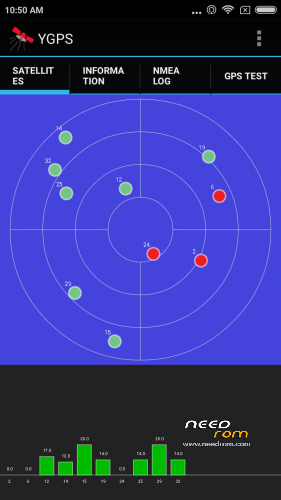
GPS and OTG.
Thx for your big job!!!
problem with lcd driver after flast your old scatter… :/ any help?
just reflash only your working twrp (only tick recovery) with newer kernel
You only need twrp to get rom working.
gps not working
Hello, batsilos.
Could you please describe in details in 1 post – what exactly should I do if I can't install 6.8.11 ROM on my device?
I'm confused by your links and descriptions. I also do not understand when you say "change that with my recovery" – what is "my recovery"? The one I got from my own backup, or it's YOUR's recovery, which I should download from somewhere? Very confusing…
Now I'm back on 6.7.14, want to move to 6.8.11, but I told you before – I can't install it from TWRP due to error and I can't catch up the process of flashing "base for format nand".
Please, give us a clear description as for monkey, so we can repeat it without problems. Some things are obvious for you and totaly unclear for us.
Counting on your help!
I will make a rom for use with flash tools for you and whoever has problems this weekend.
Prepare by taking a backup of your nvram via recovery and saving it into an external sd.
Thank you, Man!
Now I need to find PC/Notebook with Windows XP/7 as mine is Win 10 and SP Flash Tool is not working correctly on it. Basically, not SP Flash Tool itself, but device drivers – when I connect my phone (drivers are installed in the system), it's recognized by system and immediatelly "last connected device is not recognized". So I can't flash ROMs through PC, only from TWRP from SD-card so far.