
- Title: MIUIv5 4.8.27 MultiLanguage
- Listed: March, 2014
- Last modified: 08/29/2014 2:34 pm
- Version: [4.2.1] 4.8.27
You must be logged for ROM download.
111290 total views, 5 today
39 Total favorites
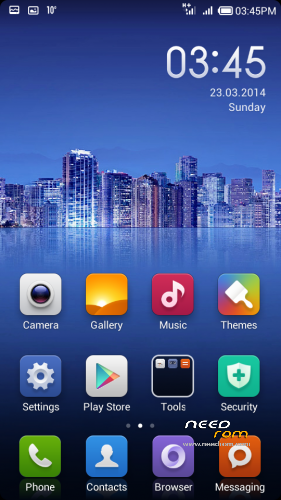
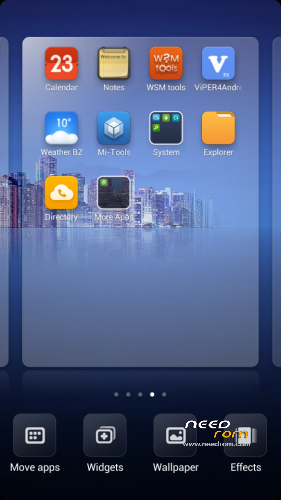
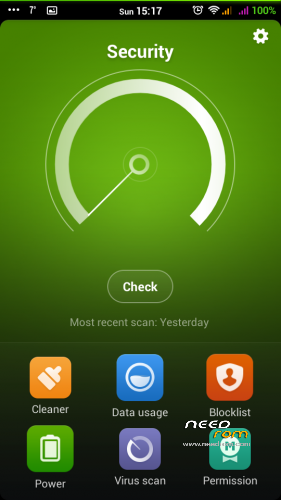
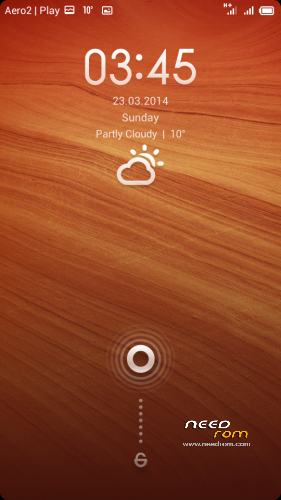
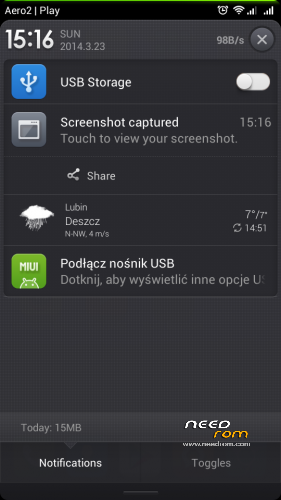
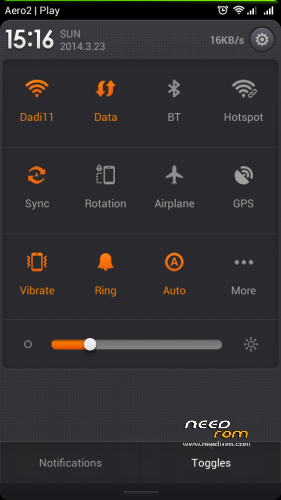
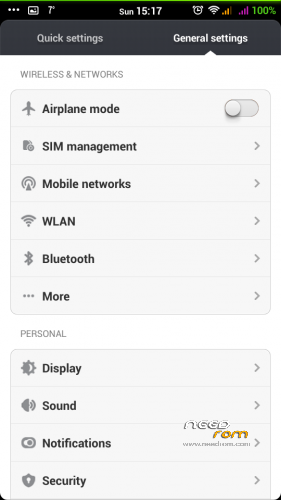
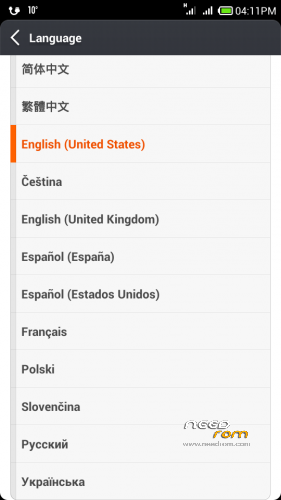
 Member Info

DESCRIPTION

Phone: Lenovo A820
Android: 4.2.1
MIUIv5 MultiLanguage by dadi11
Variants: Full / Lite
Hello everyone.
This ROM at first was ported for Polish communityonly, and contains PL, EN & CN lang.
Today I'm releasing a MultiLanguage version for you, too. I hope you'll like it.
Supported languages: Multilanguage
Version 4.5.9 & 4.8.21+ are based on MIUIv5 4.4.19 Ultimate for Fly IQ446 Magic by stas2z, ported and modded by me.
Actual changes:
- Port based on stas2z MIUIv5 Ultimate for Fly IQ446
- Updated apps
- Fixed stability issues
- Fixed auto brightness
- Lenovo RadioFM (works without phones)
- Updated extras from miuipolska.pl
- init.d support & scripts
- Better battery life, performance, ram usage, internet speed & other improvements
- Languages from xiaomi.eu
- Deleted Chineese apps
- Google Apps
- Xperia & Google Keyboard
In Lite version I've deleted some more useless apps, sounds and TTS.
If you'll like my ROM/MOD, there will be updates 
Important:
In versions 4.8.21+ SD Card is set as default storage.
If you want to change it, use Settings>Storage.
Please watch for international text messages that the system sends to activate the sim card, they can cost a lot
Modded Theme App is now available as a separate download, because of problems with theme resets.
If you want full MIUI rom, download and install Lite version and then install Full Upgrade, without doing any wipes.
If you stuck at bootlogo – try Lite version instead of full or use THIS app first. It's probably because of too small system partition, so increase it.
Don't try to flash any custom kernel with this rom it WON'T work.
Lite version is rom that i’m using, so it’s without (unnecessary) apps that i’m not using  So one may like it, others do not
My other roms: ColorOS | ProjectDoge | Sony Xperia C Port | PureXperia Z2 | Myriad ROM | LeWa OS
Files were tested, and they all works.
You should do before installing this ROM:
in CWM
- wipe data/factory reset
- wipe cache partition
- mounts and storage>format /system
- advanced>wipe dalvik cache
in TWRP (2.6.3.0 recommended)
- wipe> wipe data/factory reset
- wipe> advanced wipe> check all except sdcard
If you are updating from previous version, wipe dalvik-cache & /cache should be enough.
※Please make a backup of your device before installing or updating ROM
Miracast is working?
probably not.
Is there any rom where it's working?
I downloaded this rom from a different site several weeks ago.
Very good rom, smooth and almost error free
Nice job, brother
Installing right now…PL Full. I'll compare this ROM with Superthan's AOSP.
Something is wrong. ROM downloaded from needrom, does'nt boot (loop restarting after Lenovo logo). Is Your upload OK? PL Full (309MB) file
Nepouzitelne, defaultni uloziste je 270MB ROM ne SD karta. Nelze volit mezi ulozistem ROM a SD kartou. Nutné vyresit tuto chybu
Please only write ENGLISH in commentary.
This is not error. You should go to Settings>Stock Settings and set SD Storage in Default write disk.
MrJansjo, please chech MD5 sums of rom .zip file. It used to be: d02ac44cb8360ddd395a841b80bc5c21
If there is other MD5 sum, you should redownload file.
If MD5 is ok try to do full wipe and reinstall rom.
I've downloaded it from MediaFire and this time, everything is OK. Only difference during install: first time i've formatted system(from recovery menu), second time – only data/cache/dalvik wipe.
Testing now, it's my first MIUI ever, and after few months with AOSP, it's quite different
Do You mean this? https://www.needrom.com/mobile.....lenovo-a820-19/
I'm using both MIUI and AOSP (HoloDark-II) alternately, too
But now I'm more likely to use MIUI, because of its look, functions and good battery life
I hope there are no more bugs and you all will like it, too
I did fresh install, with all format (including /system) and all versions works good.
MD5 sums ale correct too in all downloaded files from needrom
Hello, dadi11! I installed ml miui lite, Tell me how to make sure that the applications installed on the sd card, and even to the camera pictures loaded on sd card. Memory repartition program MTK Data. Thanks in advance.
As I wrote few posts above: You should go to Settings>Stock Settings and set SD Storage in Default write disk. for loading music and pictures from SD Card.
Why sdcard is seen as "usb" and is shown on status bar ("usb conn" icon)? Somewhat strange…Phone is not repartitioned.
Holodark II is this:
http://www.needrom.com/mobile/.....lenovo-a820-21/