
- Title: MutROM: KitKat Jiayu ROM for Europe
- Listed: July, 2014
- Last modified: 07/08/2014 3:21 pm
- Version: G4S-2014-07-08
You must be logged for ROM download.
26955 total views, 7 today
 Member Info
DESCRIPTION
BEFORE Install ROM :
Save the IMEI and the NVRAM with MTK Droid Tools!!!
Flash the official ROM Jiayu KitKat V1 (20140704-161636)
Custom ROM Mobile JIAYU G4S – ROM Android 4.4.2 KITKAT
MADE FROM Official JIAYU ROM for G4S WCDMA : G4S 20140704-161636
Changes from Official ROM:
- Carliv Touch Recovery included
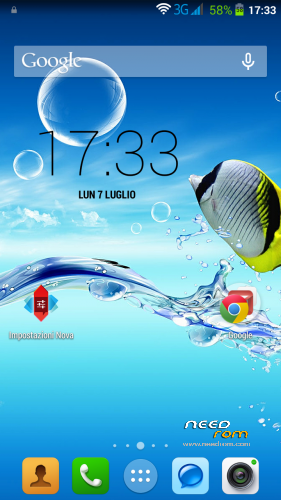
- Uninstalled all Chinese apks and input mode
- Installed European Google Keyboard
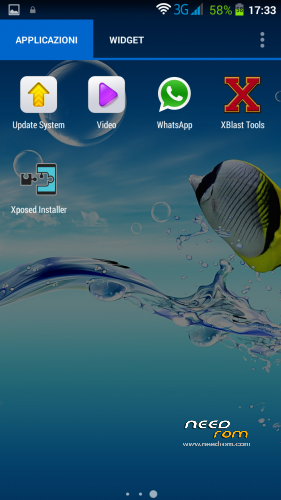
- MobileUncle Tools, GPS Status, SuperSu, Xposed framework
- Updated all apks
- hosts file changed in order to dispose advertising
- no preloader to prevent wrong phone brick
Install ROM :
- SAVE NVRAM (MTK Droid tools)
- Go into Recovery and Wipe All Data / Factory reset
- Run FlashTools
- Select the contained MT6592_Android_scatter_emmc.txt inside ROM compressed file
- Wait file to be added into Flash Tool
- Choose Option->Connection->USB->USB Speed->High Speed
- Turn off your phone, remove the battery
- Select "Download only"
- Connect your phone into the computer via USB data cable
- The process will start and various progress bar will be displayed
- At the end, a green circles will appear
- You can now safely disconnect your phone and turn it on.
- If you lose the NVRAM or IMEI, restore it and reboot
- Finish!
I hope you enjoy this ROM!
※Please make a backup of your device before installing or updating ROM
I can't boot into recovery. When I try, the phone only restart.
I have Jiayu G4T basic model.
do you know if it works it on my device?
Hi Mut
The G4S and G4T have both a 1,5Ghz Quad Core MTK 6589T processor
so what is then different so that I will have brick???
There are two preloader file, the one inside the zipped rom and the one you provided as external download.
If I'm upgrading from 4.2.2 which one should I use? Thanks.
You should use preloader.bin
I flashed using your ROM but my touchs are not being recognised in the correct position in the screen afterwards.
I had been using chilapos v2.2 before and also kitkat from jiayu.es and neither of them suffered screen issues.
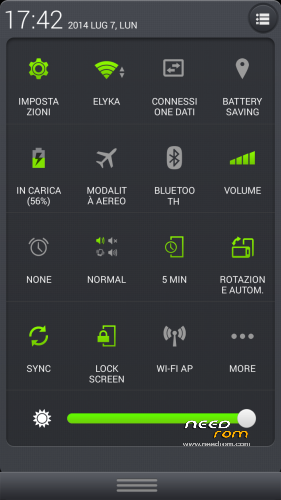
I really like the battey, network and other indicator on the top notification bar. What are they provided by?
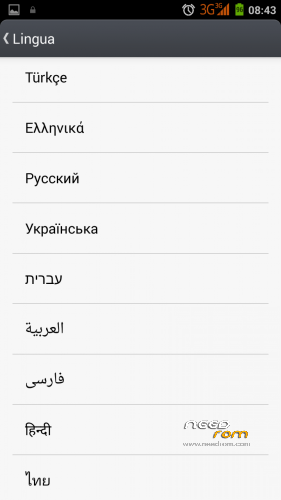
When I choose GREEK language appears the message:
(Unfortymatey, systemUI has stopped)
I need your help as soon as possible.