
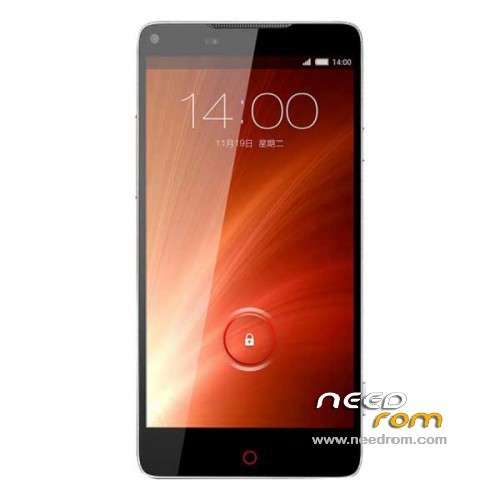
- Title: Nubia Z5S
- Listed: December, 2013
- Last modified: 03/09/2014 3:20 am
- Version: ROM Android 4.2.2
You must be logged for ROM download.
33182 total views, 5 today
1 Total favorites
 Member Info
DESCRIPTION
ROM ZTE Nubia Z5S – ROM Android 4.2.2
ROM Features:
Add old version but Gapps include and Multilang. NX503A_CNCOMMON_V1.22 ( No Rooted )
For install see File :ZTE Nubia Z5S Multi-language Firmware Upgrade Instruction.doc
—————————————————————————————————————————————–
Update ROM official version: NX503A_CNCOMMON_V1.30 ( No Rooted )
——————————————————————————————————————————————–
Update Based on ROM official version: NX503A_CNCommon_V1.25 ( just Rooted )
——————————————————————————————————————————————–
Based on ROM official version: NX503A_CNCommon_V1.13 ( just Rooted )
Gapps include -Rooted
Language support: CN/EN
Install ROM :
CWM ( If you use "this recovery" Run "z5s_Recovery.exe" (CN ) and just tap 1 and Enter your phone reboot in recovery )
Step 1: Download the custom ROM copied to an external SD card root directory
Step 2: the shutdown state. While holding down:
– Power button + volume button up, to enter the recovery mode.
– Wipe Data / Factory Reset -> delete all user data
Step 3: Return to recovery main interface Install zip from sdcard -> choose zip from sdcard -> Select your ROM
Step 4: Brush complete, restart the phone Patience required – first boot takes a while
※Please make a backup of your device before installing or updating ROM
Thanks a lot. Now phone back to life.
Will it help me recover my bootlooping phone?
We really miss the stock ROM. How can we get it? Any way out?
your ROM works marvellous. We will even be happier if you uploaded the 4.4.4 version. Great work socr@te
guys can eny1 help me? i cant enter in recovery.. like there is not recovery at all….any solution? there is no default recovery at phone wtf?