
- Title: Nubia Z7 Max v3.09
- Listed: April, 2015
- Last modified: 04/28/2015 7:12 pm
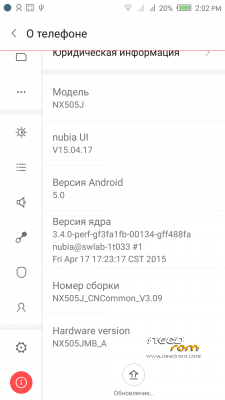
- Version: Z7 Max v3.09
You must be logged for ROM download.
33574 total views, 7 today
8 Total favorites
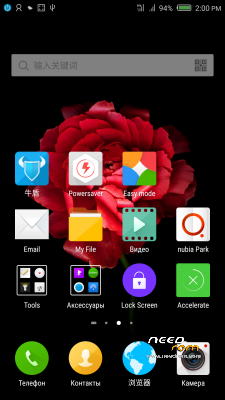
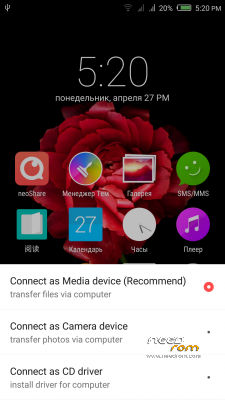
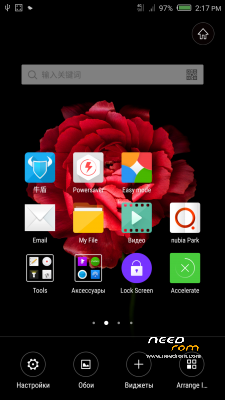
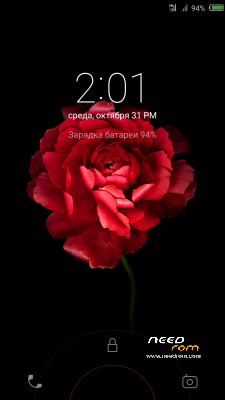
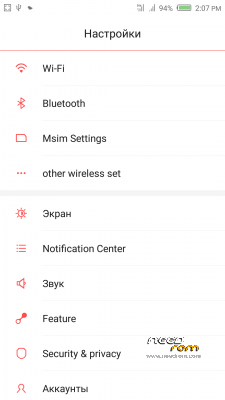
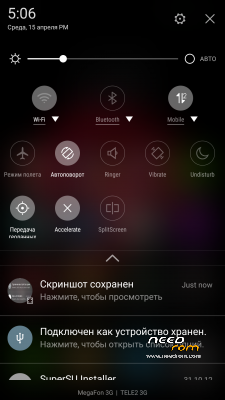
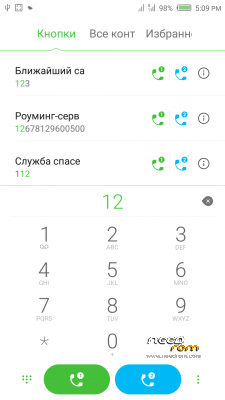
 Member Info
DESCRIPTION
Official ROM v3.09 (Android v5).
Very fast – smooth and stable Rom.
Preparation:
1. Backup personal data in the computer.Because Z7Max 4G dual SIM v3.09 will change the partition,
all user's data will be lost.(SMS,contacts,call history,music,videos,photos and so on.)
2. Make sure that the mobile has at least 50% battery.(Not flash when less than 40%.)
3. Disable or uninstall antivirus – firewall software on your computer before flash.
4. Be sure to use the official original data cable to connect your phone to the computer.
5. Open the phone factories ports.Go to the dial pad and enter * # 7678 # the "factory Port" and "ADB port"
will appear select both.
6. Remove both SIM cards and SD card.
Install:
1. Install mobile USB drivers.(Find Drivers All In One Tool By Tigreos)
2. Download and install Nubia Tool Updater V2.0.0 to your computer.
3. Download Rom NX505J_CNCommon_V3.09.rar file on your computer and unpack.
4. Run the Nubia Tool Updater V2.0.0 as administrator and select the path from NX505J_CNCommon_V3.09.rar file.(see photo).

5.If you have done everything right you will see the following photo.

6.Click to the "Start" button. ( 开始 )

Notes:
After click to "Start" button do not touch mobile or computer until Nubia Tool finish.
Μore informations:
- – - – - – - – - – - – - – - – - – - – - – - – - – - – - – - – - – - – - – - – - – - – - – - – - – - – - – - – - – - – - – -
Install Drivers & Recovery:
1)Download (Z7 Max All In One Tool By Tigreos) UnRAR and run it on your PC.
2)Press one to Install The USB Drivers
3)Turn On USB Debugging Mode To Your Phone.
4)Connect your mobile (mobile to be active) to the computer and select number.
5)DONE.

WARNING:This Tool Works Only For Android v5 Lollipop
Root:
1)Download SuperSU-v2.45.zip and put it to your internal storage.
2)Enter to TWRP recovery and install SuperSU-v2.45.zip.
3)DONE.
Install Google Apps:
1)Download Gapps For Android v5.zip and put it to your internal storage.
2)Enter to TWRP recovery and install Gapps For Android v5.zip.
3)DONE.
- – - – - – - – - – - – - – - – - – - – - – - – - – - – - – - – - – - – - – - – - – - – - – - – - – - – - – - – - – - – - – -
※Please make a backup of your device before installing or updating ROM
I can't find the option for disable SIM. Where is it?
Same here !
Everything works fine. Great update. thanx
How I can flash TWRP? Thanks
I upgraded my Nubia z7 max to the latest version successfully without problems. But I have a question. Is there a way to display data rate (WiFi and Mobile data monitoring). While I was 1.46 had such an option in the settings. At 3.09 I do not find this option.Settings -> Msim Settings -> (on either sim) More -> Data usage detail -> network speed
Where can i get root apk to root this version? towelroot is not working on version 3.09
SuperSU-v2.45
At the begining of the page:
Root:
1)Download SuperSU-v2.45.zip and put it to your internal storage.
2)Enter to TWRP recovery and install SuperSU-v2.45.zip.
3)DONE.
I found the solution of my question
settings–>Msim settings–>More–>Data usege detail–>network speed (must enable).
Hi,
I continue with doubts related to the recovery before to start to install the new rom. I have installed on my phone the recovery TWRP 2.8.4.0, My question is, I need install another recovery version? or can I install the new rom over TWRP 2.8.4.0.
I understant that the follow process must be follow but after new rom instalation, becuase only work in lollipop partition fomat
Install Drivers & Recovery:
1)Download (Z7 Max All In One Tool By Tigreos) UnRAR and run it on your PC.
2)Press one to Install The USB Drivers
3)Turn On USB Debugging Mode To Your Phone.
4)Connect your mobile (mobile to be active) to the computer and select number.
5)DONE.
WARNING:This Tool Works Only For Android v5 Lollipop
success to upgrade this version, but i have bug with CDMA network.
1. When i used CDMA/EVDO as voice in sim 1, sim 2 cannot up to 3G/4G GSM Network.
2. When i used GSM Data on sim 2 with 3G/4G network, sim 1 unavailable network
Thank you for this ROM.I follow the tuto and all is right! I come from the official 2.13.
After upgrade to 3.09, my phone unable to detect the location in indoor.
If i go outside its working fine and phone able to detect location.
But for google maps, its working fine in indoor and but not working in third party weather application.
Any solution please …?