
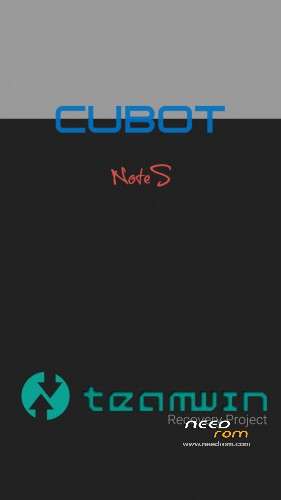
- Title: TWRP Cobot Note S
- Listed: March, 2016
- Last modified: 03/09/2016 10:59 pm
- Version: TWRP for Lollipop
You must be logged for ROM download.
19767 total views, 1 today
10 Total favorites
CUSTOM

 Member Info
DESCRIPTION
DANGER !
This TWRP works until version "NOTE_S_20160526" !
Install:
-download and unpack the package
-flash "recovery.img" with SP Flaschtool and scatter.txt file (all inclusive)
-copy the "update-superSU.zip" (also inclusive) to microSD card and put it in your device
-boot with power and volume + button in to recovery mode,select the "update-superSU.zip" and install it
-now your device is rooted
With gift package for new boot view,new wallpapers and other things.
※Please make a backup of your device before installing or updating ROM
Thank you
Works beautifully, thanks.
Thank you very much brother!
One question, how can i install this logo.bin file?
It is not possible to flash it with the Flashtool, can you say some tips please?
Thank you very much. I like the new bootanimation.
The "logo.bin" can you install with SP flashTool.
Thank You. Great work.
thanks alot. worked perfect no bootloop. loved the boot animation. any shut down animation???
i have a untouched cubot note s, want to install the twrp but it still nothing happens ?
ive downloaded end extracted the package
if i want to flash "recovery img" and i press the "download" button, nothing happens
please explain me step by stet how it works
@craxer
Your device is not connected,you must install the right drivers on windows system.Many instructions available on the http://WWW.It's for all devices same.
@shamvoke
Shutanimation available in the package.
Error:
BROM ERROR:S_DL_GET_DRAM_SETTING_FAIL (5054)
[EMI] Obtain DRAM failed!
[HINT]:
Please check your load matches to your target which is to be downloaded
Dziekuje