
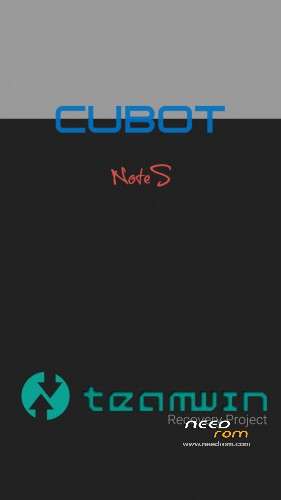
- Title: TWRP Cobot Note S
- Listed: March, 2016
- Last modified: 03/09/2016 10:59 pm
- Version: TWRP for Lollipop
You must be logged for ROM download.
19769 total views, 3 today
10 Total favorites
CUSTOM

 Member Info
DESCRIPTION
DANGER !
This TWRP works until version "NOTE_S_20160526" !
Install:
-download and unpack the package
-flash "recovery.img" with SP Flaschtool and scatter.txt file (all inclusive)
-copy the "update-superSU.zip" (also inclusive) to microSD card and put it in your device
-boot with power and volume + button in to recovery mode,select the "update-superSU.zip" and install it
-now your device is rooted
With gift package for new boot view,new wallpapers and other things.
※Please make a backup of your device before installing or updating ROM
I Flash this TWRP but the Touchscreen dont work anymore. Any solution for this Problem?
andorl on mine after twrp you press vol UP button and power to get into recovery?
If you get cubots tiny recovery otion use vol down to choose the first option "recovery" then click on vol down button and should boot to twrp recovery!!
Here is Android 6 20160912 firmware+TWRP ported and tested by me ! Root Working ! https://www.needrom.com/downlo.....-new-emmc-chip/
wich v of twrp is
Where can I get the USB drivers? I am on Windows 10.