
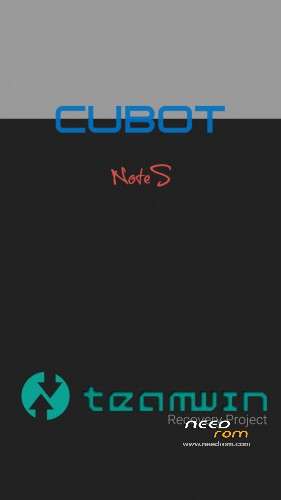
- Title: TWRP Cobot Note S
- Listed: March, 2016
- Last modified: 03/09/2016 10:59 pm
- Version: TWRP for Lollipop
You must be logged for ROM download.
19768 total views, 2 today
10 Total favorites
CUSTOM

 Member Info
DESCRIPTION
DANGER !
This TWRP works until version "NOTE_S_20160526" !
Install:
-download and unpack the package
-flash "recovery.img" with SP Flaschtool and scatter.txt file (all inclusive)
-copy the "update-superSU.zip" (also inclusive) to microSD card and put it in your device
-boot with power and volume + button in to recovery mode,select the "update-superSU.zip" and install it
-now your device is rooted
With gift package for new boot view,new wallpapers and other things.
※Please make a backup of your device before installing or updating ROM
hi,kindly where can i get the drivers?
aqui nao funciona
Successfully installed this recovery Thank you
thank you
@craxker
Okay well I didnt know this but press the download button on the SP Flashtool BEFORE you connect the phone to the PC…. Press the download button on the Flashtool (after you have added the scatterfile) and then connect the phone. It will start working from then.
Hm it says 100% after everything, but when i push power and vol down i end up in the CubotShittyBottloader somehow :/
It just wont be TWRP?
any Ideas?
Thank u =)
Can i use flashify to flash it? (i rooted my note s already)
touch doesn't work
Won't work for my . I have v.20160711. touch won't work
any idea why the touch doesn`t work on recovery mode?